
“We’re on Google Maps and we use social media. Do we still need a website?” Shop owners ask us this question often, and it’s a fair one. There are now many free ways to attract customers, so a website isn’t special on its own.
But customers who are thinking about visiting look for “official information” more than you might expect. Are these the right opening hours? How much does it cost? What is the shop like? If they can’t check these things, they drop off just before they visit.
The job of a shop website is to remove the doubts of customers who are still deciding whether to visit. People can first find you through Google Maps or social media. But when they click through, your visit rate depends on whether they land on an official page that covers “opening hours, access, menu and prices, a way to book, and real photos.” If you’re building a new site, get these five things right first. Detailed design work comes after that.
This article covers, in order: how your website shares the work with other services, the essential content, your options for building a site, and points for each type of business.
How Your Website, Google Maps, Social Media, and Portal Sites Share the Work
First, the basics. A shop has four main places to share information, and each plays a different role. If you try to make one of them do everything, it won’t work well.
| Channel | Main role | Weaknesses |
|---|---|---|
| Google Business Profile | Getting found through “near me” searches and on the map | Limited room for information. You can’t control reviews |
| Social media | Day-to-day posting and keeping in touch with fans | Posts get buried. Hard to find the “current” opening hours or prices |
| Portal sites (restaurant guides, beauty booking sites, etc.) | Reaching customers who are comparing options | Listing fees and commissions apply. Competitors appear right next to you |
| Website | Home for official information, the shop’s look and feel, and a destination for people searching your name | Building it doesn’t mean people will find it |
The key is this split: Google Maps and social media help people find you, and your website helps them check the details and decide. Customers who search for your shop by name (people who are already interested) look at your official site last. If the information there is missing or out of date, you drop off their list at that point.
For how to use Google Business Profile and a website together, see How Google Business Profile and Your Website Share the Work.
The 5 Essential Pieces of Content for a Shop Website
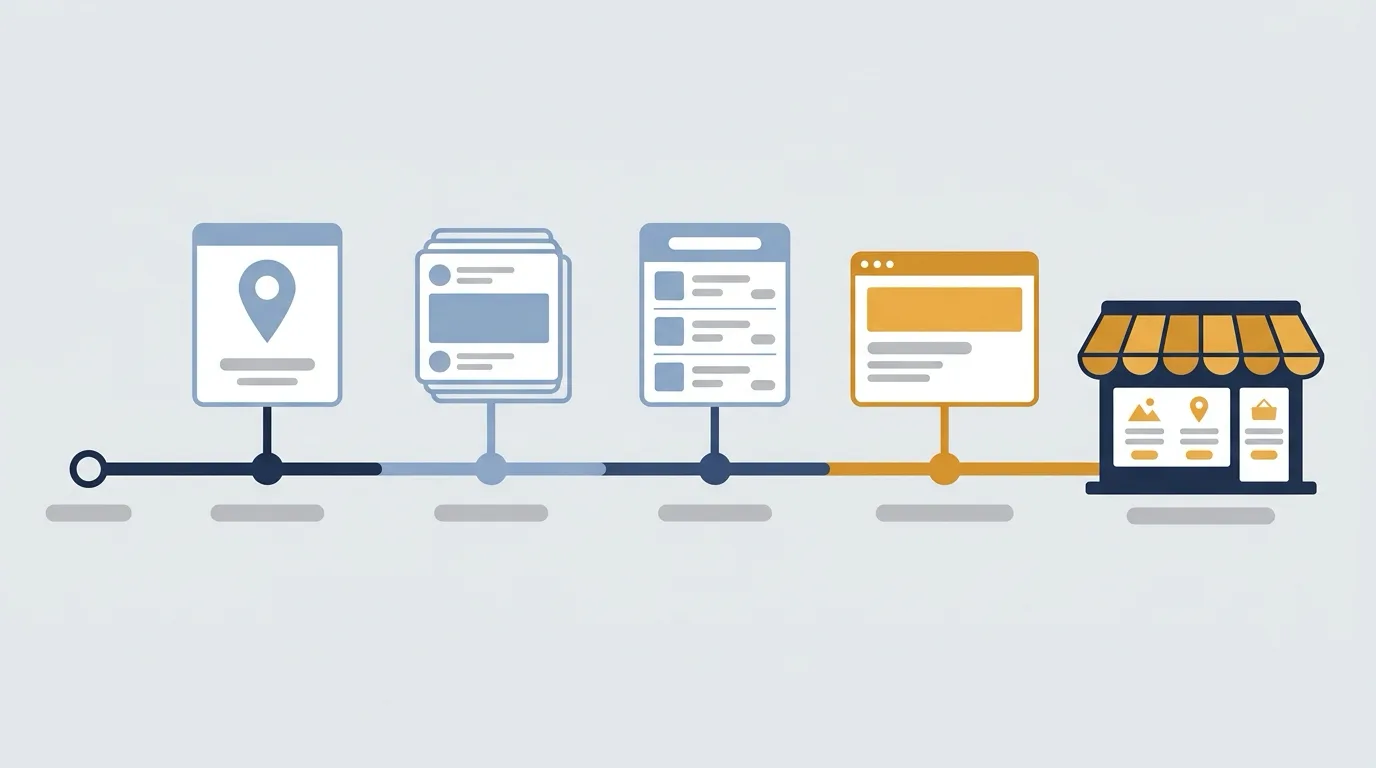
Only a few pages on a shop website really get viewed. Before an elaborate concept page, put these five in place.
- Opening hours and regular closing days — including a way to post temporary closures
- Access — address, map, directions from the nearest station, and whether there’s parking
- Menu and prices — a page that only says “prices on request” leaves people unsure
- A way to book or contact you — phone, a booking system, LINE, etc. At least one method that suits your shop
- Real photos — exterior, interior, products, and staff. Stock photos don’t serve the purpose
Of these, prices and photos are the most likely to make people leave. Shops that don’t show prices make people think “it’s probably expensive,” and shops that use only stock photos make people think “I can’t tell what it’s really like.” From the customer’s point of view, both reactions are natural.
How a shop website comes across depends more on its photos than its design. Even just taking a few photos each of the exterior, interior, and products with a smartphone during daylight makes the site far more convincing than stock photos. If you hire someone to build the site, having photos ready also makes the meetings go faster.
On the other hand, the story behind your opening, long write-ups about what you care about, and a blog are “nice to have.” Customers will still visit without them, but if any of the five items above are missing, fewer will visit.
Your Options: Build It Yourself or Hire a Pro
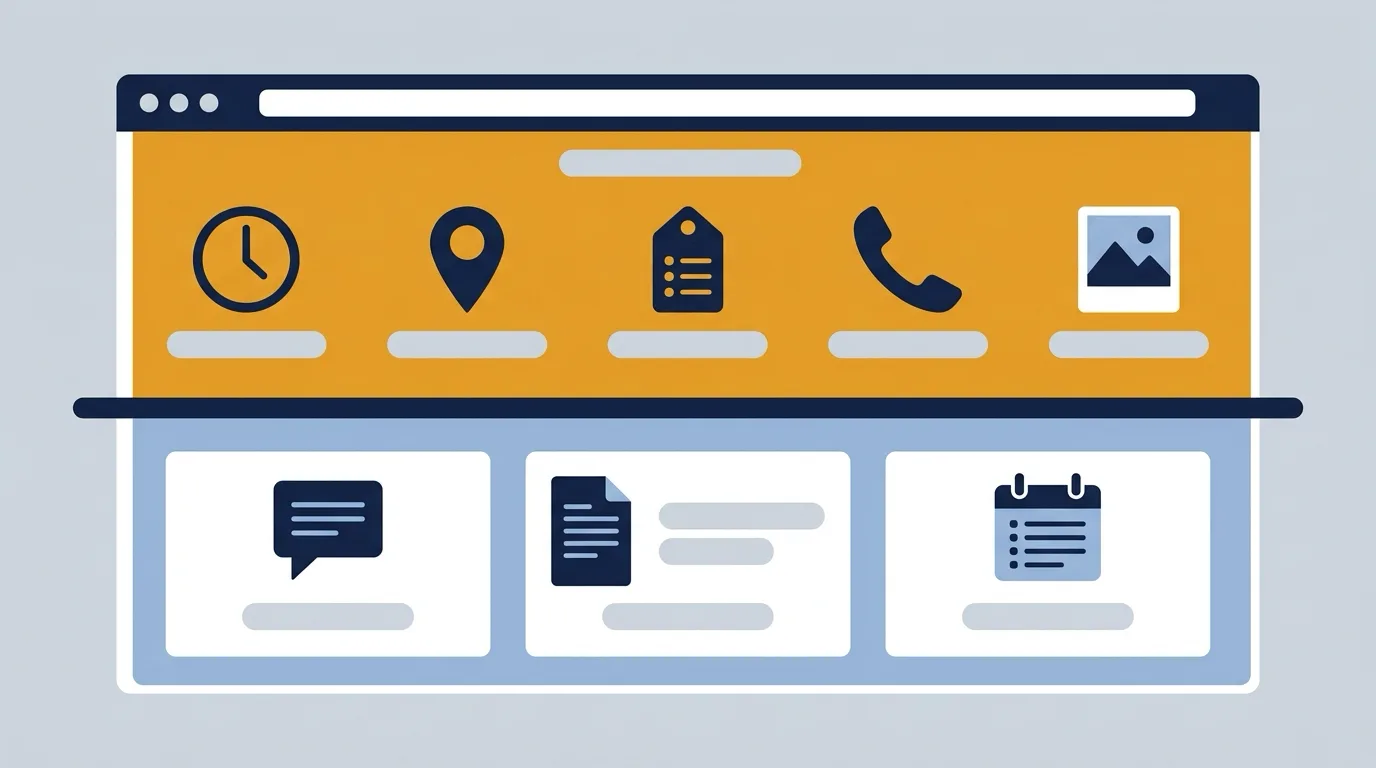
There are two main ways to build a site: “do it yourself” or “hire a web design company.” The deciding factors are less about budget itself and more about how much of your customer acquisition the website will handle and whether you have time for updates.
- Your business is mainly regulars, and the site only needs to let people “check your hours and location”
- The site has few pages (1 to 3), and the content rarely changes
- You can set aside time to learn as you go
- You want the website to bring in new customers
- The site will include systems that cost you money if they stop working, such as a booking system or online sales
- Updates happen often, such as menu revisions or seasonal changes
- You don’t have the capacity to handle photography and writing as well
If you build it yourself, tool costs stay low, but the biggest cost is your own time as the owner. It’s very common to get stuck on a setting between prep work and serving customers, and then leave it untouched for months.
If you hire someone, the cost varies a lot depending on the number of pages, whether photography is included, and whether you need a booking system, so there is no single price. For how pricing is structured and how to read a quote, see Website Development Costs.
Whichever option you choose, we recommend one thing in both cases: register your own domain (a URL with your shop’s name) in your own name. Portal site pages and social media accounts can change whenever the service decides to change them, but a website on your own domain stays with you as an asset.
How to Avoid Cost Mistakes
A common pattern in shop website cost consultations is “deciding based only on the upfront fee, then facing a string of unexpected expenses later.” What you should check is not the upfront fee but the monthly breakdown and who will handle updates.
Monthly plans range from those that only cover server fees to those that include update services. Before signing, always confirm whether you keep the site and domain if you cancel the contract. With a contract where you don’t, the site disappears as soon as you cancel, and you can no longer use the URL.
The total cost over several years also changes depending on whether you pay an update fee every time you change your hours or swap out a menu, or whether the site is built so you can make changes yourself. Shop websites will need updates, so the realistic approach is to build it so you can split the work: “small changes yourself, big changes by a pro.”
Points by Business Type
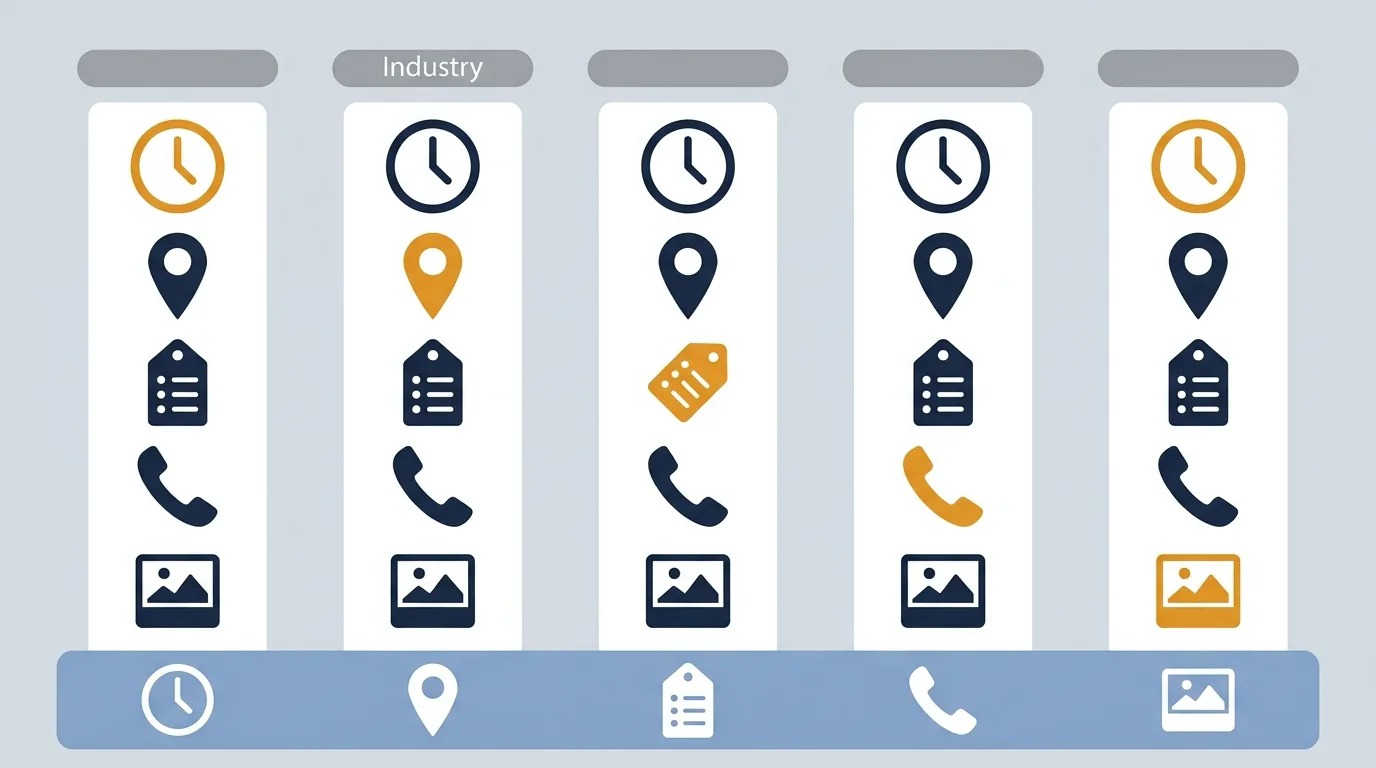
The five essentials are the same for everyone, but the emphasis differs by business type. Here are just the key points. Each has its own detailed article.
Restaurants — The menu and interior photos are almost everything. The main question is how you take reservations (phone, restaurant guide sites, or your own booking system). For this, including how to reduce commission costs from relying on portals, see Does a Restaurant Need a Website?.
Hair salons and beauty salons — The focus is on how you present staff and style photos, and how to use your site alongside booking sites. For how to present information that leads to customers requesting a specific stylist, see Websites for Hair Salons.
Osteopathic clinics (seikotsuin) and treatment clinics — Advertising wording is regulated, so the most important thing is knowing what you can and can’t say. This is covered together with how to create pages by symptom in Websites for Osteopathic Clinics.
Retail stores — The key decisions are how to share stock and new arrival information, and how far to go with online sales. See Websites for Retail Stores.
Home builders and construction companies — Rather than a shop layout, the site is built around “past projects as the main feature.” This is covered in Websites for Construction Companies and Home Builders.
Frequently Asked Questions
- Instagram is bringing in customers. Is it okay not to have a website?
-
If customers are coming in, there’s no rush. But social media posts get buried, which makes it inconvenient for people who want to check “opening hours, prices, and location.” If you link a single page with at least those three things from your profile, you’ll lose fewer customers who come through social media. Starting with one page is fine.
- Isn’t it enough to be listed on restaurant guide sites or booking portals?
-
They are effective for being seen by customers who are comparing options. However, portal pages show competitors right next to you, charge commissions, and disappear if you stop listing. It’s worth having your own page separately, as a destination for customers who search for your shop by name (the people closest to visiting).
- We’re preparing to open. When should we start building a website?
-
We recommend starting 2 to 3 months before opening day. The reasons are that it takes time for a site to show up in search results after it’s published, and that the site gives your pre-opening information (location, opening date, menu preview) a place to live. Even during interior construction, you can prepare all content except the photos in advance.
Summary
A shop website isn’t a flashy tool for attracting customers. It’s the place that removes the last doubts of customers who are deciding whether to visit.
- Let Google Maps and social media help people find you, and let your website help them check the details and decide
- The five essentials are “opening hours, access, menu and prices, a way to book, and real photos”
- Decide based less on budget and more on “how much of your customer acquisition the site will handle” and “whether you can keep it updated”
- Before signing, confirm whether you keep the site and domain if you cancel the contract
- For the emphasis in each business type, see the articles for each one
We also build websites for shops. If you send us the approach you’re considering and the current state of your website or social media, we’ll help you sort it out, starting with whether you need a website at all and, if so, what size of site makes sense.







