
“We’re a construction company. Do we really need a website?”
Construction clients sometimes ask us this question. Companies that have always got their work through referrals and word of mouth may find it hard to see why they need a website.
To be honest, though, as of 2026, a construction company without a website is “harder to trust.” Businesses and individuals looking for a contractor start by searching online. If they can’t find information about your company, you won’t even make their shortlist.
On a construction company website, the most important page is the project portfolio page. This article explains how to build a portfolio page that brings in inquiries.
Why the Project Portfolio Page Matters Most
A Construction Company’s “Product” Is Hard to See
Unlike restaurants or clothing stores, construction is not a business where customers can pick up the product and look at it.
What customers want to know is “What will the finished result look like if I hire this company?” In other words, they want to see your track record and the quality of your work. The portfolio page shows this more convincingly than any other content.
How Searchers Behave
When we analyze how visitors use construction company websites, we see the following pattern.
- They search Google for terms such as “area name + construction company” or “area name + renovation”
- They check 3 to 5 of the top-ranking sites
- They spend most of their time on the project portfolio pages (the pages with the longest viewing time)
- They contact the company that seems trustworthy

In our experience building these sites, the portfolio page usually gets the most traffic after the homepage, and sometimes more than the homepage.
Basic Structure of a Portfolio Page: 5 Essential Elements
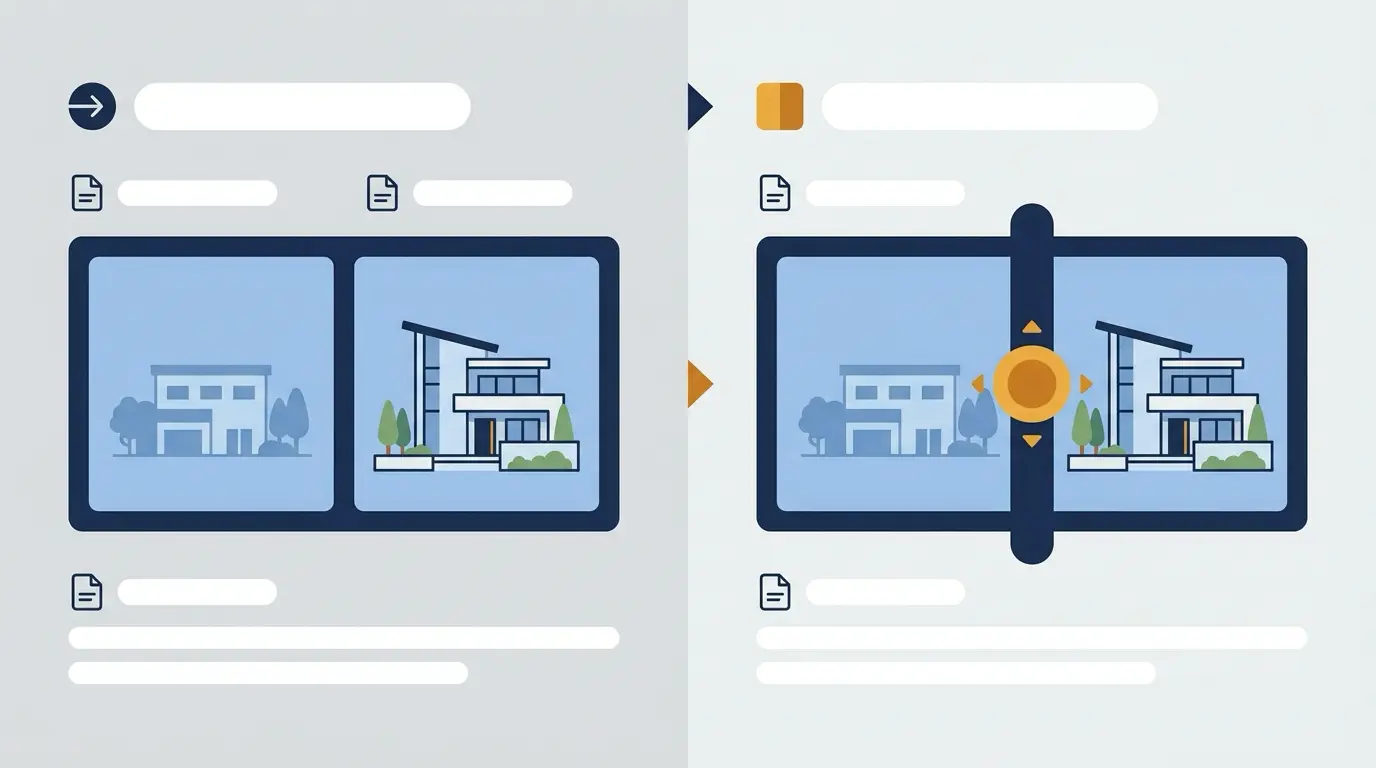
① Before-and-After Photos
The most important part of a project case study is the photos. Before-and-after photos are the strongest way to show the value of your work visually.
Photography tips:
- Shoot from the same angle (so the photos are easy to compare)
- Shoot in natural light (avoid flash because it changes the colors)
- Use a wide-angle lens to fit the whole area in the shot
- Shoot in landscape (horizontal) orientation (it fits the website better)
Honestly, it’s no exaggeration to say that photo quality accounts for 80% of how convincing a portfolio page is. If possible, consider hiring a professional photographer for important projects.
② Project Summary (Basic Information)
After the photos, the next most important element is the project’s basic information. A table makes the following items easy to read.
| Item | Example |
|---|---|
| Project type | Exterior wall painting / interior renovation / new construction, etc. |
| Project area | ○○ Ward, Tokyo (city/ward level) |
| Construction period | About 2 months |
| Total floor area | About 120 m² |
| Structure | 2-story wooden building |
| Approximate cost | 3 million–5 million yen (give a range) |
Note: To protect your clients’ personal information, give the address only down to the city or ward level. You can show the cost as a range, or simply write “Please contact us for details.”
③ Detailed Description of the Work
Use text to explain what the photos can’t show: why the work was done and what special measures you took.
What to include:
- The problem the client had (for example, “persistent roof leaks” or “advanced deterioration”)
- How you solved it (for example, “selected a highly waterproof paint” or “carried out structural reinforcement”)
- What you paid special attention to during the work (for example, “consideration for neighbors” or “shortening the construction period”)
When you use technical terms, add a plain explanation in parentheses so non-specialists can understand.
④ Client Testimonials (If Possible)
Adding client testimonials to a case study makes it far more convincing.
- “I’m very happy with the finish.”
- “They were courteous and attentive throughout the work.”
- “They did exactly what I wanted, within budget.”
Even a short comment is fine. Publish testimonials only with the client’s permission.
⑤ Links to Related Projects
Visitors who look at one project want to check similar ones too.
Adding related links such as “See more exterior painting projects” or “See projects in the same area” helps visitors keep browsing your site, which makes them more likely to contact you.
Do you have any questions about creating portfolio pages or building a website?
Web制作・システム開発は
First CHにお任せください
「こんなWebサイトが欲しい」「このシステムは実現できる?」——
現役エンジニアが直接お話を伺い、最適な進め方をご提案します。
「まだ構想段階」「費用感だけ知りたい」というご相談も歓迎です。
How to Present Your Projects: Designing the List Page and Detail Pages
Designing the List Page
The project list page is where visitors find the projects that interest them.
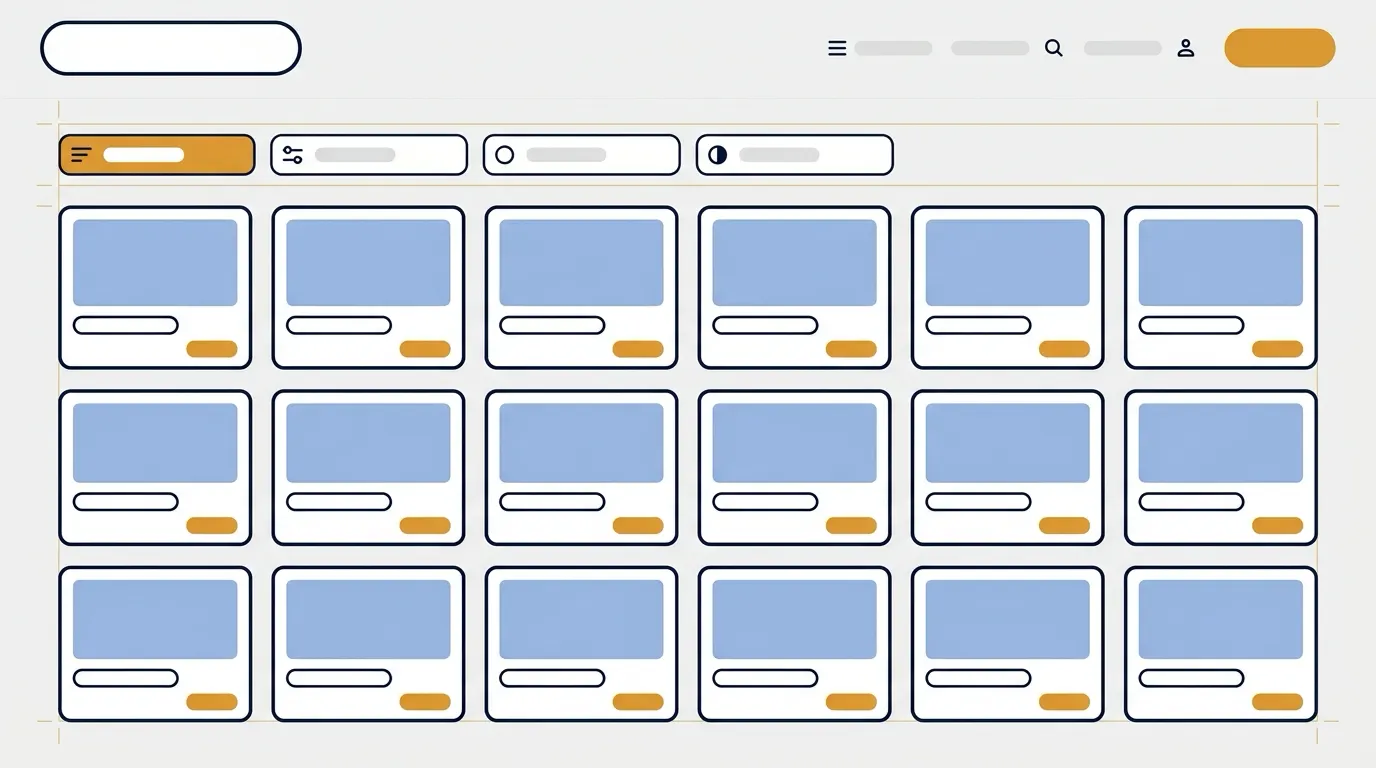
Key points for the list page:
- Card layout: Show each project as a card with a photo, title, and category
- Category filters: Let visitors filter by category, such as “exterior wall painting,” “interior renovation,” or “new construction”
- Area filters: Filtering by project area also works well (it shows your local focus)
- Use consistently square or landscape photos: A consistent look builds trust
Designing the Detail Pages
The detail page is what visitors see when they click a project that caught their interest on the list page.
Example structure for a detail page:
- Main photo (displayed large)
- Project summary table (type, area, period, floor area, cost)
- Before-and-after photos
- Description of the work
- Photos of the work in progress (if available)
- Client testimonial
- CTA (a call-to-action button for inquiries)
- Related projects
It’s especially important to put a CTA (an inquiry button) at the bottom of each detail page. Visitors who look at a project and think “I want to hire this company” should be able to act right away.
Photography Tips: A Request from Your Web Designer
Make Photographing Every Site a Habit
The biggest challenge with portfolio pages is that there are no photos of past projects.
We hear this from many construction companies: “We did lots of good work in the past, but we didn’t take photos.”
It’s not too late to start today. Make a habit of photographing every job site.
Photography Checklist
| Timing | Photos to take |
|---|---|
| Before construction | The entire exterior (front and sides), close-ups of the areas to be worked on |
| During construction | Work in progress, intermediate stages (after demolition, after surface preparation, etc.) |
| After construction | The entire exterior (from the same angle as the “before” photo), close-ups of the finished areas, finer details you took care over |
A Smartphone Is Good Enough
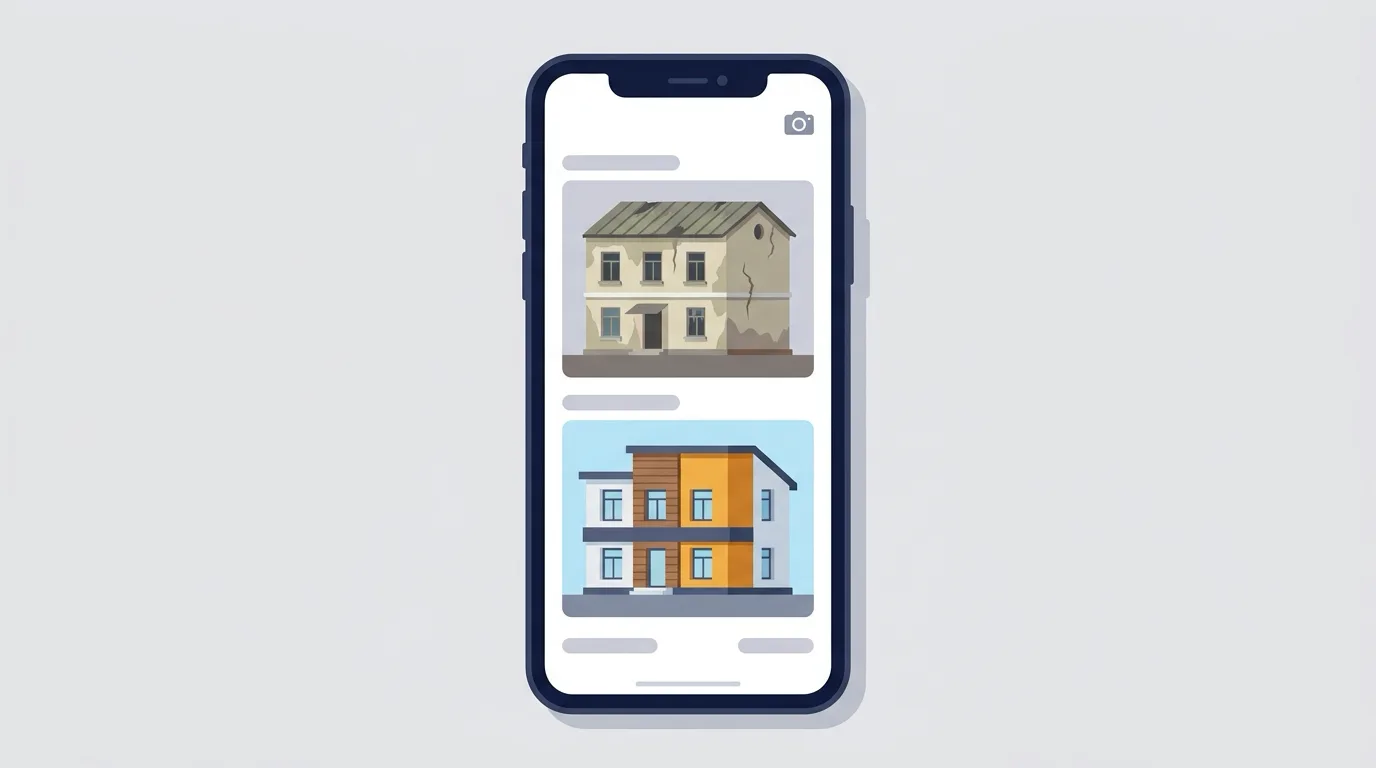
“We can’t afford to bring in a professional photographer every time.” Even then, a smartphone camera is good enough.
- Turn on HDR (high dynamic range) mode
- Turn on the grid lines to keep the shot level
- Avoid backlighting (shoot with the sun behind you)
- Tidy up so that dirt and clutter don’t appear in the shot
That alone will give you photos that are good enough for your website.
Other Important Pages on a Construction Company Website
Company Profile Page
In construction, license and permit information is proof of trustworthiness. Always include the following.
- Construction business license number
- Service area
- List of qualified staff (first-class architects, construction management engineers, etc.)
- Insurance coverage (construction work insurance, liability insurance, etc.)
- A message and photo from the company head
Services Page
This page makes clear what your company can do. List the types of construction work you handle, each with a short description and a link to related projects.
Recruitment Page
The construction industry has a chronic labor shortage. A recruitment page on your website lets you reach job seekers directly.
- Employee testimonials and interviews
- A typical workday
- Benefits and support for earning qualifications
- Photos of job sites (that show what the workplace is like)
A full recruitment page on your own website makes a big difference to your application rate compared with only posting on job sites.
SEO for Construction Company Websites: Focus on Your Area Name
Local SEO Matters Most
For bringing in customers through a construction company website, local SEO (ranking well in searches that include an area name) matters most.
- “○○ City renovation”
- “○○ Ward exterior wall painting”
- “○○ Prefecture construction company”
To rank well in searches like these, take the following steps.
- Include your area name in the title tag: “For exterior wall painting in ○○ City, choose △△ Co., Ltd.”
- State the area in each case study: “Exterior wall painting project in ○○ Town, ○○ City”
- Register a Google Business Profile: Get more visibility in map searches
- Set up structured data (LocalBusiness): Tell search engines your location accurately

Summary: Build a Website That Wins Work with Project Case Studies
| Point | Specific action |
|---|---|
| Photos matter most | Take before-and-after photos from the same angle. Make photographing every site a habit |
| State the basic information | Show the project type, area, period, floor area, and cost in a table |
| Add a detailed description | Tell the story: problem → solution → special measures |
| Don’t forget the CTA | Put an inquiry button at the bottom of each detail page |
| Focus on local SEO | Include your area name in page titles and body text |
| Show license and permit information | Your construction business license number, qualifications, and insurance are proof of trustworthiness |
Building out the portfolio page on your construction company website is like adding one more salesperson who works for you 24 hours a day, 365 days a year.
If you do good work, make it visible. Your portfolio page speaks more clearly about the quality of your work than any other content.
Related articles:
- Do Small Businesses Need a Website? Ownership Rates and Benefits by the Numbers
- What Is a Google Business Profile? Attract More Customers by Linking It with Your Website
- What Is Local SEO? An Introductory Guide to Search Strategy for Local Businesses
First CH has experience building websites for construction clients. From designing your portfolio pages to advising on photography, we help you build a website suited to your industry.
Web制作・システム開発は
First CHにお任せください
「こんなWebサイトが欲しい」「このシステムは実現できる?」——
現役エンジニアが直接お話を伺い、最適な進め方をご提案します。
「まだ構想段階」「費用感だけ知りたい」というご相談も歓迎です。







