

“What time do you close?” “Can you come out to my area?” You keep explaining things by phone and email that are already written on your website. You may wonder whether an automated reply for inquiries could cut down that time.
But adding a window that answers questions does not always solve the problem. If the information is simply hard to find, fixing your FAQ page may be faster. Start by sorting the questions your staff answer again and again.
The first candidates to delegate are frequently asked questions whose answers are fixed by information you have already published. Consider whether you need an FAQ page, a button-based chat, or a chat where AI writes the answers, in that order. Pass individual quotes and complaints to a person, and after launch, judge the results by whether the number of times staff answer and the time spent checking have gone down. Consider adopting one only once you have the sources for the answers and a person responsible for keeping the content up to date.
Sort Inquiries into Three Types to Find What to Delegate
Is the answer fixed by published information?
Sort the inquiries you receive not by how long they are, but by the judgment needed to answer them. Even a short question should be handled by a person if answering it requires looking up the contract or the customer’s situation.
| Type of inquiry | Examples | Handled first by |
|---|---|---|
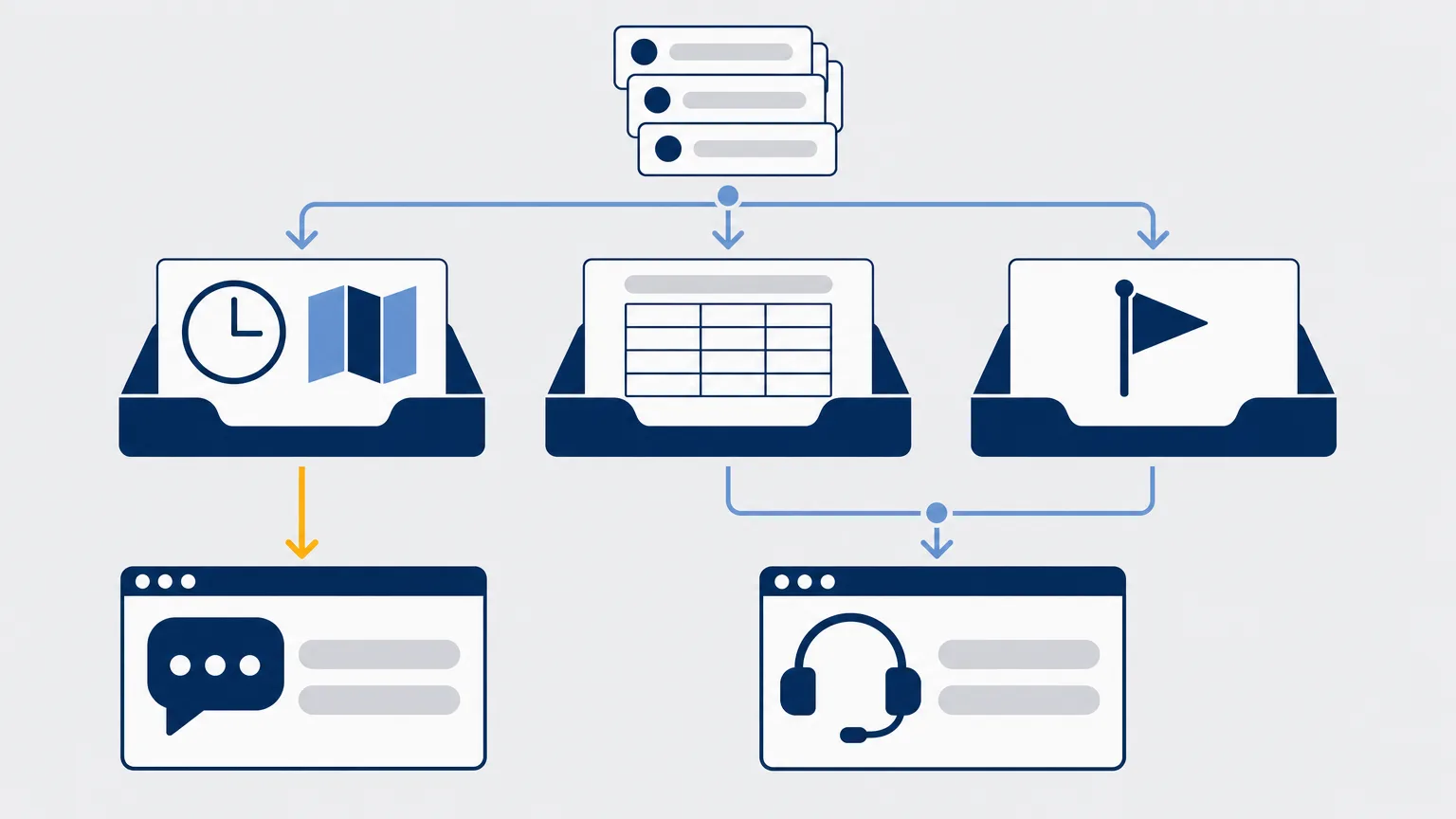
| Frequently asked questions | Business hours, directions, published service areas | Candidate for an FAQ or automated reply |
| Individual quote requests | Requests where price or delivery date depends on the customer’s conditions | A person confirms the conditions |
| Complaints and exceptions | Refunds, discrepancies with the contract, urgent requests | A person takes in the situation and decides |
Even within frequently asked questions, “I’m outside your service area, but can I still book you?” calls for an exception. Don’t let the AI promise “We can definitely visit this address.” Have it explain the usual service area and then connect the customer to a staff member. Look not only at how many inquiries you get, but also at how much of the work is giving the same answer over and over.
Compare an FAQ Page, a Button-Based Chat, and AI Answers
Before making your contact options more complicated
Some chatbots show predefined answers as choices, while others have AI write a reply to whatever question is typed in. If you choose based only on whether it can hold a natural conversation, you may end up with more cost and checking work than you need.
| Option | What happens / when it fits | Where it hands off to a person |
|---|---|---|
| FAQ page | Visitors can read a list of set questions and answers. Fits when there are few types of questions and they can be organized | To the form or phone when no matching answer exists |
| Button-based chat | Pressing a choice leads to a prepared answer. Fits when you want to narrow down guidance step by step | To a consultation when none of the choices apply |
| Chat where AI writes the answers | Answers questions based on specified materials and similar sources. Fits when people phrase questions in many different ways | To a person when there is no source, an individual judgment is needed, or the customer asks for one |
For an FAQ page, also make sure people can find their way to it. In some cases, simply placing answers near the description of the service that gets the most questions is enough. You can review the general path to your contact form in Improving Your Website to Get More Inquiries.
AI answers are not a system that always gets things right once you hand it your materials. For example, Microsoft’s official FAQ on generative answers also explains that generated answers may contain mistakes. When placing an order, confirm both the scope of what it will answer and how wrong answers will be handled.
Avoid a layout where visitors can’t find how to contact you without opening the chat. Keep the entry points to your form and phone number visible too, and check on smartphones that the contact button isn’t hidden. If choice-based answers get the information across well enough, there is no need to move to AI answers.
Decide What It May Answer and When to Hand Off to a Person
Separate explaining prices from promising individual amounts
Pointing someone to your published price list is different from stating definitively what they will pay based on their conditions. Design it so the AI only goes as far as showing the relevant price list page and conditions, while a staff member confirms discounts, extra costs, and committed delivery dates.
Even for consultations involving medical or legal matters, office hours and how to book an appointment can be candidates for routine guidance. On the other hand, do not delegate roles such as judging an illness from symptoms or reaching a conclusion on a contract dispute. List the matters in your business that require human judgment and give them to the provider as a response table.
Make the handoff point a contact that can actually receive it
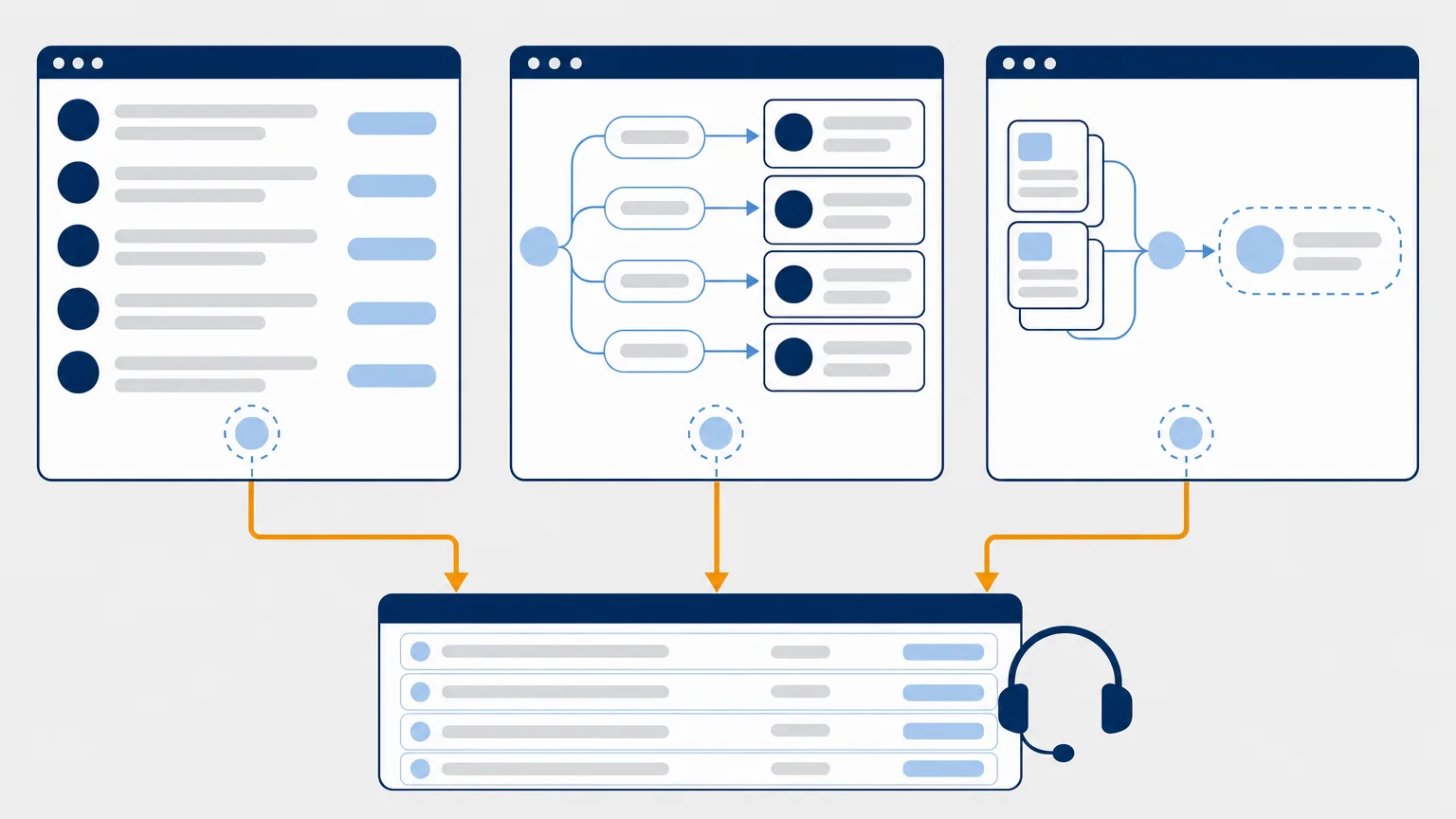
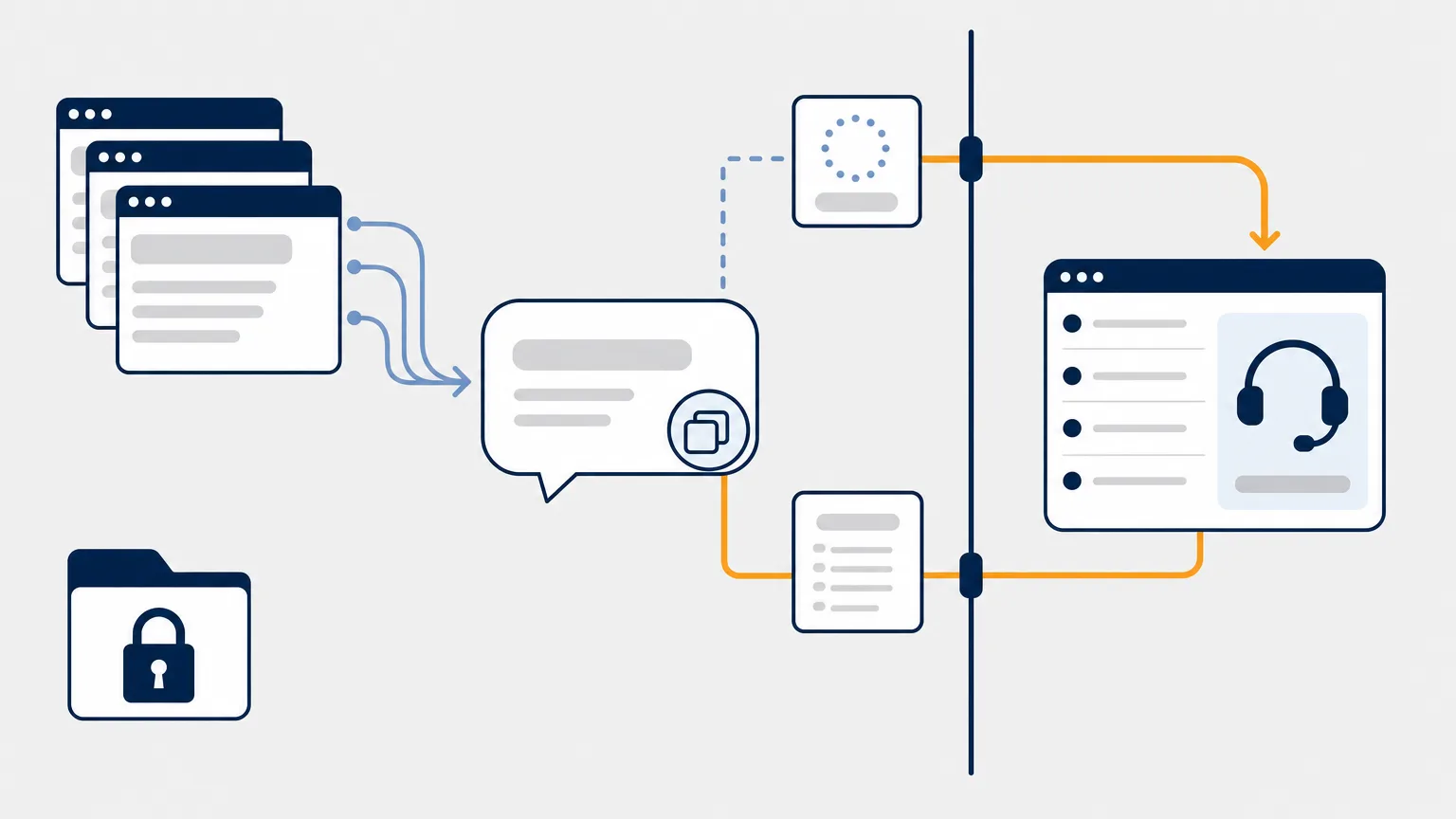
If the chat just shows “Please contact us for details” and ends there, the customer has to explain everything again from the beginning. Show a link to the right contact point and its hours, and let the customer switch to a person partway through if they ask. Also check whether the key points of the conversation can be passed along, and if not, what the customer will need to re-enter.
Also distinguish whether you will connect to a live chat with staff or take a form submission and reply on or after the next business day. An automated reply running at night is not the same as having a person available at any time. Decide who gets notified once a request is received.
Confirm how personal information is handled before asking people to enter it
For general FAQ guidance, start with a setup that does not ask for names, addresses, or order numbers. Place a note by the input field telling people not to enter personal or confidential information. However, don’t assume a notice alone will prevent such input. You also need to decide how it is handled if it is entered.
Ask the provider where conversations are stored and for how long, who can view them, whether they are sent to external services, whether they are used for training, and how to delete them. Make it your policy to send checks such as order status to a channel with identity verification. Align this with your internal policy in AI Usage Rules for Small Businesses.
Break Costs into Setup, Usage Fees, and Maintaining the Answers
Comparing off-the-shelf services and custom builds
For off-the-shelf services with monthly plans, check the setup fee as well as limits on conversations or usage, overage charges, and whether they help when your staff change settings. Check other companies’ specific prices on their official websites, and ask them to estimate what you would pay in a month when inquiries increase.
For a custom build for your own site, the quote will include items such as organizing the materials used as sources for answers, installing the interface, the handoff to a person, and testing before launch. After it is built, you will still need AI usage fees, server costs, maintenance, and someone responsible for updating the FAQ and checking answers.
When comparing quotes, give each provider the same list of questions and the same answer scope. If the cheaper quote covers only installation while the more expensive one includes organizing FAQ content and checking after launch, you cannot decide on the total alone. Also ask whether you can take your FAQ content and conversation records with you if you cancel.
Before Adopting One, Prepare the Answer Content and a Person to Check It
Materials to give the provider
If you haven’t decided what the AI should answer, neither the system you need nor the cost can be pinned down. First, remove information that could identify individuals from real questions, then gather the following materials.
| Material | What to prepare |
|---|---|
| Question and answer content | Common questions, approved answers, matters it should not answer |
| Source pages | URLs for current service details, business hours, pricing conditions, and so on |
| Handoff destinations | Contact point, hours, and notification recipient for each type of inquiry |
| Review process | Who approves the content, who checks the answers, who to notify of changes |
If business hours or pricing conditions differ between pages, correct them to the right information first. Also avoid handing over unpublished internal notes in bulk without checking their content. Have the FAQ answers checked not only by sales staff but also by the people who actually receive inquiries.
Before launch, test how it behaves when it shouldn’t answer
Get a test screen from the provider and try common questions phrased in different ways. Also prepare questions not covered by the materials, requests for individual prices, and complaints, and check that they are passed to a staff member. Watch for whether it makes up a plausible-sounding explanation where it should say “I don’t know.”
Also decide whether it can be paused until an answer is fixed if a wrong answer is found after launch, and who will pause it. For organizing form fields and notification recipients, see How to Create a Contact Form.
Measure the Effect by How Often People Answer and How Long It Takes
Compare the same types of questions before and after
Even if the chat is used often, the number of inquiries that reach staff alone does not tell you whether the workload has gone down. Compare the total time, including hearing the request, answering, and checking. Before launch, record the types of questions and how many times people handled them, and keep recording with the same categories after launch. Match the periods, taking busy seasons and changes in business hours into account.
- How many times people replied to routine questions, and how long it took
- How many times people asked a person the same question again after the automated reply
- Cases of wrong answers, or necessary consultations that never reached a person
- Time staff spent correcting the FAQ and checking answers
Avoid counting people who opened the chat and closed it without pressing anything as resolved. If needed, discuss a feature that asks “Did this solve your problem?” If quote requests have dropped too, check whether it has become harder to find where to ask.
Look not only at the monthly fee but also at whether internal time, including checking work, has gone down. If the workload hasn’t changed, you can narrow the questions it covers, switch to a button-based chat, or go back to an FAQ page.
Frequently Asked Questions
- Does a company that gets few inquiries need one?
-
Don’t decide on the number alone. Look at the time spent giving the same explanations. If fixing your FAQ page can handle it, you can start there. If most of your inquiries are individual consultations, improving the contact points that reach a person may be a better fit.
- If it reads our website, can we launch it without checking?
-
You still need to check before launch. Make sure there is no outdated information or missing conditions, and test whether questions it can’t answer are passed to a person. Also ask the provider when changes to your pages will be reflected in the answers.
- Can we leave it alone once it’s set up?
-
If your business hours or services change, you also need to update the sources for its answers. You also need to check for wrong answers and review the handoff destinations. If you can’t assign someone in-house to watch it, consider how much of the checking work you can outsource.
Summary
- Make routine questions that can be answered from published information the first candidates to delegate
- Also compare an FAQ page and a button-based chat, and pass individual judgments to a person
- Break costs down into setup, usage fees, and updating content and checking answers
- Measure the effect by how often people reply and how long it takes, including checking
Start by listing the questions your staff answer repeatedly alongside the approved answers. With that list, it becomes easier to discuss whether improving your FAQ is enough or whether you need AI answers. If you are looking for a provider, see our AI Support Services as well.







