
“I want a website, but what should I prepare?”
This is one of the questions we hear most often when people come to us about building a website.
To be honest, how well you prepare makes a big difference to how quickly the site gets built and how good the finished site is. If you go ahead without enough preparation, you end up going back and forth again and again with “that material is missing” or “this information isn’t enough,” and the production period can get longer.
This article lists, as a checklist, what you should prepare before commissioning a website. If you skim through it before the first meeting, production will go more smoothly.
Start Here: The Minimum Preparation List
“You Don’t Need Everything Ready” Is the Starting Point
The first thing we want to tell you is that you don’t need to have everything perfectly ready.
When you work with a web production company or a freelancer, they will help you figure out whatever is missing. Still, the more you can prepare in advance, the better your meetings will be, and the more smoothly production will go.
Below is the list of things we’d like you to have ready at a minimum.
| What to prepare | Importance | Notes |
|---|---|---|
| Basic company and business information | ★★★ | Company name, address, phone number, email, etc. |
| Purpose of the website | ★★★ | What the website is for |
| Websites you’d like to use as references | ★★☆ | Ideally 2–3 sites |
| Logo data | ★★☆ | If you have it (if not, let’s discuss) |
| Photos | ★★☆ | Whatever you already have is fine |
Preparation Can Be “Finished” After the Meeting
The list above is only “what to keep in mind before the meeting.” Much of it gets sorted out together with the web designer during the meeting, so there’s no need at all to think “I can’t ask for help yet because I don’t have everything ready.”
Organizing Your Basic Information and Direction
Basic Company and Business Information
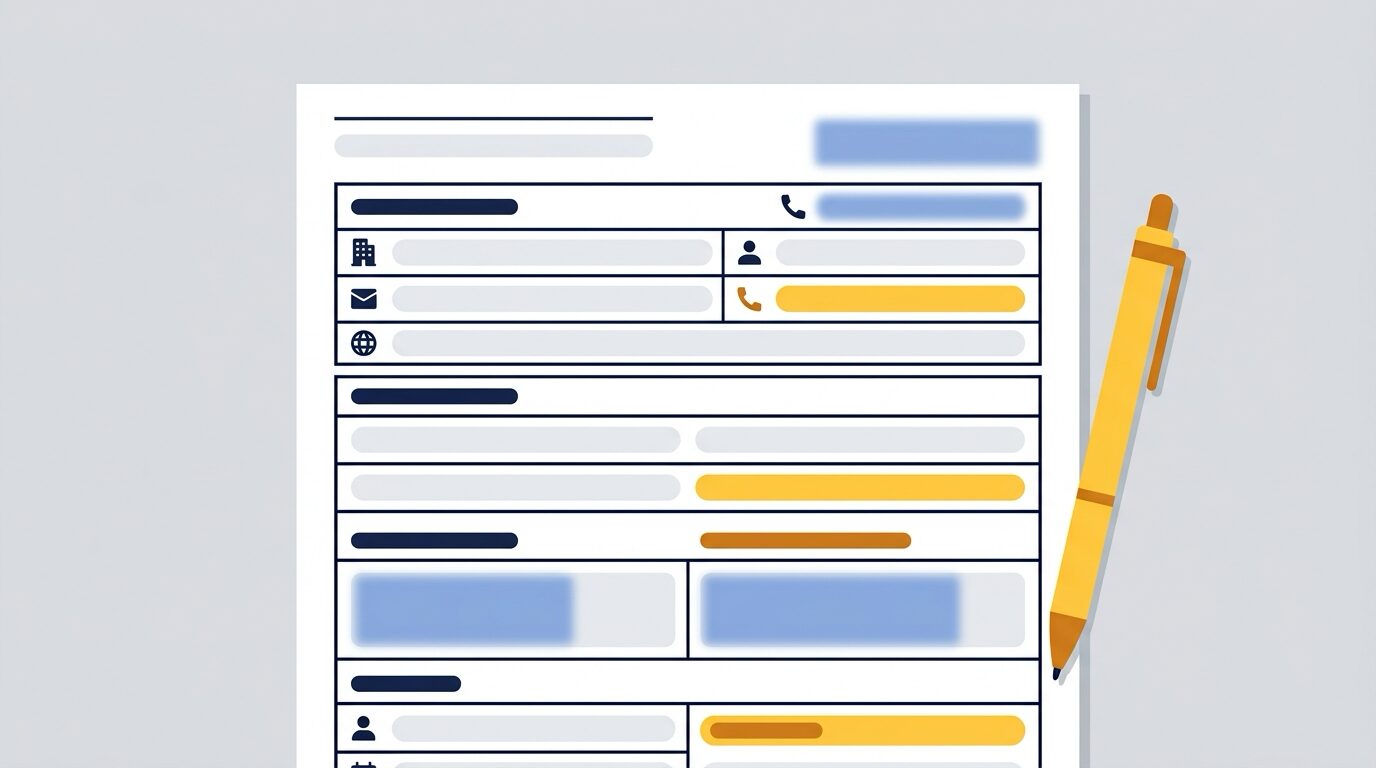
The basic information shown on a website is listed below. You’ll need all of it at some stage of production, so it’s convenient to put it together as a text file (Word, Google Docs, etc.).
Checklist of required basic information:
- Company name (official name and its reading in katakana)
- Name of the representative
- Address (including postal code)
- Phone and fax numbers
- Email address (for inquiries)
- Business hours and regular closing days
- Date of establishment
- Business description (bullet points are fine)
- Capital and number of employees (if you want them shown)
Information That Helps
The following isn’t required, but production goes more smoothly if you can share it at the meeting.
- Company history (doesn’t have to be a timeline)
- Representative’s profile and greeting message
- Your business’s strengths and how you differ from competitors (about 3 bullet points)
- Questions customers often ask (for an FAQ)
- Clients and track record (only those you have permission to show)
Clarify the Website’s “Purpose” and “Target Audience”
A Vague Purpose Leads to Vague Production
Speaking honestly as a web designer, the hardest situation is “I just want a website for now.”
Without a clear purpose, both the design and the text end up being “sort of” right, and after the site is finished it’s easy to feel “this isn’t what I had in mind.”
Please think about answers to the questions below, even rough ones.
Checklist for clarifying your purpose:
- What is the main purpose of the website? (more inquiries, stronger recruiting, a substitute for a business card, etc.)
- Who do you want to see it? (industry, age group, region, etc.)
- What do you ultimately want visitors to do? (make an inquiry, visit your store, request materials, etc.)
Find 2–3 Reference Websites
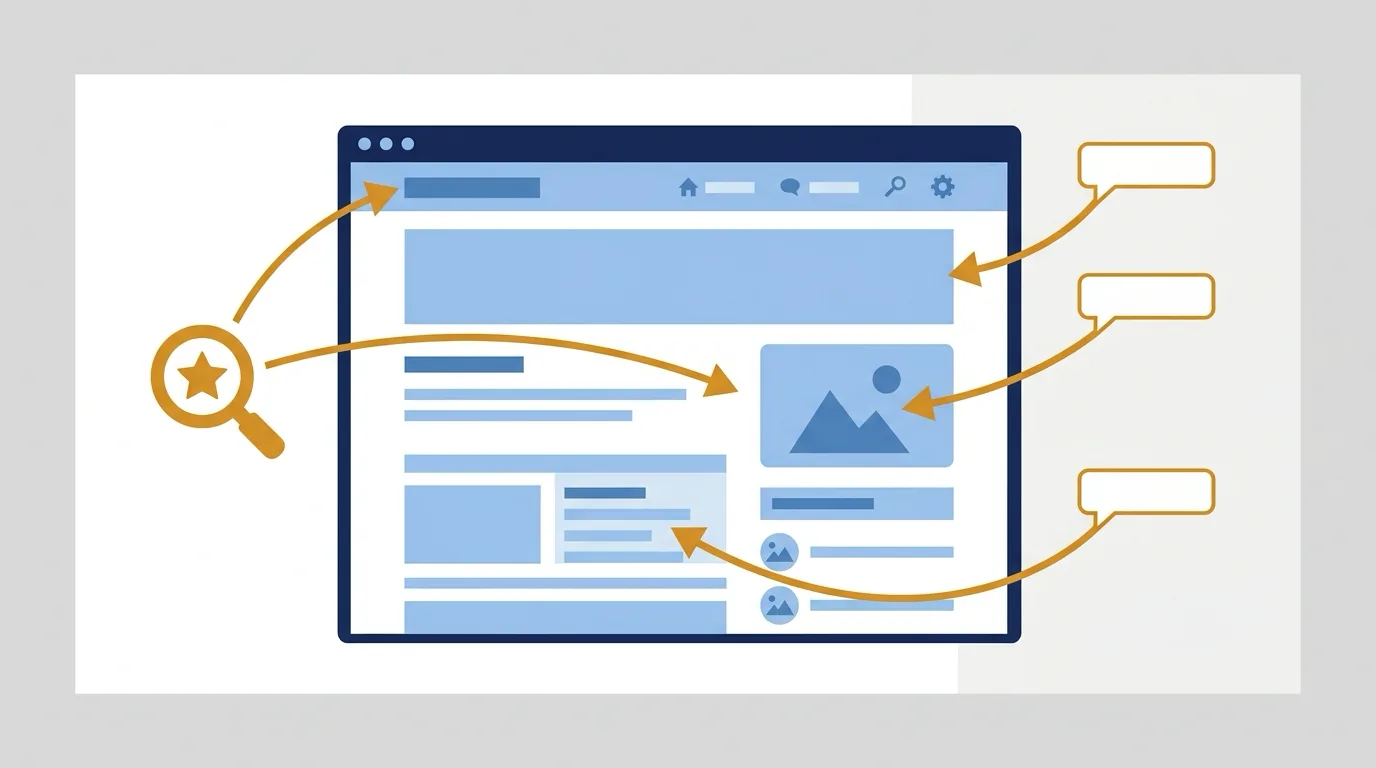
Having reference sites — “I like this kind of atmosphere,” “I like this part of this site” — greatly reduces gaps in understanding between you and the web designer.
How to share reference sites:
- Note down the URLs
- Add specific points, such as “I like the [X] on this site”
- It also helps to share sites you don’t like
They don’t have to be sites from your own industry. Partial references are fine too, such as “I like the color scheme” or “the way they use photos is good.”
Web制作・システム開発は
First CHにお任せください
「こんなWebサイトが欲しい」「このシステムは実現できる?」——
現役エンジニアが直接お話を伺い、最適な進め方をご提案します。
「まだ構想段階」「費用感だけ知りたい」というご相談も歓迎です。
Preparing Content Materials
Preparing Text Materials
The web designer will polish the text that goes on the website. So bullet points or rough notes are enough. What matters is that it’s clear what you want to communicate.
Text materials checklist:
- Descriptions of your services or products (bullet points for each service)
- Prices and plans (if decided)
- Track record and case studies (customer testimonials are best)
- Representative’s greeting and the company’s values
- Frequently asked questions and answers (ideally 3–5)
- Recruitment information (if you’re hiring)
How to Send Text
We’d appreciate receiving text materials in one of the following ways.
| Method | Recommendation | Notes |
|---|---|---|
| Google Docs | ★★★ | Easy to share and edit |
| Word | ★★☆ | Sending as an email attachment is fine |
| In the body of an email | ★☆☆ | Fine for short content |
| Photo of handwritten notes | ★☆☆ | Workable as long as it’s legible |
To be honest, preparing text materials is the most time-consuming step in production. You don’t need to have it perfect before the meeting, but if you can at least think through “service descriptions” and “your company’s strengths,” production will go much more smoothly.
Preparing Images and Photos
Just Gather What You Have
For photos, just gathering what you already have is fine. For anything missing, the web designer will supply free stock photos (photos cleared for commercial use).
Image materials checklist:
- Photos of the building exterior
- Photos of the interior or office
- Photos of products or services
- Photos of staff (only those who have given permission to be shown)
- Photos of completed projects or work in progress
- Photos with customers (if you have permission)
About Photo Quality
Photos taken with a smartphone are perfectly fine. Just keep the following points in mind.
- Avoid photos that are too dark: shoot in a bright place
- Check that the photo isn’t blurry: tap the screen to focus
- Shoot in landscape (horizontal) orientation: websites often use wide photos
For photography tips, see Website Photography Guide: Tips for Professional-Looking Shots, Even with a Smartphone.
Preparing Logo Data
If you have a logo, please provide the highest-quality data you can.
| Format | Recommendation | Notes |
|---|---|---|
| AI / SVG | ★★★ | Vector data. Doesn’t degrade when enlarged |
| PNG (transparent) | ★★☆ | Transparent background. Generally easy to use |
| JPG | ★☆☆ | Usable if the background is white, but hard to edit |
| Photo of a business card or brochure | △ | Last resort. Image quality suffers |
If you don’t have a logo, you can also order a logo together with the website. It costs extra, but since it greatly affects how the website comes across, it’s worth considering.

Technical Preparation: Domain, Server, and External Services
Domain and Server Preparation
If you already have a domain (an address such as example.com) or a server (the place where your website’s data is stored), please prepare the following information.
Domain and server checklist:
- The domain name you currently use
- Your domain registrar and login details
- Your server provider and login details
- The URL of your current website (for a redesign)
- How you use email addresses (important if you use email on the same domain)
If you’re wondering “What’s a domain?”, see What Are Domains and Servers? Your Website’s “Address” and “Land” Explained.
For a New Site, You Can Leave It to the Web Designer
If you’re building a website for the first time, the web designer will usually sign up for the domain and server on your behalf or help you do it. You don’t need to sign up in advance.
That said, it helps to think about the following beforehand.
- Your preferred domain name: your company or service name in romanized form (Latin letters) (e.g., firstch.co.jp)
- Type of domain: .co.jp (for companies), .com (common), .jp (Japan), etc.
Social Media and External Service Accounts
Accounts Linked to Your Website
If you want social media links or an embedded Google Map on your website, please prepare the following account information.
Social media and external services checklist:
- Google Business Profile account (formerly Google My Business)
- Account URLs for Instagram / X (formerly Twitter) / Facebook, etc.
- YouTube channel URL (if embedding videos)
- LINE Official Account (if showing an “add friend” link)
- Booking system URL (if you use an external booking service)
About Google Analytics and Search Console
You’ll also need tools set up to analyze traffic after the website goes live. The web designer sets these up, but a Google account (Gmail address) is required.
If you don’t have a Google account for your company, we recommend creating one before production starts.
The following articles explain how to use GA4 and Search Console in detail.
- How to Read Google Analytics (GA4): The First Step in Running a Website
- How to Use Google Search Console: Reading Search Performance
Summary: Priorities and the Full Checklist
Organized by Priority
You don’t need to prepare everything at once. Use the priorities below as a guide and start with what you can.
[Priority: High] Prepare before the meeting
- Basic company information
- Purpose of the website
- 2–3 reference websites
[Priority: Medium] Prepare before production starts
- Text materials (service descriptions, company strengths)
- Logo data
- Photos (whatever you have)
- Domain and server information (if you already have them)
[Priority: Low] Fine during production
- FAQ content
- Customer testimonials and track record
- Setting up social media accounts
Use a “Preparation Sheet”
When I work with clients, I give them a preparation sheet (client questionnaire). Simply filling it in step by step naturally gathers all the information that’s needed.
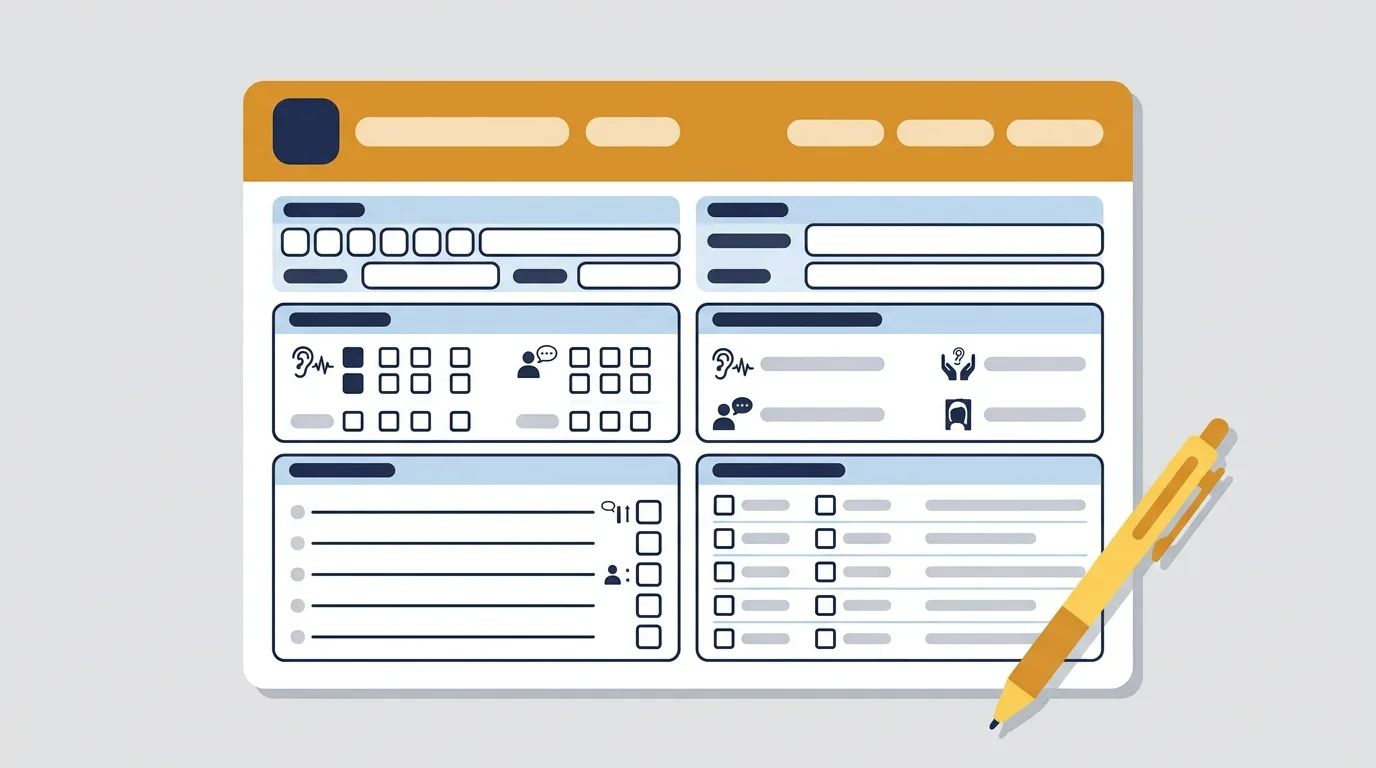
When you commission a web production company or freelancer, try asking, “Do you have a client questionnaire?” If they have one, the burden of preparation drops considerably.
Full Preparation Checklist
Finally, here is a summary of the preparation items covered in this article.
| Category | What to prepare | Priority |
|---|---|---|
| Basic information | Company name, address, phone number, etc. | ★★★ |
| Basic information | Representative’s profile | ★★☆ |
| Purpose | Website purpose and target audience | ★★★ |
| Purpose | 2–3 reference websites | ★★☆ |
| Text | Service descriptions (bullet points OK) | ★★★ |
| Text | Company strengths and values | ★★☆ |
| Text | FAQ and customer testimonials | ★☆☆ |
| Images | Logo data (AI/PNG recommended) | ★★☆ |
| Images | Photos of the company, products, and staff | ★★☆ |
| Technical | Domain and server information | ★★☆ |
| Technical | Google account | ★★☆ |
| Social media | URLs for each social media account | ★☆☆ |
You don’t need to have everything perfectly ready before contacting us. It’s fine to come to us while you’re still at the stage of “I don’t know what to prepare.” Let’s sort it out together.
If you have any questions about preparing for or proceeding with website production, feel free to contact us.
At First CH, we provide solid support from the preparation stage, from supplying a client questionnaire to organizing your materials. Even if “nothing has been decided yet,” please feel free to get in touch.
Web制作・システム開発は
First CHにお任せください
「こんなWebサイトが欲しい」「このシステムは実現できる?」——
現役エンジニアが直接お話を伺い、最適な進め方をご提案します。
「まだ構想段階」「費用感だけ知りたい」というご相談も歓迎です。







