
Over the past year, we’ve noticed a clear rise in inquiries that start with, “I heard you can build a website just by giving instructions to AI.” The short answer is: yes, you can. AI tools can now produce text, images, and page designs to a reasonable standard. The assumptions from a few years ago no longer hold.
That said, there’s a gap between “I built it” and “it’s ready to use.” If you start without knowing about that gap, you’ll get about 80% of the way and then stall, spending more and more time on the rest.
What AI can build is the “look and the text” of a website. Where people get stuck is everything after that — the domain and email, legally required disclosures, updating the site after launch, and making it recognizable to search engines and AI — and AI still can’t take those on for you. The deciding factor isn’t your budget but “whether your business would be affected if the site went down.” If it would, hire help. If not, it’s fine to start by building it yourself.
In this article, we separate what AI can actually do from where people get stuck, and explain how to decide between building it yourself and hiring a professional.
What AI Can Actually Do Now
First, let’s get an accurate picture of what’s possible. Underestimate it and you’ll pay for things you don’t need; overestimate it and you’ll stall halfway.
| Task | Can AI do it? | Notes |
|---|---|---|
| Write the text | Yes | A person still needs to check the facts. AI hasn’t learned how your business actually works |
| Create the visual design | Yes | More flexible than choosing a template |
| Prepare images | Yes | Can’t replace real photos of your actual shop or staff |
| Build the pages | Yes | Possible with no-code tools or AI code generation |
| Publish to a server | Partly | You can get step-by-step guidance, but a person has to sign the contracts and configure the settings |
| Set up the domain and email | No | You have to handle the contracts and authentication settings yourself |
| Keep the site updated after launch | No | Who updates what is a question of how you run the site |
The top half can be left to AI; the bottom half remains — that’s how it looks in practice as of 2026. And it’s often the bottom half that actually helps you win work and attract customers.
It’s not a choice between “do everything yourself” and “hand everything off.” Bringing us a draft or design mockup you made with AI, and having us take on only the parts where you’re stuck, is a realistic way to keep costs down. In fact, we’re seeing more and more requests like this.
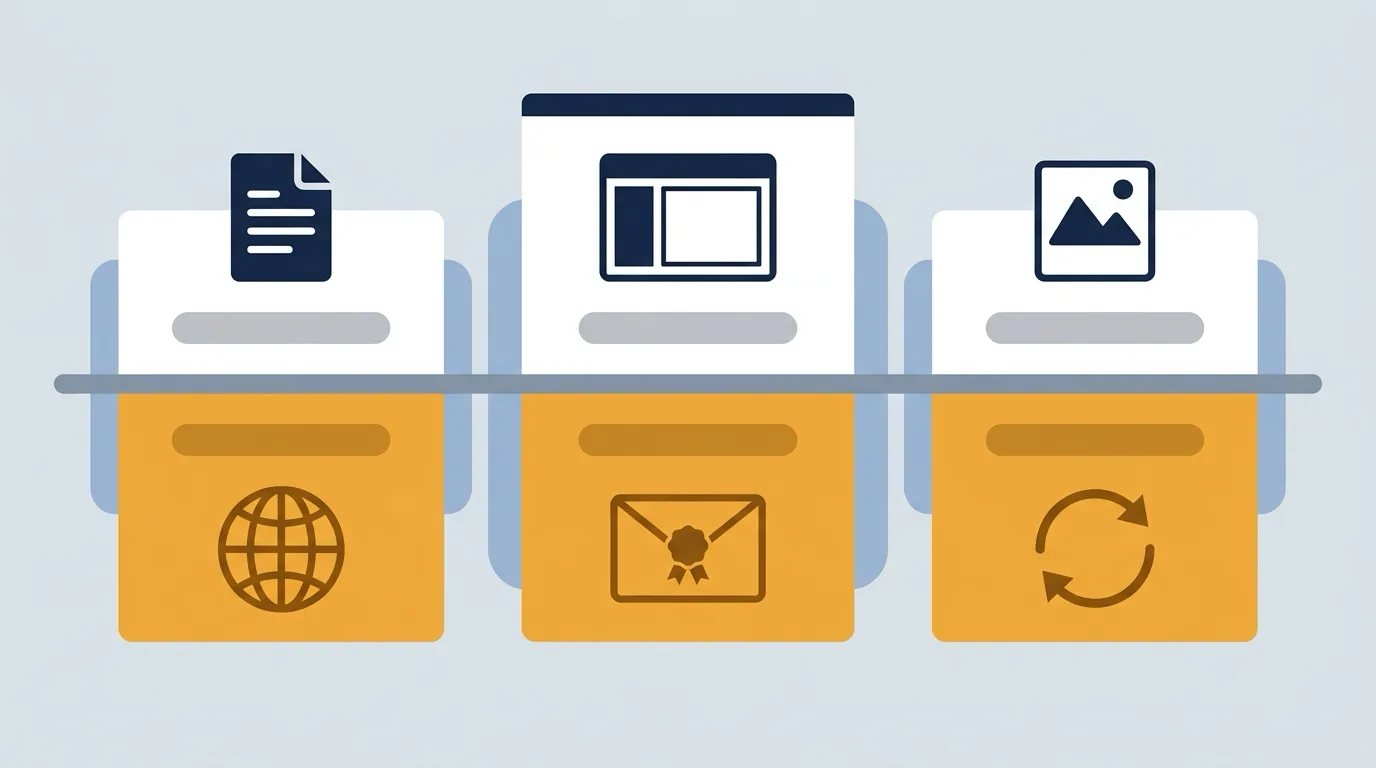
Five Walls People Hit When Building It Themselves
1. The Domain and Email Are a Separate Job
Building a website and getting your own domain like example.co.jp and setting up company email are separate jobs. If you get stuck here, you end up with a finished site that you can’t publish.
On top of that, sending email from your own domain requires settings that authorize the sending (sender domain authentication). If you run without them, the emails you send land in the recipient’s spam folder. We cover this in detail in Why Contact Form Emails Don’t Arrive and How to Fix It.
2. Some Information Is Legally Required
Depending on your business, certain disclosures must be posted on your site.
- For mail-order or online sales, information about the business operator, return conditions, and similar details
- If you collect personal information, a statement on how it is handled
- Industry-specific advertising regulations (medical care, pharmaceuticals, finance, staffing, etc.)
- For industries that require qualifications or licenses, display of the qualification or license number
AI can produce generic templates, but it can’t determine what your business specifically needs. Posting incorrect content as-is can itself become a problem.
3. Launch Is Where the Real Work Begins
Even if no problems show up right after launch, updates will always follow: changes to business hours, price revisions, new case studies, and system updates.
It’s actually quite common for the person who built a site with AI to be unable to work on it six months later, because the context from when it was generated is gone. Decide who will update the site, and how, before you build it.
4. Being Recognized by Search Engines and AI Doesn’t Happen Automatically
A site that looks polished and a site that search engines and AI search correctly understand are two different things. Page structure, internal links, whether your business is clearly described — these elements aren’t automatically taken care of when a site is generated.
We explain what makes a site something generative AI cites as a source in The Basics of AI Search Optimization (GEO), and how it differs from traditional SEO in The Difference Between GEO and SEO.
5. You Can Get Locked into the Tool You Used
Tools where everything lives on the service itself are convenient, but sometimes you can’t move to a different environment later. Then, when your business grows and you try to migrate, you end up rebuilding from scratch.
A good rule of thumb is: “Can I export the data for the pages I built and keep it myself?” If it’s in a format you can’t export, you’re choosing that service on the assumption that you’ll keep using it.
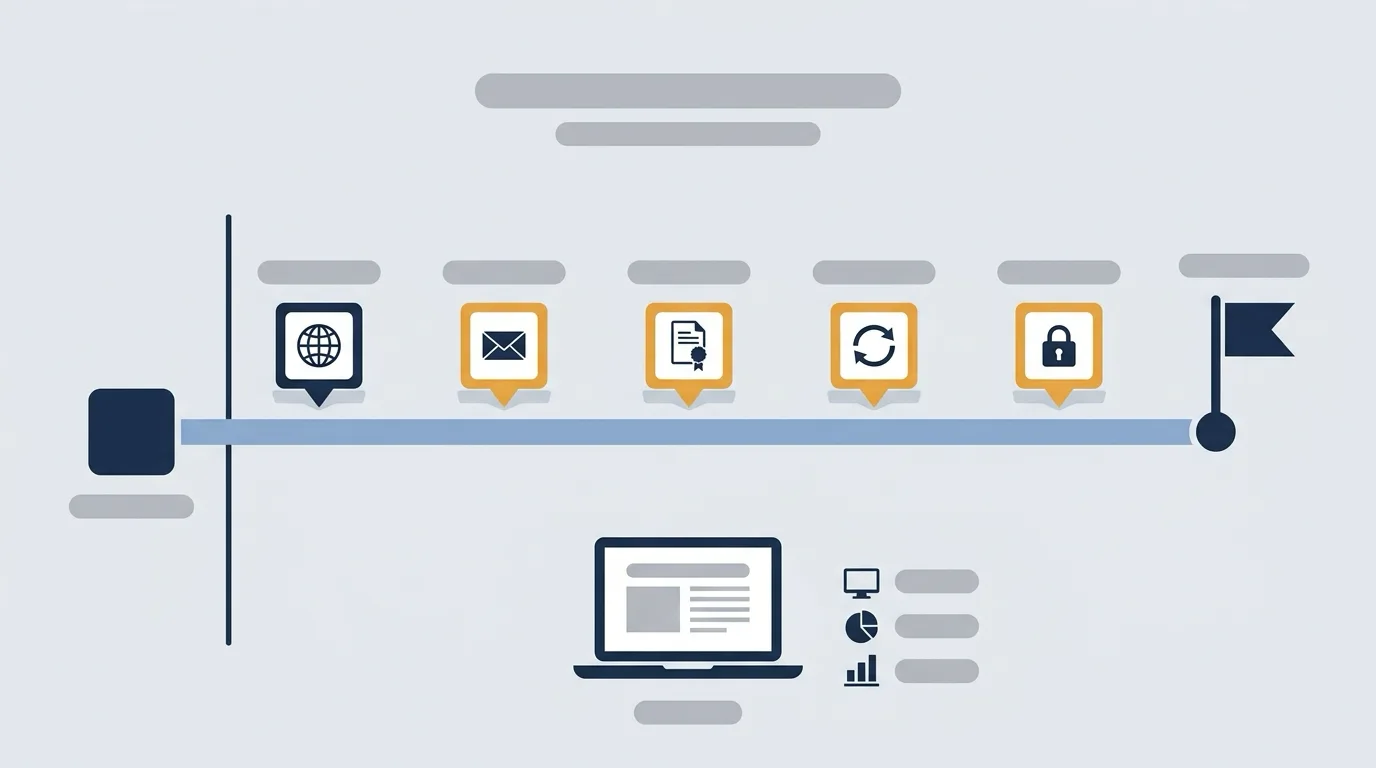
When to Build It Yourself and When to Hire Help
Decide based not on cost but on the impact if the site went down.
- You’ve just started your business and first want a page that works like a business card
- You get no sales or inquiries through your site yet, or very few
- The content will rarely change (around 1–3 pages)
- You have time to look things up and work through them yourself
- Inquiries through your site lead to orders
- You have systems like booking, payments, or member management where downtime causes direct losses
- You’re in an industry with advertising regulations and need judgment calls on wording
- Multiple people update the site, and you need to decide who is allowed to change what
- You have an existing site and need to carry over its search rankings
If the first list describes you, it’s fine to start by building it yourself. There’s real value in just trying to build it — you’ll learn for yourself what’s needed. If even one item on the second list applies, the losses from downtime can easily exceed the cost of having it built.
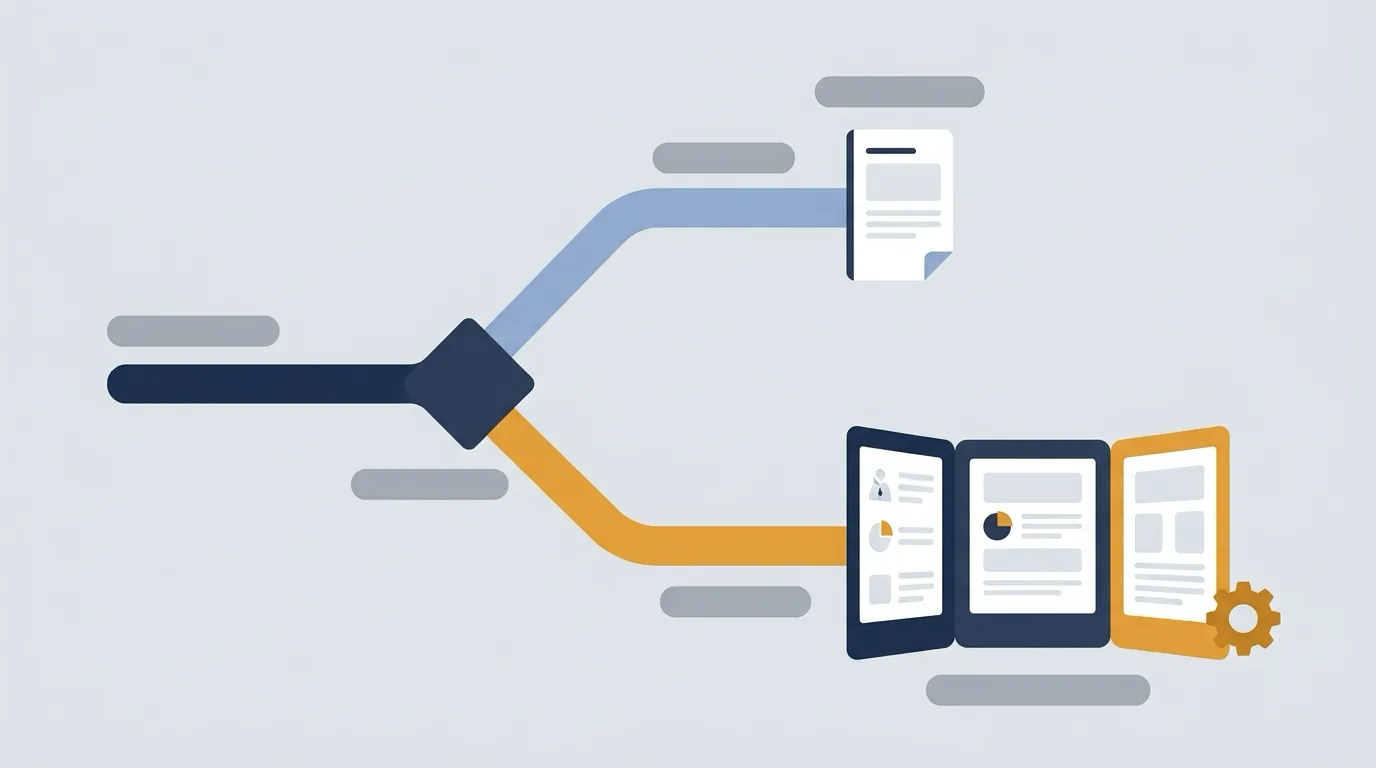
There’s also a separate question of whether to use a template or build something custom. We cover that in Template vs. Fully Custom Websites.
How to Think About Costs
The cost of building it yourself can’t be measured just by “the tools are cheap.” Here’s what it actually involves.
| Build it yourself | Hire a professional | |
|---|---|---|
| Upfront cost | Tool and domain fees only | Production fee |
| Your own time | A considerable amount. This is the biggest cost | Meetings and preparing materials |
| Updates after launch | You do them yourself | You can choose to do them yourself or outsource them |
| When you get stuck | You research and solve it yourself | You have someone to ask |
| When your business grows | You may need to rebuild | It can be designed with expansion in mind |
The real cost of building it yourself isn’t the tool fees but your own time as a business owner. It’s not unusual for a setting you couldn’t solve in a full day to take a professional 30 minutes. If you’d earn more by spending that day on your core business, that’s your decision point.
For typical prices when hiring a professional, see Website Production Costs: Typical Prices. For how to approach a site on a small budget, see Websites for Sole Proprietors.
In some cases, subsidies can be used to cover production costs. Requirements change with each application round, so check in advance.
Frequently Asked Questions
- Will a website built with AI be at a disadvantage in search?
-
Being built with AI doesn’t automatically put a site at a disadvantage. What gets evaluated is the content. However, text that AI writes from general knowledge alone tends to resemble other companies’ sites, and as a result is less likely to be chosen. The deciding factor is whether you can include information only your company can write — real case studies, how you set your prices, and the scope of what you handle.
- What about asking ChatGPT or similar tools to write the code for me?
-
That will get you as far as building the look of the site. The hard part comes when something breaks after launch. If you don’t understand the generated code, you can’t tell what needs fixing. For a throwaway page, that’s fine, but if the site will serve as your business’s point of contact for a long time, think it through all the way to having a setup that lets you update it.
- Can you rebuild a site I made myself later on?
-
Yes. In fact, people who have built a site themselves once have a clearer idea of what they need, so meetings move faster. If the domain is registered in your company’s name, you can keep the same URLs and carry over your search rankings.
- Won’t building with AI tools make my site look like everyone else’s?
-
If you use the default settings, yes. Both generative AI and templates tend to converge on safe layouts. What sets you apart is less the look itself than what information you include and in what order. Check whether the layout gets your strengths across on the very first screen.
- Which AI tool do you recommend?
-
We don’t recommend any particular tool. As selection criteria, check these three points: (1) whether you can export the data you create, (2) whether you can set up your own domain, and (3) whether you can set the destination for contact form submissions yourself. Tools that don’t meet all three can’t be migrated later.
- Can you take a look at something I’ve partly built myself?
-
Yes. Even before launch, if you send us the URL or screenshots, we’ll tell you what’s missing and what work is needed before you can launch. We can also judge at that point whether everything needs to be rebuilt.
Summary
As of 2026, AI can take on a large share of the “building” part of website creation. What hasn’t changed is the part that makes the site function as your business’s point of contact after launch.
- AI can build the look and the text. The domain, email, legally required disclosures, and an update process remain
- The deciding factor isn’t budget but “whether your business would be affected if the site went down”
- The biggest cost of building it yourself isn’t the tool fees but your own time as a business owner
- Bringing in a draft made with AI and outsourcing only the parts where you get stuck is also an effective approach
Trying to build the site yourself first is never wasted effort. Once you know where you’re getting stuck, get in touch, and we can take on just that part. If you send us your current site or the screens you’re working on, we’ll sort out the work that needs to be done and let you know.







