

When a website project begins, images are usually the most time-consuming part of what the client has to prepare. “I found a photo online that matches the feel we want, so please use it.” “Illustrations made with AI are free to use, right?” We hear requests like these often in project meetings.
Unlike text, you can’t tell where an image came from just by looking at it. As a result, images sometimes get published without anyone checking their source, and years later the rights holder gets in touch. When that happens, the party held responsible is usually not the person who picked the image but the company that publishes the site.
This article draws on our hands-on experience as a web agency to explain how to tell whether you can use a photo, illustration, or AI-generated image on your website, and what steps to take to avoid trouble. Final legal judgments depend on the specific circumstances, so if you’re unsure about a case, we recommend consulting a lawyer or other specialist.
Whether an image is safe to use depends not on how it looks but on whether you can explain its “source” and its “terms of use.” As a rule, do not use images you found in search results or on social media unless you can confirm the rights holder’s permission. Even with free stock images, check the terms for commercial use, credit requirements, editing, and prohibited uses, and keep a record of consent from anyone who appears in a photo. Don’t assume AI-generated images are “free to use”; check that they don’t resemble existing works. Finally, if you make a list of which images you got from where and give it to your web agency, you’ll be able to respond calmly if someone raises a claim after the site goes live.
Why “images found online” are risky
Being publicly visible is not the same as being free to use
Most photos and illustrations on the internet were taken or created by someone, and in principle they are protected by copyright. Showing up in image search, being posted on social media, appearing on another company’s website — all of these only mean the image “can be viewed.” None of them means “anyone may use it.”
Putting an image on your website is an act of copying the image and making it available for transmission over the internet. Doing so without the rights holder’s permission can expose you to a claim of copyright infringement. Whether or not your purpose is commercial, and whether or not you only placed it small in a corner of the page, neither is a reason permission isn’t required.
“Citing the source” doesn’t make it OK
A common misconception is that “it’s fine to use as long as I credit the source or add a link.” Japan’s Copyright Act does contain conditions under which a work can be used without permission as a “quotation,” but these are limited to using a work that has been made public, in a way consistent with fair practice and within a scope justified by the purpose of the quotation, and in principle the source must also be indicated. In practice, the judgment also takes into account things such as whether your own text is primary and the quoted part secondary, and whether the quoted part is clearly distinguished. A photo placed large at the top of a page just to set the mood is, in reality, unlikely to qualify as a quotation.
Problems surface long after the fact
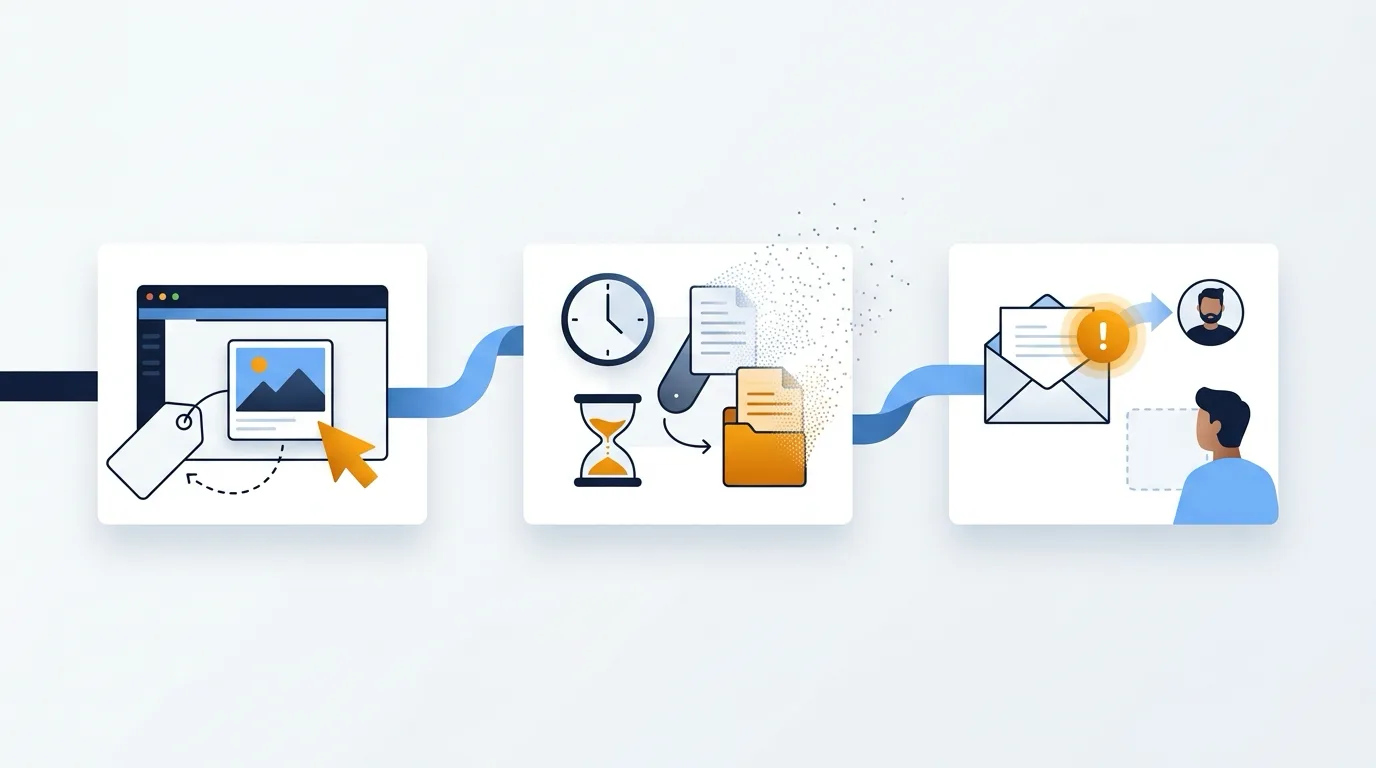
What makes image rights disputes troublesome is that they often come to light not right after publication but years later. By then, no one remembers who brought the image in or where it came from. People say “I thought the web agency provided it” or “the previous person in charge added it,” and there’s no longer any way to confirm the source.
Images you can use come from four kinds of sources
Images for your website can be grouped into the following four categories by source. What you need to check depends on which one you choose.
| Source | Typical examples | What to check |
|---|---|---|
| Shot or created in-house | Photos of your shop, products, and staff | Consent from the people in the photo; who took the photo |
| Commissioned from outside | Photographers, illustrators | The scope of use agreed in the contract |
| Stock image sites (free or paid) | Stock photos, stock illustrations | The terms of use and license conditions |
| Generated with AI | Images made with an image generation service | The service’s terms; similarity to existing works |
Of these, photos you take yourself have the clearest source. Photos of your shop’s exterior, your work in progress, and your actual staff are not only safe from a rights perspective but also show visitors that you are “a real company.” For shooting tips, see our “Photo Shooting Guide for Your Website,” which covers everything from smartphone techniques to shot lists by industry.
With free stock images, it all comes down to “which part of the terms you read”
“Free” is not the same as “free to use however you like”
Even if images on free stock sites can be downloaded at no cost, there are conditions on how you use them. The conditions differ from site to site, and sometimes from image to image, and the terms may be revised. The basic rule is not “it’s fine because we used this site before,” but to check the terms in effect at that time every time you download.
Five things to check in the terms
On the stock site’s “Terms of Use,” “License,” or “FAQ” pages, check the following five points.
- Commercial use: Is use on a company website or in advertising permitted? Some images are limited to personal use
- Credit requirements: Do you need to display the creator’s name or the site name? If so, where and how should you write it?
- Editing: Are cropping, color adjustment, overlaying text, and compositing permitted?
- Prohibited uses: Use as a logo or trademark, selling the image itself, use in certain industries or types of content, and so on
- Restrictions on images of people: For photos featuring models, do the terms prohibit misleading uses (such as presenting them as if they were your actual employees or customers)?
The last item is the one most often overlooked. Placing a person from a stock photo next to “Our staff” or “Customer testimonials” may not only violate the terms but can also mislead visitors.
Keep proof of the download
Terms can change later. When you use a stock image, note the download date, the URL of the image’s page, and the URL of the terms at that time, so you can explain the conditions if asked later. For paid images, also save your purchase history and license certificates.
For photos of people, consider “portrait rights” separately from copyright
The rights of the photographer and the rights of the person photographed
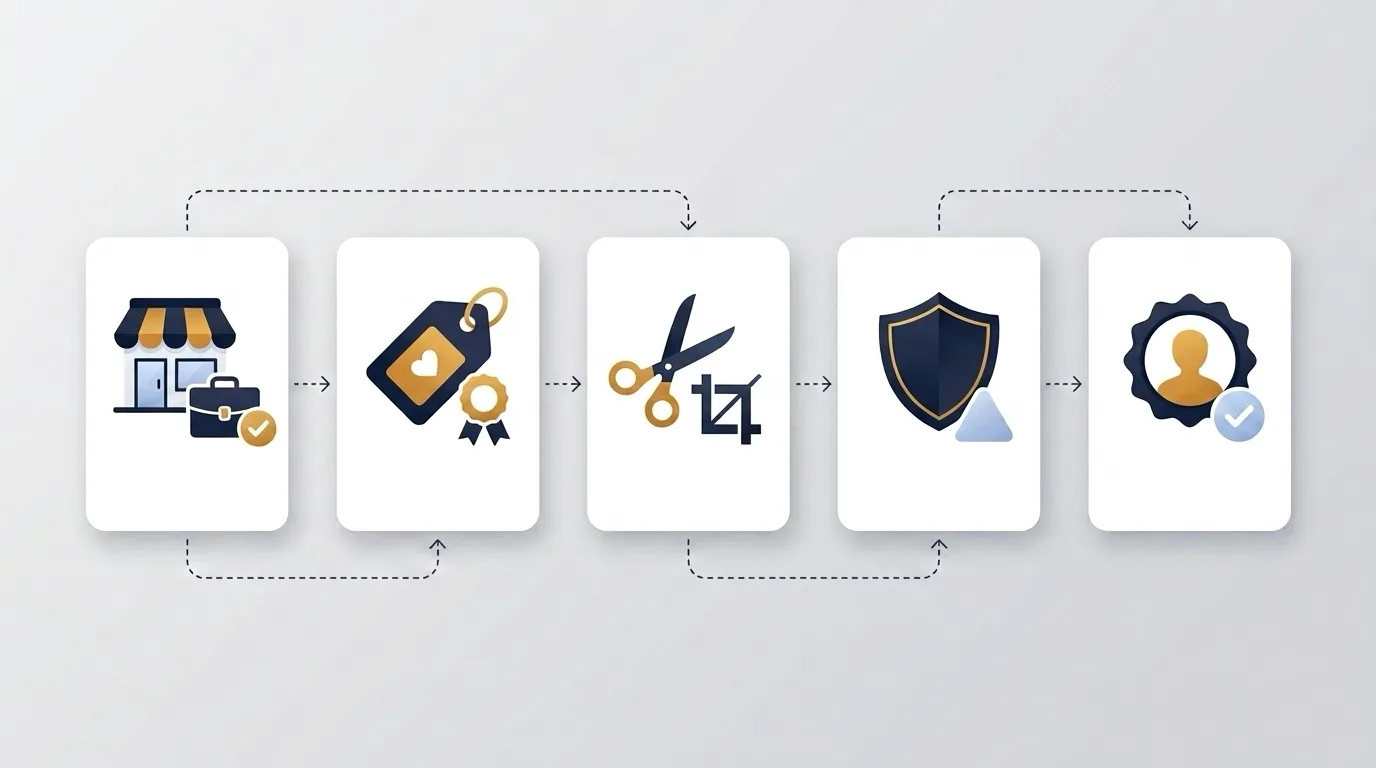
Separate from the photographer’s copyright, a photo also involves the rights of the people in it. These are generally called “portrait rights” (shozoken). They are not set out in statute but have been recognized through court decisions. Publishing a photo in which someone can be identified, without their permission, can cause problems.
Even with photos you took yourself, be careful when customers or passersby are clearly visible. When you post scenes such as in-store events or treatments, either get permission to publish from the people pictured, or shoot or edit the photo so they can’t be identified.
For staff photos, decide on “the scope of consent” and “what happens after someone leaves”
Staff photos are very effective on recruitment pages and company profiles, but they are also prone to trouble. Being an employee doesn’t necessarily mean someone has agreed to have their photo published.
We recommend recording the following points in writing or by email before you publish staff photos.
- Which pages and which media (website, social media, printed materials, etc.) the photo will appear in
- Whether their name and job title will be shown alongside it
- How the photo will be handled when they leave the company (deleted, group photos kept, etc.)
Handling after someone leaves is especially likely to cause disputes if it hasn’t been decided. Keep track of which pages have their photo so you can respond promptly if a former employee asks for it to be removed. We also touch on this in “How to Build a Recruitment Page.”
Photos commissioned from an outside photographer
When you commission a photographer, it is generally understood that the copyright in the photos remains with the photographer unless the contract says otherwise. Paying for them doesn’t necessarily mean you can use them however you like. If you plan to use them not only on your website but also in flyers, advertising, or social media, it’s important to put the scope of use in writing at the time you place the order. It’s also reassuring to confirm whether you can keep using the same photos if you change web agencies in the future.
Handling AI-generated images: don’t assume they’re “free to use”
How the Agency for Cultural Affairs’ “General Understanding” frames the issue
We’re also getting more requests to use images created with image generation AI on websites. On the relationship between AI and copyright, the Legal System Subcommittee of the Copyright Subdivision of the Council for Cultural Affairs (part of Japan’s Agency for Cultural Affairs) compiled “General Understanding on AI and Copyright” (AI to chosakuken ni kansuru kangaekata ni tsuite) in 2024.
This document organizes its thinking by separating the development and training stage of AI from the stage of generating and using images and other content with AI. Putting an image on a website falls into the latter. The document indicates that whether using a generated image infringes the copyright of an existing work is judged, as with ordinary copyright infringement, by its similarity to the existing work and by whether it can be said to be based on the existing work (reliance).
As for whether something generated by AI qualifies as a copyrighted work in the first place, the document says this is decided case by case, depending on factors such as the degree of creative human involvement. In other words, you can’t say across the board either that “it doesn’t touch anyone’s rights because AI made it” or that “it’s protected as our company’s copyrighted work because we made it ourselves.”
Note that this document is not legally binding, and the thinking may change as future court decisions and discussions develop. If you need a specific judgment, check the latest materials and then consult a specialist.
Practical precautions when using AI images on your website
Even without waiting for a legal conclusion, there are practical precautions you can take.
- Don’t include specific artist names, work titles, or character names in your prompts: Prompts that imitate existing works make similarity problems more likely
- Compare generated images with existing works: Check that they don’t resemble famous characters, logos, or particular photos
- Read the service’s terms of use: Whether commercial use is allowed and how generated output is treated differ by service and pricing plan
- Don’t present them as real people or real shops: Posting an AI-generated person as “our staff” misleads visitors
- Record the service used, the date, and the prompt: So you can explain the source later
For common problems with websites built using AI as a whole, see “5 Common Problems with AI-Built Websites,” and for how to set rules for using AI in your company, see “How to Set Internal AI Usage Rules.”
When you hand images to your web agency, include a “source register”
A register changes how you can respond after launch
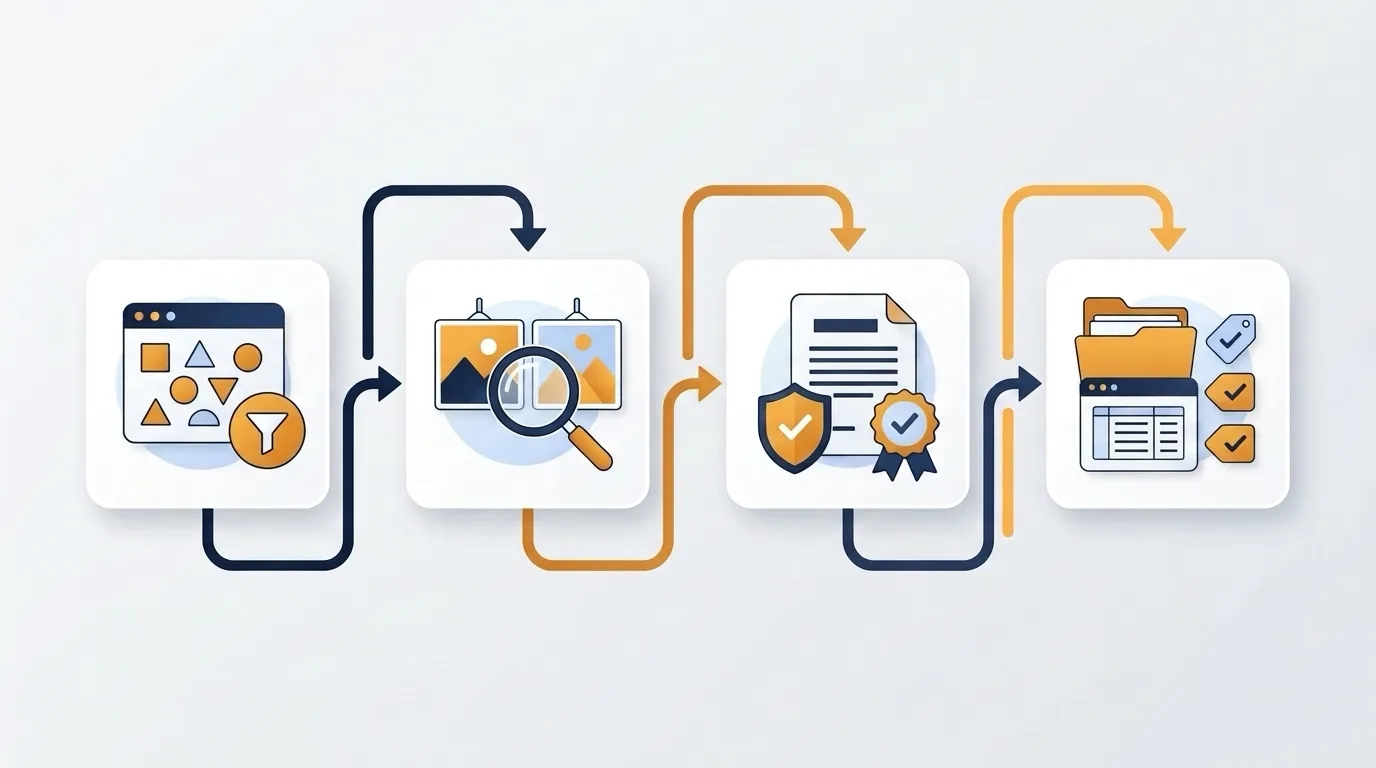
When you send a batch of images to your web agency, we recommend including a register that lists their sources, rather than just sending the files. A single spreadsheet sheet is enough.
With a register, the web agency can avoid uses that don’t match the terms (prohibited edits, forgetting a credit, and so on). And no matter how many years pass after launch, your company can still check which image came from where.
Example register fields
| Field | Example entry |
|---|---|
| File name | top-main.jpg |
| Page where it will appear | Main image on the home page |
| Source type | Shot in-house / Commissioned / Stock site / AI-generated |
| Photographer, creator, or site name | In-house staff, XX Photo Studio, stock site name, etc. |
| Source URL | URL of the stock image page, name of the generation service |
| Date obtained | 2026-10-01 |
| Terms of use | Commercial use OK, no credit required, editing OK, etc. |
| Consent of people pictured | Consent form on file / No people pictured |
| Notes | Remove if the person leaves, cropping OK, etc. |
When we build websites, we also check the source of images when we receive them from clients. If there’s an image whose source is unknown, we discuss it with the client before launch and suggest replacing it with an in-house photo or a stock image.
Check the contract as well
If you use images provided by your web agency (such as images purchased from stock sites, or illustrations), also confirm whether you can keep using them after launch and what happens after your contract with the agency ends. We’ve summarized the parts of the contract to check in “7 Places to Always Check in a Website Development Contract.”
What to do first when a rights holder raises a claim
What to check first
If you ever receive a message such as “This image is our copyrighted work,” don’t rush to pay or push back. First, check the following in order.
- Save the message: Keep the email, letter, or contact form submission exactly as received
- Identify the image in question: Confirm which image on which page the claim concerns
- Check the source in your register: Look for the records of the source, download date, and terms of use
- Confirm the sender really is the rights holder: Check whether the message contains information showing their rights and whether the contact details are genuine. Some messages that claim rights to an image and demand payment need to be examined carefully
Whether to take the image down
If it turns out your company has no legitimate basis for using the image, first make it private or replace it to keep the damage from spreading. However, be careful with the wording of your correspondence so that removing the image isn’t taken as accepting all of the other party’s claims.
If you’re being asked to pay, or if you don’t accept the other party’s claims, don’t reach a conclusion on your own; consult a lawyer or other specialist. If your records, such as the register and consent forms, are in order, the consultation will take less time.

Summary: record images “when you choose them”
Most website image problems could have been prevented by recording the source and terms at the time the image was chosen. Here are the key points.
- Don’t use images found through search or on social media unless you can confirm the rights holder’s permission
- For free stock images, check five points in the terms: commercial use, credit, editing, prohibited uses, and images of people
- For photos of people, keep a record of their consent. For staff photos, also decide how they’ll be handled after someone leaves
- For photos commissioned from outside, put the scope of use in writing when you place the order
- Don’t assume AI-generated images are “free to use”; check for similarity to existing works and check the service’s terms
- Compile the sources of your images in a register and give it to your web agency along with the files
- If someone raises a claim, save the records, check the source, and consult a specialist if needed
With our website development service, we also work with you on preparing images, starting with deciding what to shoot and what to fill in with stock images. If you have images on hand and aren’t sure whether you can use them, let us know when you contact us about your project.







