
The web design company has sent a message: “Your site is complete. Please review it.” You open the review URL, and the site looks good. But you aren’t sure how far you need to look before you can say you’ve reviewed it. The first time you commission a site, it can be hard to know what the review should cover.
Acceptance is the process in which the client checks that what was delivered was built as agreed, and then takes delivery of it. Check the contract for when payment is due and how defects found after acceptance are handled. Even after acceptance, defects that don’t match the contract may still be covered by repairs or other remedies. Check these separately from additional change requests and from update work after launch. If you just look over the design and stop there, you may find out after launch that “the form messages never arrived” or “the site doesn’t show up in search.”
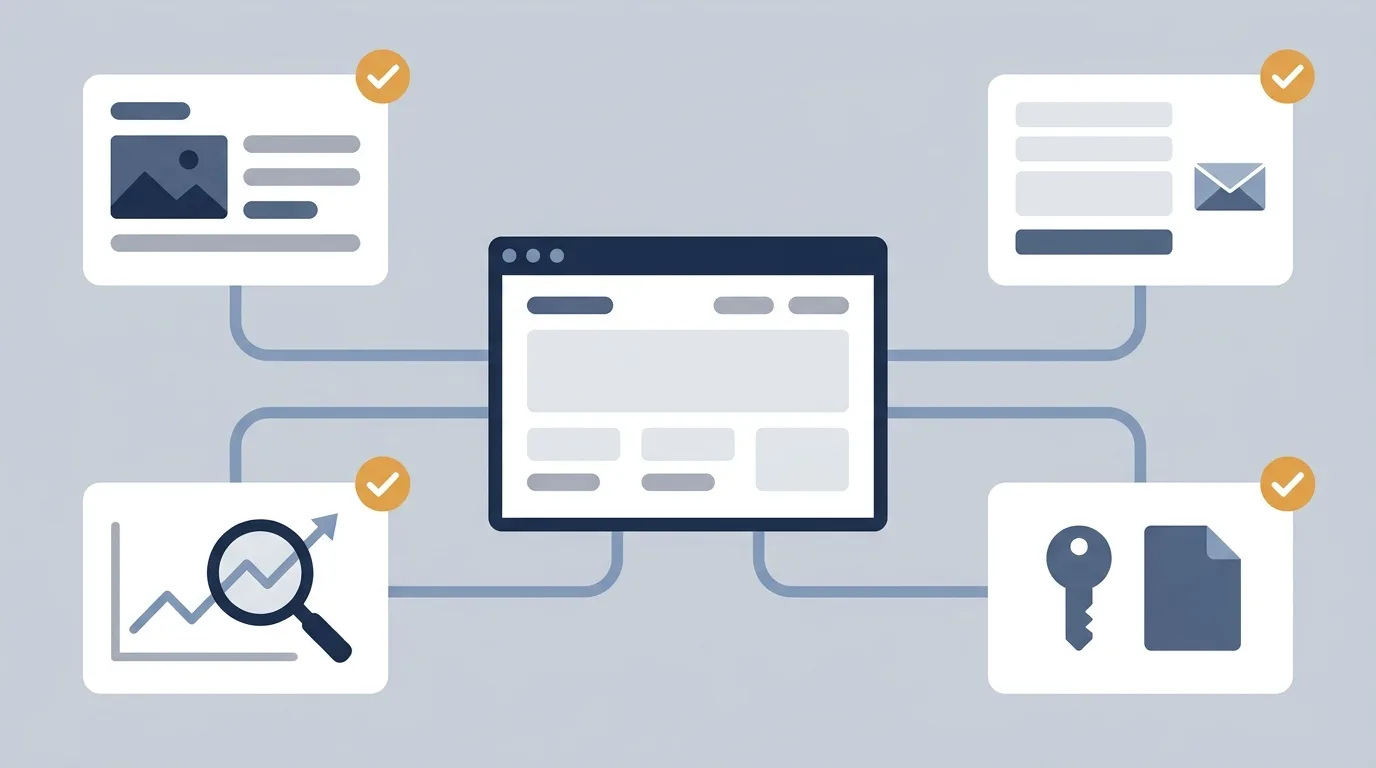
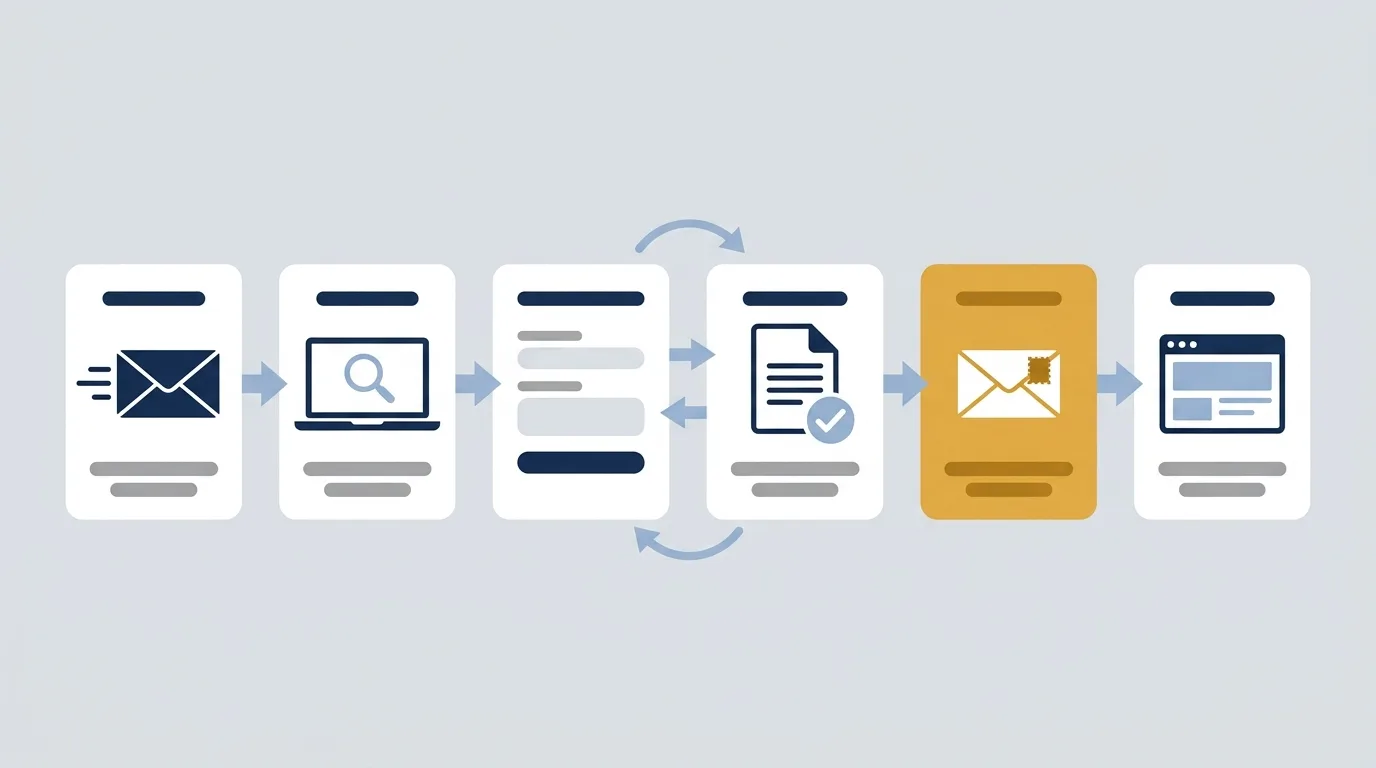
At acceptance, check four areas: (1) appearance and content, (2) forms and other functions, (3) search and analytics settings, and (4) the accounts and documents you receive. For anything that concerns you, write each item separately with the page URL, the device you used, what is happening, and what you want to happen, and keep defect fixes separate from requests to change the content. The contract may set a deadline for the review, so when you get the notice, check the deadline first.
Three things to confirm before acceptance
Before you open the site, have the following three things on hand. They give you a clear standard to check against.
Documents that describe what was agreed
These are documents that show what the company agreed to build, such as the itemized quote, the specifications, and the list of pages. Acceptance is not about checking whether the site is “what you imagined.” It is about checking whether “what was agreed has been built.” If you compare the documents with the screen, you will quickly notice any missing pages or functions.
The review deadline and what happens when it passes
A contract may include clauses such as “acceptance within X business days of delivery” or “if no notice is given within the period, acceptance is deemed complete.” If you don’t know the deadline and it passes, the site may be treated as accepted even if you haven’t checked it. We explain how to read the contract in detail in 7 Places to Check in a Website Design Contract.
Who will review it, and on which devices
If several people at your company will review the site, decide who checks what and who will collect the fix requests and send them. If each person contacts the web design company separately, the instructions will conflict and the work will stall. For devices, in addition to a computer, be sure to have a smartphone ready, since that is what customers often actually use.
(1) Checking appearance and content
First, open every page and check it with your own eyes. To avoid missing lower-level pages, keep the page list next to you and mark off each page as you go.
| Item to check | What to look at |
|---|---|
| Are all the pages there? | Every agreed page exists, and you can reach each one from the menu |
| Basic company information | The company name, address, phone number, business hours, and regular closing days are correct, and the notation doesn’t differ from page to page |
| Text | No typos, outdated information, or placeholder text (dummy text) remains |
| Images | They have been replaced with your own photos, no placeholder images remain, and you have permission to publish any photos of people |
| Display on smartphones | Text isn’t too small, tables and images don’t overflow the screen, and buttons are easy to tap |
| Links | When you click the links in the menu, buttons, and footer, they go to the correct pages |
Phone numbers and addresses in particular are hard to catch by looking, even when they’re wrong. Compare them character by character against your business cards and brochures.
If you have concerns about image rights, see also Copyright for Photos, Illustrations, and AI Images on Your Website.
(2) Checking forms, phone buttons, and other functions
Even if the site looks right, inquiries won’t reach you if the functional parts don’t work. Check these by actually using them.
Actually submit the contact form
Submit the form yourself with test content. Check these three points:
- The screen shown after submitting displays correctly
- The notification email arrives at your company’s receiving address, and it hasn’t landed in the spam folder
- If there is an auto-reply email, it reaches the sender, and the company name and contact details in it are correct
At this point, also check who at your company the form is set to notify. If it only goes to one staff member’s personal address, inquiries will be missed when that person’s role changes. We go over the causes of emails not arriving in Why Contact Form Emails Don’t Arrive and How to Fix It.
Tap the things people tap on a smartphone
- Tapping the phone number opens the calling screen
- The map points to the correct location
- Links to your booking site, online shop, and social media go to your own company’s pages
The web design company has a hard time telling whether links to outside services are correct. The most reliable way to confirm that they point to your company’s own account pages is for the client to check them.
(3) Checking search and analytics settings
These are hard to see on screen, so check them by asking the web design company questions and getting answers.
Will the search-blocking setting be removed at launch?
While a site is under construction, it’s common to turn on a setting that asks search engines not to index it, so that unfinished pages don’t appear in search results. In WordPress, this option is under Settings (設定) → Reading (表示設定) → “Search engine visibility” (検索エンジンでの表示). When the box is checked, a noindex directive is output on the pages.
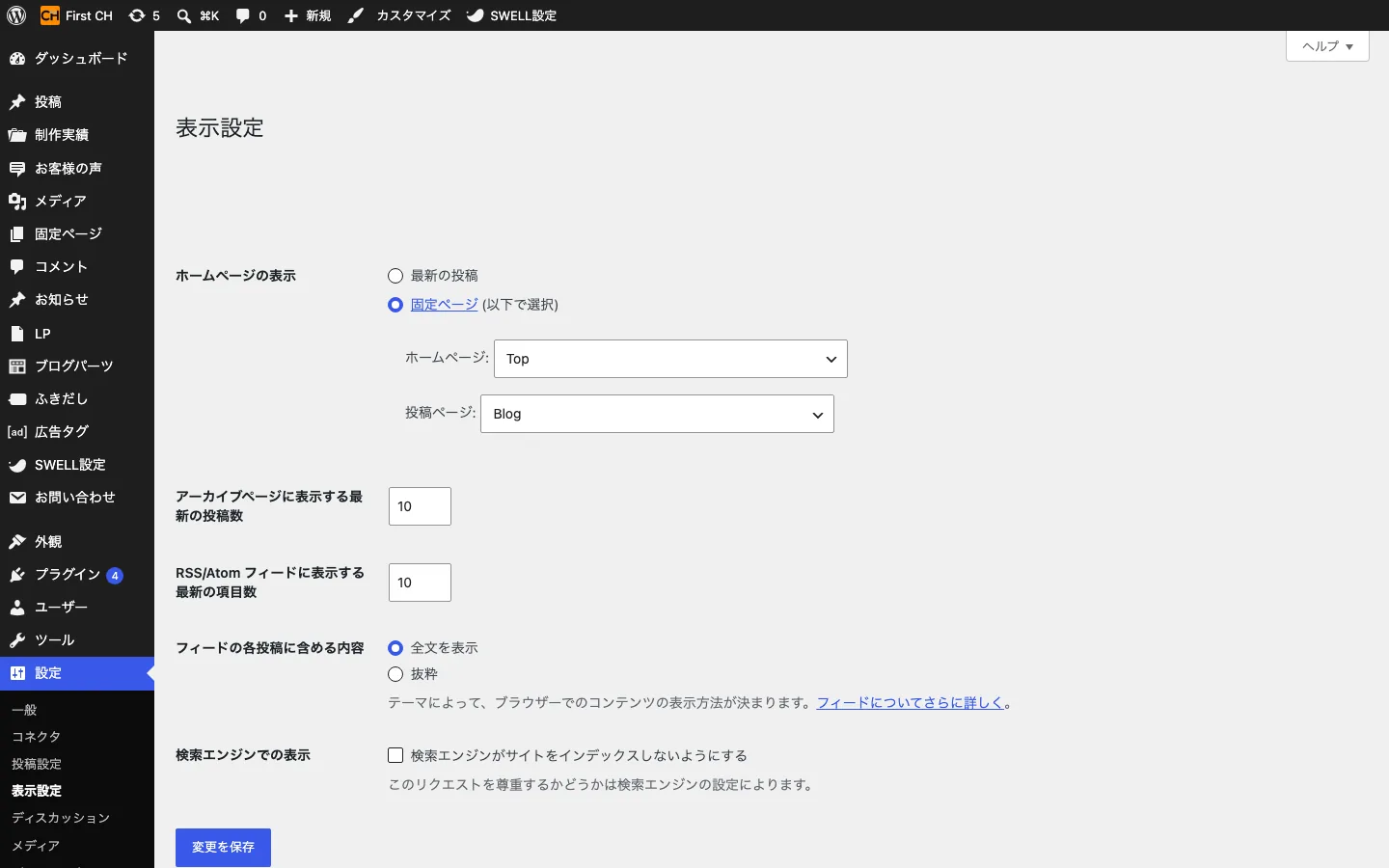
If this setting stays on after launch, pages where Google crawls and finds the setting are removed from search results. After the setting is removed, Google recognizes the change when it crawls the page again. For pages you want checked sooner, you can request a recrawl through the URL Inspection tool in Search Console. However, inclusion in search results is not guaranteed. At acceptance, confirm that removing this setting at launch is part of the plan.
Whose account will the analytics tools be set up under?
If the contract includes setting up analytics (GA4) or Google Search Console, check which Google account they will be registered under. For Search Console, make a Google account that your company manages a verified owner. For GA4, use a property that your company manages, and give your own staff administrator permissions. Then grant the web design company the permissions it needs. If your company doesn’t have these permissions, the handover could run into trouble when the contract ends. We explain how to set up accurate counting of inquiries in Counting Inquiries Accurately in GA4.
Other things to ask
- Whether each page has its own title and its own description (meta description), which may be used in search result listings
- Whether the URL after launch starts with
https://, and whether opening it withhttp://redirects tohttps://(What Is an SSL Certificate (https)?) - For a redesign, whether redirects are set up from the old site’s URLs to the new pages (URL Migration That Helps Keep Search Rankings During a Redesign)
(4) Checking the accounts and documents you receive
Acceptance is not only about the site itself. It is also your chance to receive the keys you need to run the site yourself going forward. Once some time passes after launch, the person in charge may change before you get around to asking.
- The admin screen URL, login ID, and password (and whether an account has been created for your company)
- Who holds the domain and server contracts, which company manages them, and their renewal dates
- An operation manual or other materials that explain how to make updates
- Which parts your company can edit itself and which parts you need to ask the web design company to handle
- A list of the paid themes, plugins, and outside services in use, and who holds each contract
- Where the site’s data copies (backups) are kept and who makes them
We cover whose name the domain and server should be held under in Whose Name Should the Server and Domain Be In?, and how to decide which parts you can edit yourself in How Much of Your Website Can You Edit Yourself?.
How to request fixes and how to finish acceptance
Collect the points that concern you and send them all at once. If you send them one at a time as they occur to you, the web design company is more likely to miss or duplicate items.
Items to write for each request
If you write each fix request separately using the following five items, it will be much easier to understand.
| Item | Example |
|---|---|
| Which page | The page URL, or “the second-to-last paragraph on the company profile page” |
| Which device | “Safari on iPhone,” “Chrome on the office computer” |
| What is happening | “The end of the phone number is still the old number,” “Nothing happens when I tap the button” |
| What you want to happen | The state after the fix, such as “Please change it to the same number as on our business cards” |
| Screen capture | A screenshot with the problem circled |
Requests like “it feels off somehow” or “make it a bit more stylish” don’t tell the company what to fix or how, and the back-and-forth drags on. If something is hard to put into words, attach other pages or images to use as references.
Separate defects from change requests
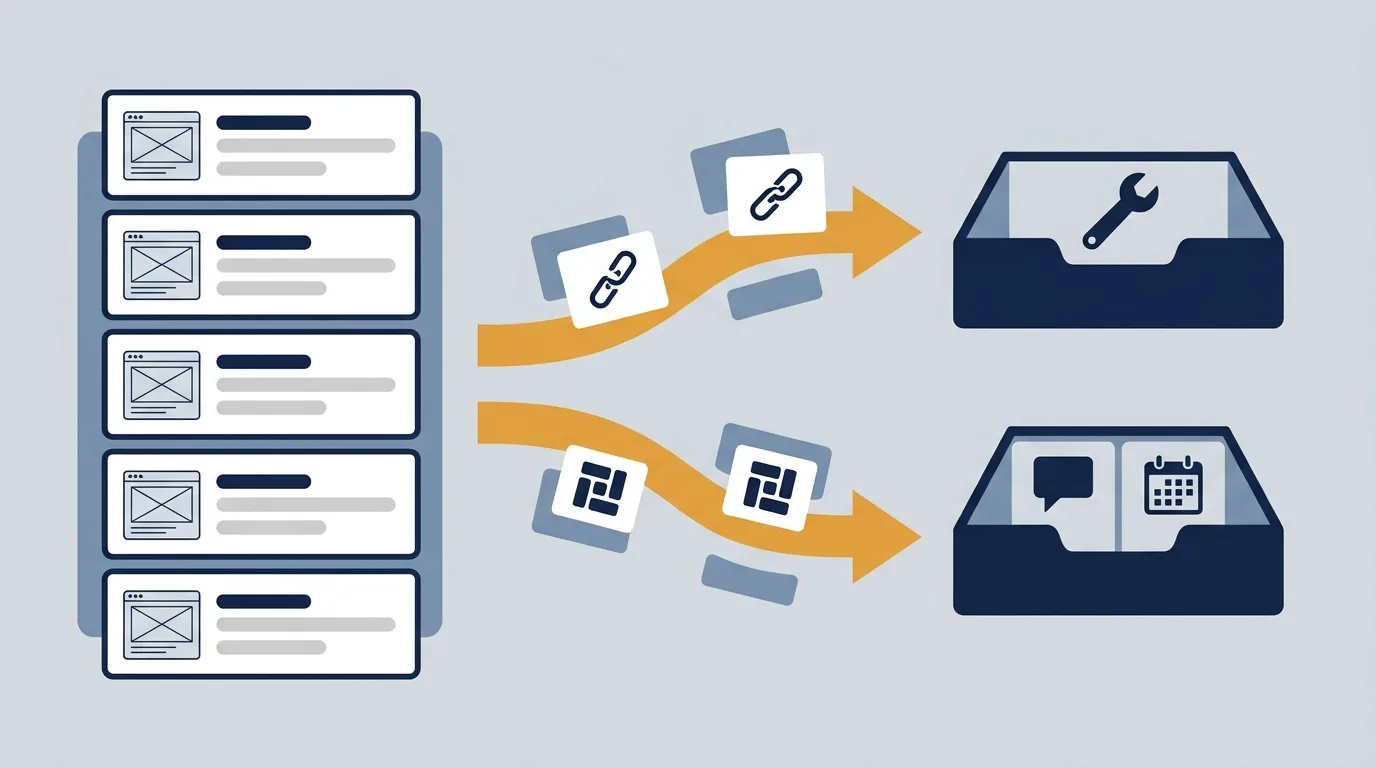
Fix requests tend to mix two different kinds of items.
One kind is defects. These are things that differ from what was agreed, don’t work, or contain typos, and you ask for them to be fixed within the scope of the work.
The other kind is change requests. These are things you want to change after actually seeing the site, such as the layout, structure, or approach to the text. Check whether they fall within the agreed scope of work or the terms for revisions, and if they go beyond them, discuss the cost and schedule.
It’s fine to raise both. But if you separate them in your list, it’s easier to handle them: for defects, confirm the priority and the fix schedule; for change requests, discuss them along with scope and cost. We explain how to think about specification changes in What Happens When You Want Something Different Partway Through the Project.
Once acceptance is complete
When the fixes are done, check the fixed items again, and if there are no problems, notify the company that acceptance is complete. Send this notice in a form that leaves a record, such as email, rather than saying it verbally, so there is no confusion later about when acceptance was completed.
How defects found after acceptance are handled depends on the contract. When comparing companies to hire, it also helps to check for how many days after acceptance, and to what extent, they will fix defects.
We summarize the settings and tasks to work on after launch in What to Do After Your Website Is Built.
Frequently asked questions
- I don’t think I’ll finish reviewing by the acceptance deadline.
-
Contact the web design company before the deadline arrives. Tell them when you can finish the review, discuss whether the deadline can be extended, and keep a record of the deadline you agree on. If you let the deadline pass without saying anything, depending on the contract, acceptance may be treated as complete.
- I can’t tell what’s wrong myself. If it looks good, is that enough?
-
Some things can’t be judged by appearance alone. At a minimum, check these four points: a test submission of the form, comparing the phone number and address against your records, how the site displays on a smartphone, and whether the search-blocking setting will be removed at launch. For anything you’re unsure about, it’s fine to ask the web design company, “How is this set up?”
- Will they fix everything I find during acceptance for free?
-
For things that differ from what was agreed or don’t work, ask for them to be fixed within the scope of the work. For things you want to change after seeing the site, check whether they fall within the agreed scope or the terms for revisions, and if they go beyond them, discuss them as additional work. Which category an item falls into is decided by what the quote, specifications, and contract say.
Summary
- Acceptance is the process of checking that what was agreed has been built and then taking delivery. First, check the deadline and what happens when it passes
- For appearance and content, open every page on a smartphone too, and compare the phone number and address against your records
- Actually submit the form and see whether the notification email arrives, along with the auto-reply email if one is set up
- Ask whether the search-blocking setting will be removed at launch and whether the analytics tools will be set up under your company’s accounts
- Receive the admin screen details, contract information, manual, and the scope of what you can edit
- Write each fix request separately using the five items, and keep defects separate from change requests
If you’re looking for a company to hire, see also Website Design.







