
“I want to fix our website, but I can’t get in touch with the company that built it.” We hear this far more often than you might think. The person in charge left, the business scaled down, the company closed — the reasons vary, but the situation left behind is usually the same: the site is still online, yet no one can touch it.
Leaving it alone doesn’t necessarily mean the site will disappear today or tomorrow. However, if the domain or server contract is still in the web developer’s name, the site really will disappear once the renewal deadline arrives. And getting it back after it disappears is many times harder than taking it over while it is still running.
What you should check first is where these four things are: (1) the domain registrant, (2) the server contract, (3) the admin panel login details, and (4) a complete set of site data. If you have these four, the takeover can go ahead with almost no problems even if you can’t reach the developer. Even if you don’t, there are still steps you can take, but the domain is the top priority. Servers and data can be rebuilt, but if you lose the domain, you lose your URL, email addresses, and search rankings all at once, and there is no substitute.
This article sets out the order in which to check things, how to proceed when you do and don’t have access, and what to check when signing contracts to prevent the same thing happening again.
A Common Situation: “It’s Online, but No One Can Touch It”
Most inquiries start with one of the following patterns.
- You want to change your business hours or prices, but there is no one to ask for the update. You were never told the admin panel URL or password
- Only the bill for the domain renewal fee arrives every year. You don’t actually know who you are paying or how much
- You don’t know which company provides the server. Nothing in the contract or invoices seems to mention it
- Your email runs on the company domain, so you’re afraid that touching anything carelessly might stop your email
What these have in common is this structure: “The site should belong to our company, but all real control over its management was in the developer’s hands.” Having the web developer handle all the contracts and management saves you monthly effort, but the moment that company stops functioning, you end up in this kind of limbo.
We explain in detail why contracts should be in the client’s name in Why the Server Contract Should Be in the Client’s Name.
The Four Things to Check First: Where They Are and Whose Name They’re In
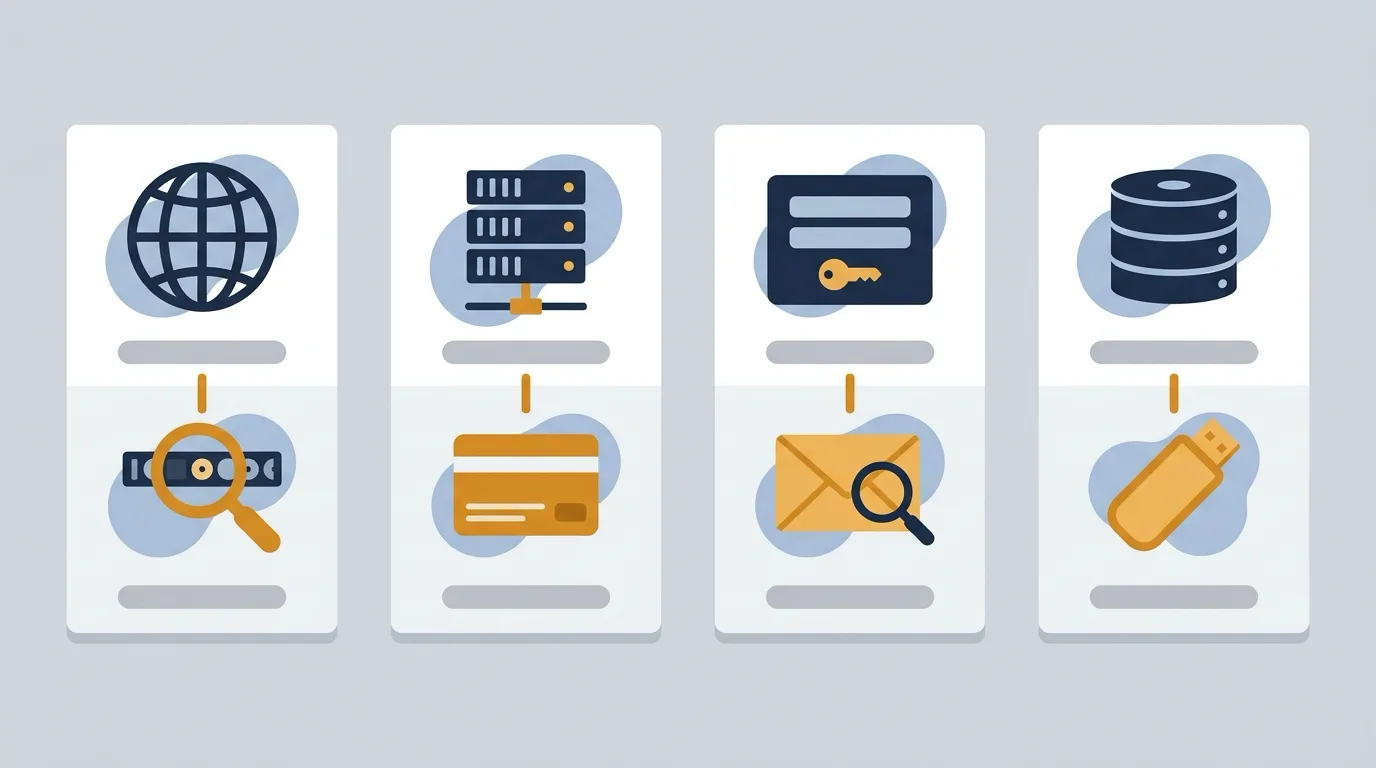
Before rushing to find a vendor, check where the following four things are. This check alone costs nothing, and you can do it entirely in-house.
| What to check | What to find out | Where to look |
|---|---|---|
| (1) Domain registrant | Whether the registrant is your company or the web developer, and which company manages the domain | Whois lookup (a public system that lets you look up registration information by domain name), past invoices |
| (2) Server contract | Which company’s server it is, and who the contract holder is | Invoices, the payee name on bank account debits, emails from when the contract was made |
| (3) Admin panel login | The URL, ID, and password for the admin panel of WordPress or similar | Documents from delivery, searching past emails (for “login,” “password,” etc.) |
| (4) Complete set of site data | Whether you have copies of the page files, images, and database | Delivery CD/USB, shared folders, past email attachments |
The Whois lookup in (1) is a public system that lets you look up registrant information (company name and managing company) just by entering the domain name. Search for “Whois” and you’ll find free lookup services. If the registrant field shows your company name, the domain is in your name; if it shows the web developer’s name, it’s in theirs.
For (2), your bank passbook can be surprisingly helpful. If payments to the server company are debited from your company’s account, the contract is yours. If there is no trace of payment anywhere, it is likely the web developer was hosting your site under their own contract — and this is the most urgent case. If their contract stops, your site and email will stop along with it.
If you’re unclear about what domains and servers actually do, please read The Basics of Domains and Servers first.
Takeover Steps When You Have Access
If (1) and (2) are in your company’s name and you also have (3) and (4), you’re in a fairly good position. Even if you can’t reach the web developer, you can take over in the following order.
- Check the renewal date and payment method for each contract, and first make sure payments won’t stop (an expired credit card is an easy blind spot)
- Try actually logging in to the admin panel (the details may be outdated and fail)
- Take copies (backups) of the site data and database
- Choose a new provider, hand over (3) and (4), and resume maintenance and updates
The key to this order is to secure your contracts and payments before looking for a vendor. Choosing a new provider can take time, and if a renewal deadline arrives in the meantime, you’ll have defeated the whole purpose.
We explain the specific process for moving servers in Server Migration Steps and Precautions, but you don’t necessarily need to rush to move a site that is working. If the contract is in your name and payments are continuing, it’s safer to first keep things as they are and make a migration plan with your new provider.
The first thing to do once you’re in the admin panel is not to update but to back up. Right after a takeover, you don’t yet see the full picture of the environment, and well-intentioned fixes can break things in unexpected places. As long as you have a backup, you can start over no matter what happens.
When You Don’t Have Access: There Are Still Steps You Can Take
This is the case where some or all of (1) to (4) are in the developer’s hands. It’s more difficult, but there’s no need to give up.
First, exhaust every way of contacting them. In addition to email and phone, check the company’s status in its corporate registry information, ask mutual acquaintances or whoever referred you, and request the handover in writing (by mail with a delivery record). If you get no response after all of this, move on to the next stage.
If the domain is in the developer’s name, changing the registrant or transferring the domain generally requires the cooperation of the current registrant (that is, the web developer). If you explain the situation to the managing company (the registrar), they may tell you what procedural options are available, but how they respond depends on each company’s terms. If the developer has closed down and is in a legal liquidation process, you may be able to reach the liquidator.
If you can’t get into the admin panel but the server contract is in your company’s name, you can often reset the password or retrieve the data on the server through the server company’s support. This assumes the request comes from the contract holder.
If you have no data at all, one option is to collect the published pages and use them as a foundation. Because you can recover the text and images that are displayed, this is faster than rebuilding from scratch. However, functional parts such as contact forms will have to be rebuilt.
Perhaps your contract reserved the copyright in the site’s design or text for the web developer, or they are refusing to hand over the data on the grounds of unpaid fees — when disputes over rights or claims are involved, the general information in this article is not enough to make a judgment. Don’t force things on your own; please consult a legal professional such as a lawyer. We are also not in a position to advise on the merits of legal disputes.
Protect Your Domain at All Costs
If we had to name just one priority among the four, it would be the domain, without hesitation. The reason is that the domain is the only one that “can’t be rebuilt.”
| What you lose | What happens | Can it be recovered? |
|---|---|---|
| Server | The site stops displaying | Recoverable by putting the data on a new server |
| Site data | The site has to be rebuilt | Recoverable, though it takes cost and time |
| Domain | You lose your URL, email, and search rankings all at once | As a rule, not recoverable |
When a domain expires, after a certain grace period it returns to a state where anyone can register it. Domains that were previously in use are easily picked up by third parties, and there’s no guarantee you’ll get yours back. Situations where the URL on your business cards or signage leads to someone else’s site, or your company email addresses stop working, really do happen.
That’s exactly why the first thing to check in a takeover is the domain registrant and renewal date. You could also say that the “we only get the bill” situation isn’t the worst case, as long as you keep paying. Whatever you do, don’t stop paying while you still don’t know what it’s for.

If You Hire Someone for the Takeover, These Factors Change the Quote
If you hire an outside party for the takeover or transfer, the cost varies greatly depending on the situation. We can’t give a single figure, but you can know in advance what affects the quote.
- How many of the four items above you have — The more you have, the less work is required. If there’s no data and the work starts with collecting the pages, that adds to the workload
- How the site is built and how large it is — Whether it’s WordPress or a custom system, and how many pages it has
- Whether you run email on the same domain — When moving servers, steps are needed to avoid stopping email, which adds a careful process
- Whether there are functional parts such as contact forms or booking — Simply moving what is displayed won’t make them work; they may need rebuilding or configuration
- Whether it’s urgent — If a contract deadline is approaching, investigating and migrating in parallel adds to the workload
When you consult someone, pass on the results of checking the four items in this article as they are. Just having “what you have and what you don’t” sorted out makes a big difference to how accurate and how fast the quote is.
We cover how to think about monthly maintenance after the takeover in How to Think About Website Running and Maintenance Costs.

Preventing a Repeat: What to Check in Your Next Contract
Once the takeover is done, or if you’re about to hire someone new, check the following first in your next contract. These are all things you’ll get a normal answer to if you ask before signing.
- Put the domain and server contracts in your company’s name (you can ask them to handle management for you, but the registrant/contract holder should be your company)
- Receive the admin panel login details as part of the deliverables
- Confirm whether you can receive a copy of the complete set of site data (files and database), and how
- Check in the contract how copyright and usage rights to the work are handled
- If you sign a maintenance contract, check in advance what will be returned to you upon cancellation
Wanting to “leave everything, including the registrant and passwords, to them” is a perfectly natural request in itself. The problem isn’t entrusting them with it; it’s that what you entrusted isn’t recorded in writing, and there’s no promise to give it back. You can have both: entrust them with management while keeping ownership and copies in your own hands.
A trustworthy web developer won’t mind these checks. Conversely, if someone is evasive about the registrant or how data is handled, that in itself tells you something.
Frequently Asked Questions
- Is it OK to have another vendor work on the site while we still can’t reach the web developer?
-
It depends on your contract. If the server and domain are in your company’s name and there is no dispute over the rights to the work, in practice you can often proceed with the takeover. However, if the contract reserves copyright for the web developer, or if there are outstanding claims such as unpaid fees, those need to be sorted out first. If you can’t judge, take your contract to a professional such as a lawyer.
- Only the domain bill arrives every year. Should we keep paying it?
-
Please don’t stop paying until you understand the situation. That bill is also proof that the domain is being maintained. In parallel, use a Whois lookup to check the registrant and the managing company, then move toward changing the registrant to your company or to a setup you can manage yourselves. That is the safe order.
- Can we ask for advice even if we have no information at all?
-
Of course. In fact, we receive many inquiries from people who “don’t even know which company manages the domain.” Some investigation is possible from public information (Whois, how the site is displayed, email settings). That said, if you check the four items in this article first, the first consultation can get into specifics.
Summary
Even if you can no longer reach your former web developer, you can take over your website. Here are the key points.
- The first thing to do is not to look for a vendor but to find out where (1) the domain registrant, (2) the server contract, (3) the admin panel, and (4) the complete set of data are
- If you have access, secure your contracts and payments, then take a backup, and after that make a migration plan
- Even without access, there are steps you can take, such as going through the registrar or server company, or collecting the published pages
- The domain is the only thing that can’t be rebuilt. Don’t stop paying while you still don’t know what it’s for
- If disputes over rights or claims are involved, consult a professional such as a lawyer
- In your next contract, confirm in writing the registrant, login details, data copies, and what will be returned upon cancellation
We also handle inquiries about investigating and taking over sites in this kind of “previous provider gone” situation. Just what you know right now is enough, so if you’re having trouble, please tell us about your situation. We’ll organize what can be confirmed and how far, and get back to you.