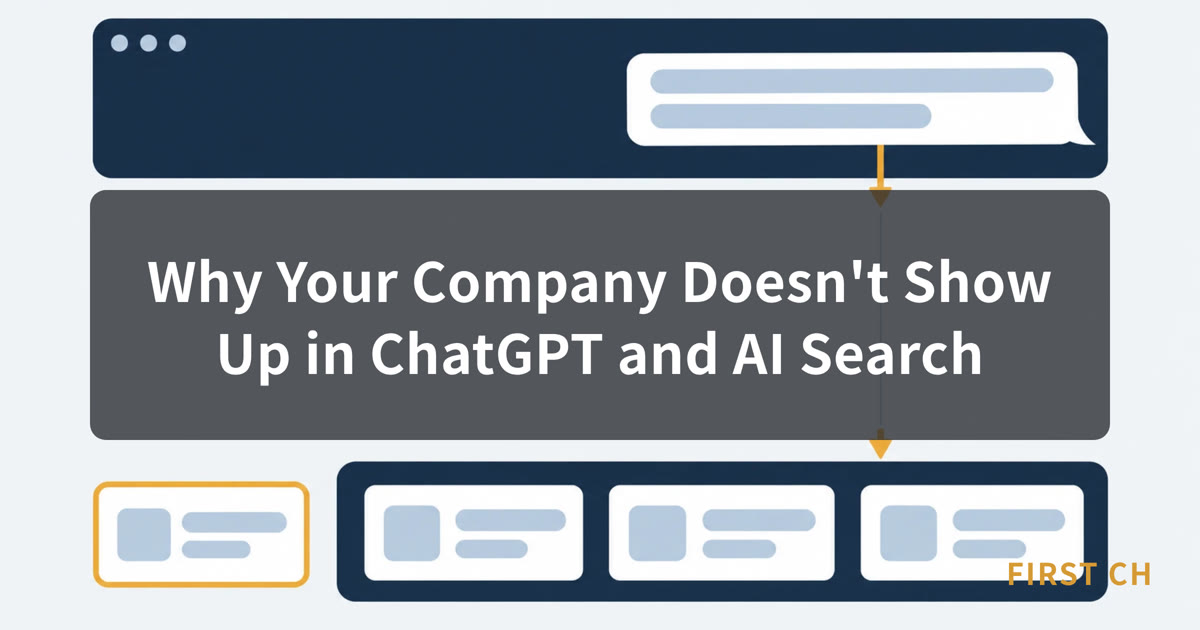
“I asked ChatGPT about our company name, and it described a completely different company.” “When I ask by industry and area, nearby competitors come up, but we don’t.” We have been getting more questions like these over the past six months.
It’s natural to be concerned. But if you jump straight to fixes at this point, you usually miss the mark. There are several reasons a company “doesn’t show up,” and a different reason calls for a different fix. In practice, quite a few of these cases aren’t solved by adding more pages.
This article covers the step before any fixes: diagnosing where you stand now. It doesn’t use any special tools. It sets out how far you can get just by asking AI a few questions and looking at what the answers contain.
The reasons fall into two broad groups. Either there is no material about you on the web to begin with, or the material exists but AI can’t reach it or can’t read it. The first is a content problem and the second is a settings and structure problem, and they need completely different fixes. If you act without telling them apart first, you will spend time and money in the wrong places. You can usually tell them apart just by trying a few kinds of questions with AI and checking whether the answers include source links.
AI builds answers in two ways, and the reasons for not appearing split the same way
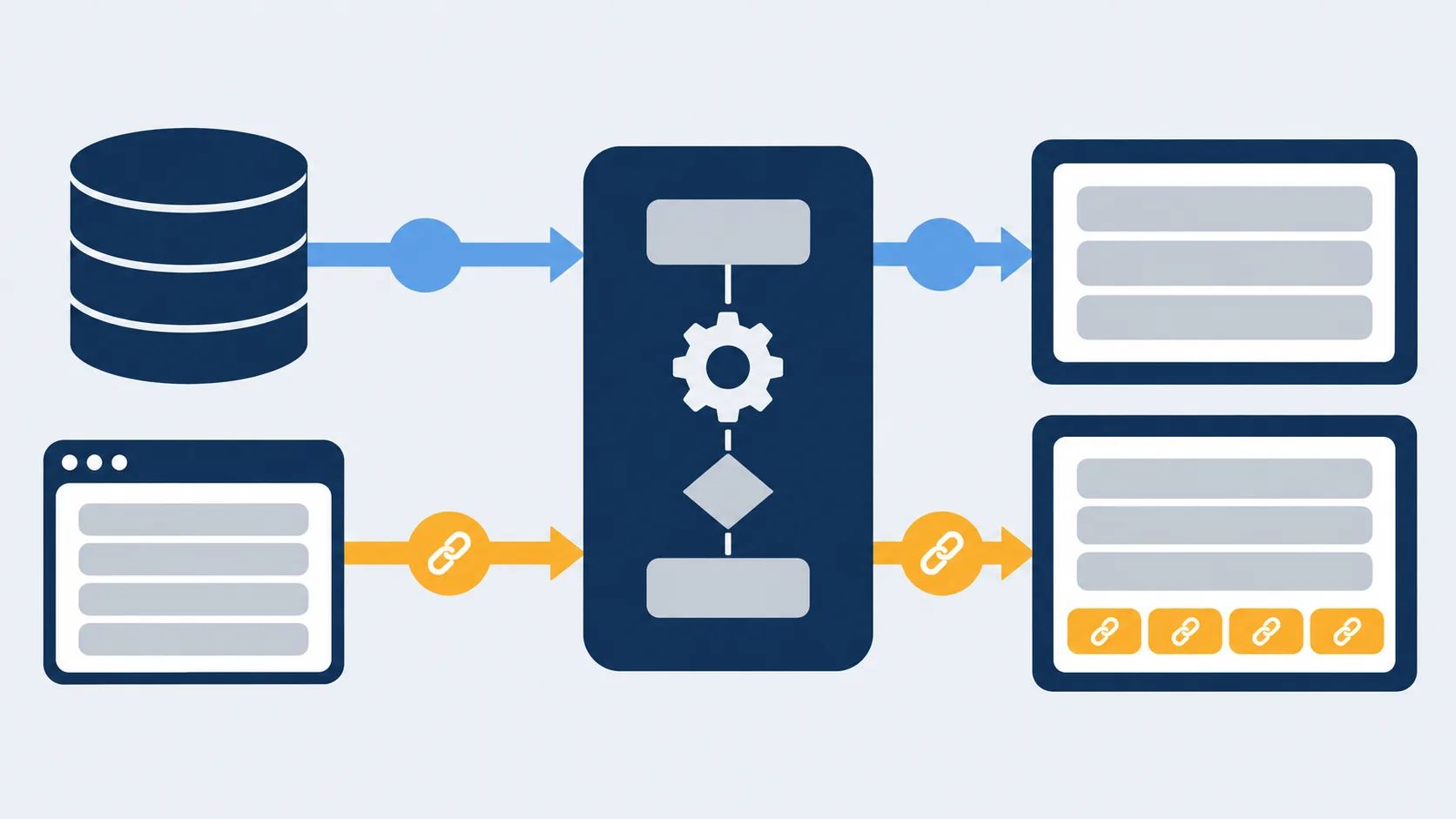
Even from the outside, you can see two kinds of route behind generative AI answers. If you don’t understand this first, you will misread your diagnosis.
The first route is answering from what the model has already learned. If the answer has no source links and is just a confident block of text, it most likely came from this route. The second route is searching the web on the spot and answering from the results. Its sign is a list of reference links below the answer or within the text.
| Answers from learned knowledge | Searches the web on the spot | |
|---|---|---|
| How to tell | No source links | Source links appear |
| How current the information is | May be out of date | Relatively recent |
| Why small businesses rarely appear | They aren’t mentioned much | They haven’t been found, or can’t be read |
| Can you act in the short term? | Difficult | Yes |
Small and medium-sized businesses should look at the right-hand column first. The left-hand column depends largely on how much has been written about your company across the whole web, and that can’t be changed quickly. The right-hand column, by contrast, comes down to your own website’s settings and how it is written, so both checking and fixing are within your reach.
The services don’t officially disclose everything about when they use search or how they choose their sources. Their behavior also changes often. What this article describes is behavior you can observe from the outside, plus publicly available information. It does not claim to know their internal ranking logic. Treat this as a field where information from six months ago may no longer hold.
A self-diagnosis: try four questions
The diagnosis is just asking AI questions and recording the answers. ChatGPT, Gemini, or whatever you normally use is fine. Try the same questions on several services to see where they differ.
1. Ask using only your company name
Enter something like “Tell me about [Company Name] Co., Ltd.” Before checking whether the answer is right, look at which kind of answer came back.
- It describes you correctly → At least the AI recognizes you
- It says it can’t find any information → There isn’t enough material
- Another company or another line of business gets mixed in → You’re being confused with a company that has the same or a similar name
- It gives a plausible description that isn’t accurate → It may be filling gaps by guessing from fragments
2. Ask by industry and area combined
Try a question that doesn’t name you, such as “Recommend [type of business] in [city].” This is how real prospects ask. If you don’t appear here, AI isn’t treating you as a candidate in that market.
3. Open the source links in the answer
If sources are shown, always open them. This is the part of the diagnosis that tells you the most.
- Is your own website being cited?
- Are portal sites or review sites being cited instead of your website?
- Are the cited pages up to date, or several years old?
If a third-party site is cited instead of your own, the source AI relies on for your company is outside your control. If what that site lists is outdated, AI will describe you in those outdated terms.
4. Ask the same questions and see whether competitors appear
If nearby businesses in your field or your competitors come up for the same questions, the questions aren’t the problem. It means you are the only one not being chosen on the same playing field, so move on to checking the causes in the next section.
- The AI service you used and the date you asked
- The exact question you entered (keep it word for word so you can compare later)
- Whether the answer showed source links, and if so, the URLs
- Any statements that are not accurate, and where they appear
If you repeat the same questions about once a month, you’ll start to see changes. Don’t judge from a single result. AI answers are not always the same, even for the same question, so any single result is only a rough guide.
Typical reasons you don’t appear
If your diagnosis shows you don’t appear even through web search, the cause is usually one of the following. They are listed in order, with the easiest to check and highest-impact first.
| Cause | How to check | What to do |
|---|---|---|
| You are blocking AI crawlers | Open your-domain/robots.txt | Review what is blocked so it matches your intent |
| Basic information isn’t written out as text | Check whether what you do, the areas you serve, and how you price are written as text | Add them to the body text of your pages |
| Information exists only inside images | Check whether price lists or case studies are images only | Provide the same information as text too |
| Third-party sites don’t mention you | Search your company name and look at results other than your own site | Get more listings, media coverage, and directory registrations |
| There is no structured data | Check whether your company information is marked up | Add JSON-LD |
| The site hasn’t been updated | Check when it was last updated | Keep your information current |
The first two are the most common. In particular, robots.txt sometimes ends up blocking all AI crawlers in the name of security or reducing server load. We also see cases where it was simply left at the web agency’s or hosting provider’s default settings.
AI-related crawlers come in different kinds with different names: some collect data to train models, and others fetch pages on the spot to answer questions. If you block them all, you shut out the second kind too. If your policy is to block only the training crawlers, write separate rules for them. We explain how to approach these settings in detail in How to Build a Site That AI Search Cites.
The second cause, “basic information isn’t written out as text,” is easy to overlook. The more design-focused a site is, the more likely it is to describe its business only with a catchphrase, or to show its service area only as a small address in the footer. A person can figure it out, but AI can’t cite information that isn’t written as text.
When the information is wrong, think “replace,” not “correct”
AI giving wrong information is harder to deal with than not appearing at all. Examples include a former representative’s name still showing, a discontinued service being described, or your company being mixed up with another company of the same name.
There are two things to understand before deciding what to do. First, there is generally no channel for directly editing what AI says. Second, the wrong information doesn’t necessarily come from your own website.
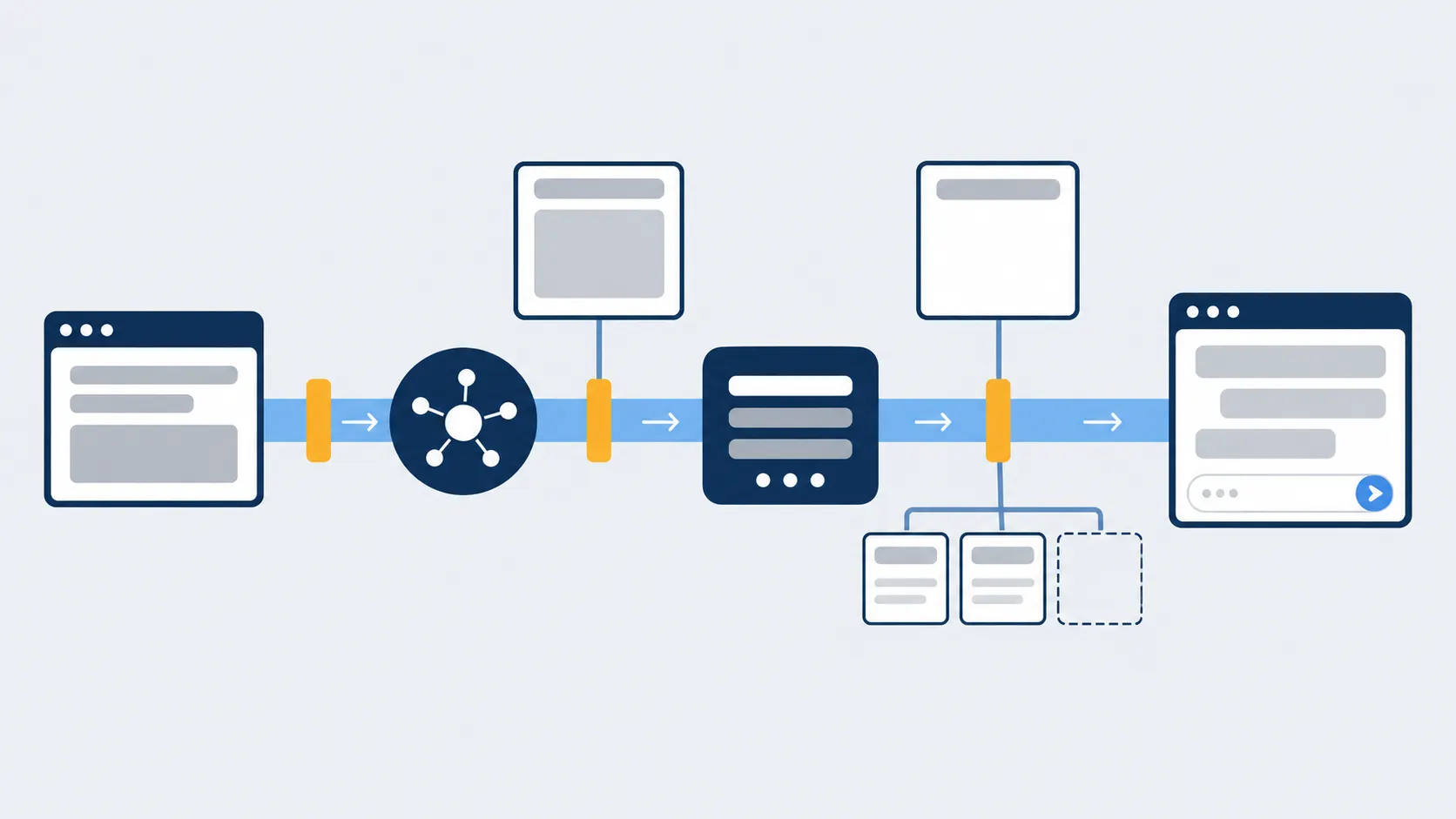
So the approach is not to “request a correction” but to put the correct information back out there in a form AI can easily refer to.
- Put accurate company information on your website in clear text (company history, representative, the services you currently offer)
- For services you no longer offer, consider keeping the page and stating the current status instead of deleting it
- If third-party sites list outdated information, ask them to fix it
- Describe your company information as structured data
Changes take time to show up. Don’t plan on things changing within a few days.
If you’re being mixed up with another company of the same name, the realistic approach is not to expect your company name alone to tell you apart. Writing your location, industry, and main service names together gives more clues for telling you apart. We cover how to write structured data in A Guide to Implementing Structured Data (JSON-LD).
The order to tackle things
Once your diagnosis shows the cause, the following order wastes the least effort.
- Check robots.txt: If it’s blocking crawlers, nothing else you do will reach AI. Check this first
- Write your basic information as text: What you do, the areas you serve, how you price, and what you can and can’t handle
- Organize your FAQs: The question-and-answer format is also easy for AI to cite
- Add structured data: Start with company information, services, and FAQs
- Get mentioned on more third-party sites: This takes time to have an effect, but it builds up
In many cases, you can start on steps 1 and 2 the same day. On the other hand, if you skip ahead and start with step 5, there’s nothing to receive the benefit while your own site stays closed off.
Specific implementation steps are in How to Build a Site That AI Search Cites, and how this relates to traditional SEO is explained in The Difference Between GEO and SEO. We cover llms.txt, a guide file for AI, in What Is llms.txt?, but support varies by service, and adding the file doesn’t guarantee it will be read. In terms of priority, it comes after steps 1–4 above.
Frequently asked questions
- No matter how many times I ask AI, my company doesn’t come up. How long until that changes?
-
This isn’t something anyone can promise a timeframe for. When the cause is clear, such as robots.txt blocking crawlers, you’ll see changes only after the block is lifted and your site is crawled again. If the root cause is that there are few mentions of you on the web, building those up takes a considerable amount of time. First work out which cause applies, and then think about the timeframe.
- Is there a way to check how many people are coming from AI search?
-
You can use your analytics to see whether AI service domains appear among your referral sources. However, some people read an AI answer, are convinced, and later search for your company name to visit. In that case, the visit isn’t recorded as coming directly from AI. It’s currently hard to measure AI’s impact accurately from traffic numbers alone. Look at changes in searches for your company name as well.
- I got as far as the diagnosis. Is it OK to edit robots.txt myself?
-
If you write it incorrectly, your site may become invisible not only to AI but also to search engines. Because the impact is so wide, if you can’t judge what the file says, check with the company that built your site or another third party before changing it. Always keep a copy of the file before you change it.
Summary
When your company doesn’t show up in AI, adding more pages right away almost never solves it. Diagnose first.
- Check whether answers show source links to tell which route the AI is using
- Try four checks (company name, industry × area, sources, and competitors) and keep a record
- The most common causes are “blocking crawlers” and “basic information not written out as text”
- Deal with wrong information by putting the correct information back out there, not by requesting corrections
- Tackle things in this order: check settings → write out information → add structure → get mentioned elsewhere
Start by trying this yourself once or twice. If you still can’t narrow down the cause, or you’d like your robots.txt and structured data checked together, we also take consultations where we review your current site and share the diagnosis results.