
“I’ve registered on Google Business Profile, but I don’t know how to connect it to my website.”
“Everyone says MEO matters, but what exactly should I be doing?”
Shop owners often bring me questions like these. Google Business Profile (GBP from here on) is a powerful tool for bringing in customers, and it’s free. Connect it properly to your own website, and it can work several times better.
In this article, I’ll walk you through how to connect GBP and your website, from the basics to hands-on practice. I’ll be honest and speak from my experience as a web designer.
GBP is the “entrance” and your website is the “landing place.” You only get the most customers out of your shop’s online presence when the two are connected. The first step is to get the basic setup right: register your URL, make your NAP information match exactly, and add structured data. After that, use posts to send people to your website, and measure results once a month so you keep improving.
What Is Google Business Profile, and What Does It Do for a Local Business?
GBP Is Your “Signboard on Google”
Google Business Profile (formerly Google My Business) is a free service that shows your shop’s information in Google Search and on Google Maps.
When someone searches for an area plus a type of business, such as “Shibuya hair salon” or “Shinjuku izakaya,” shop listings appear near the top of the results next to a map. That’s GBP.
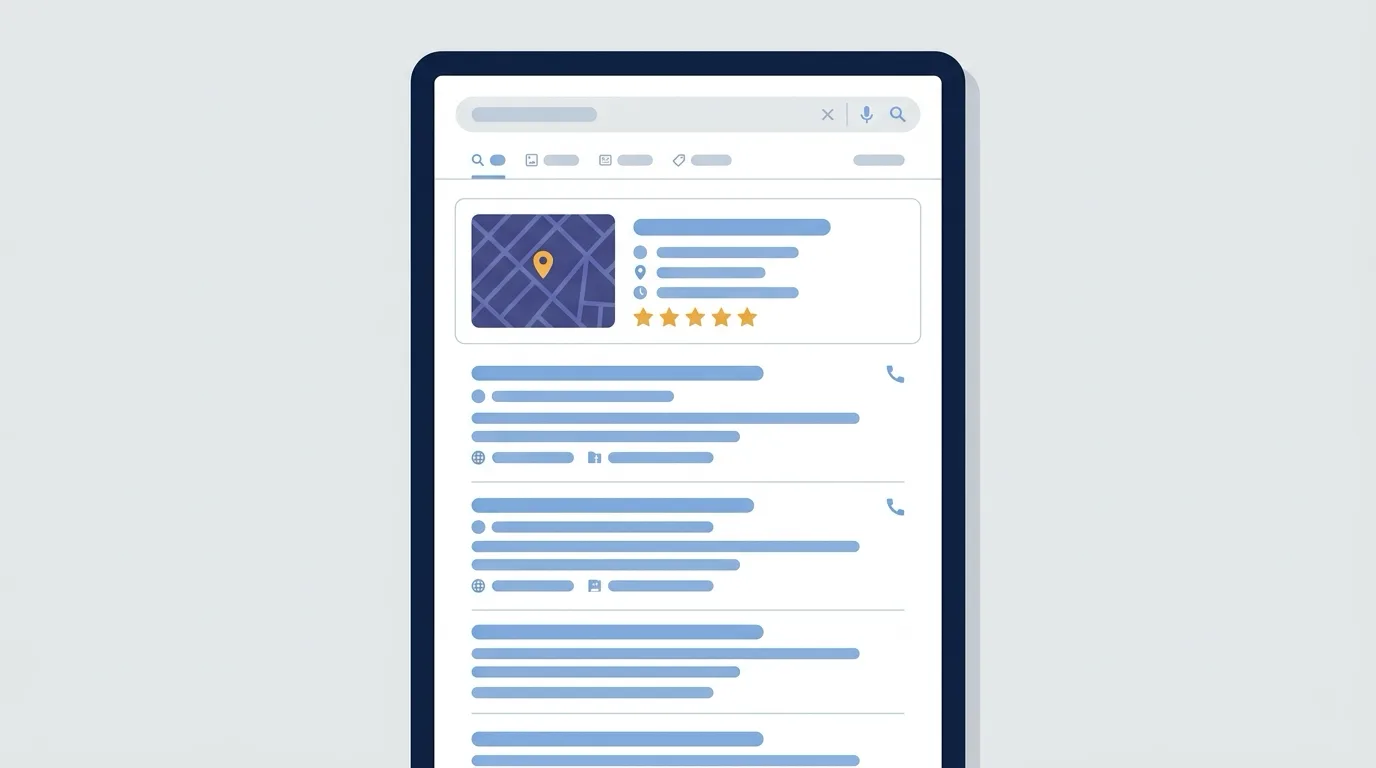
To be honest, it’s no exaggeration to say that these days, a shop that isn’t on GBP “might as well not exist.” When many customers look for a shop on their smartphone, Google Maps is the first thing they see.
Why GBP Alone Leaves Results on the Table
GBP on its own will still show your shop’s information. But GBP by itself has limits:
- Limited information: You can share little more than your opening hours, address and phone number
- No design freedom: Every shop appears in the same format
- Your shop’s passion doesn’t come across: You can’t fully show menu details or what makes you special
- Weak paths to booking or inquiries: It’s hard to offer any route besides a phone call
When you add your own website, you can send customers who became interested through GBP on to “more detailed information.”
How GBP and Your Website Work Together
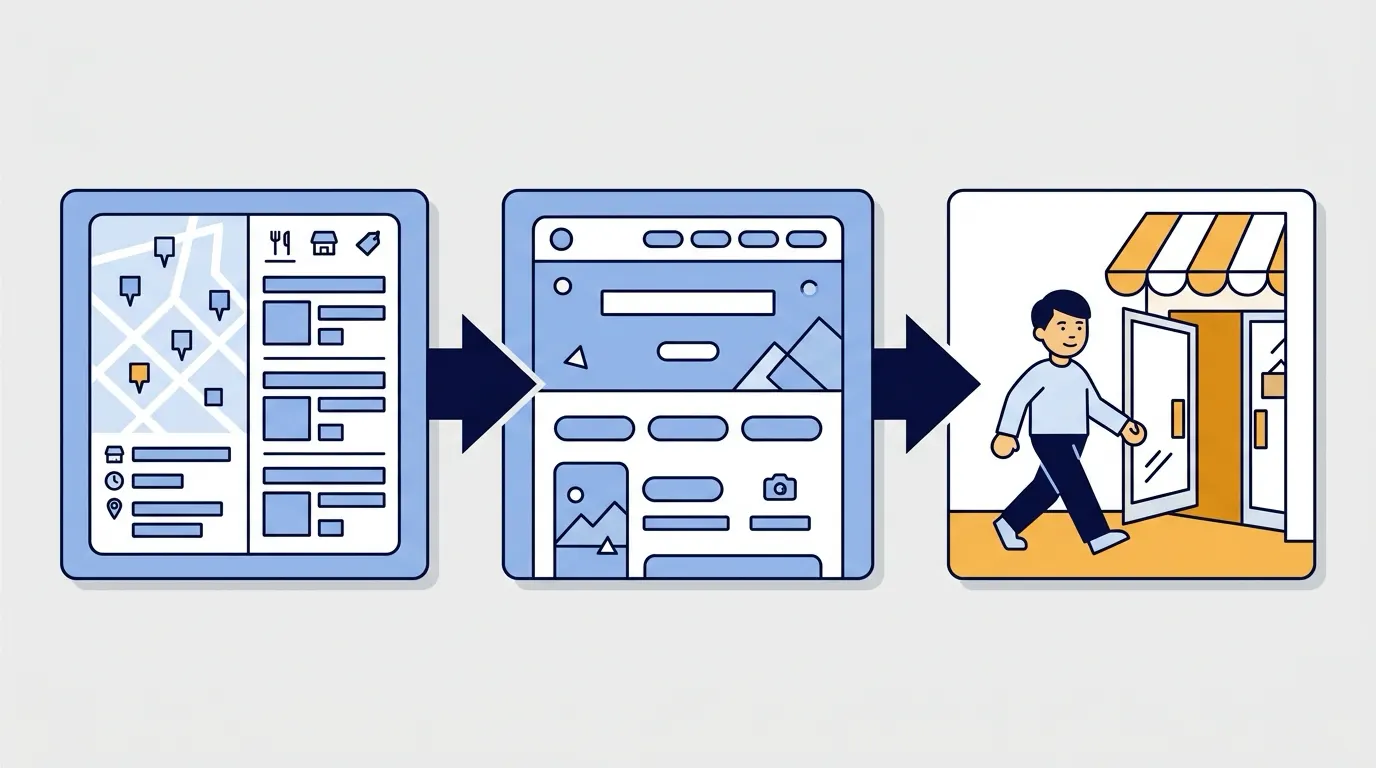
The relationship between GBP and your website is that of an “entrance” and a “landing place.”
- GBP: The “entrance” from Google Search and Google Maps
- Website: The “landing place” that gives customers detailed information
When the two are connected, the customer’s journey of “search → discover → check details → visit” runs smoothly.
Five Basic Settings for Connecting GBP and Your Website
Setting 1. Register Your Website URL Correctly on GBP
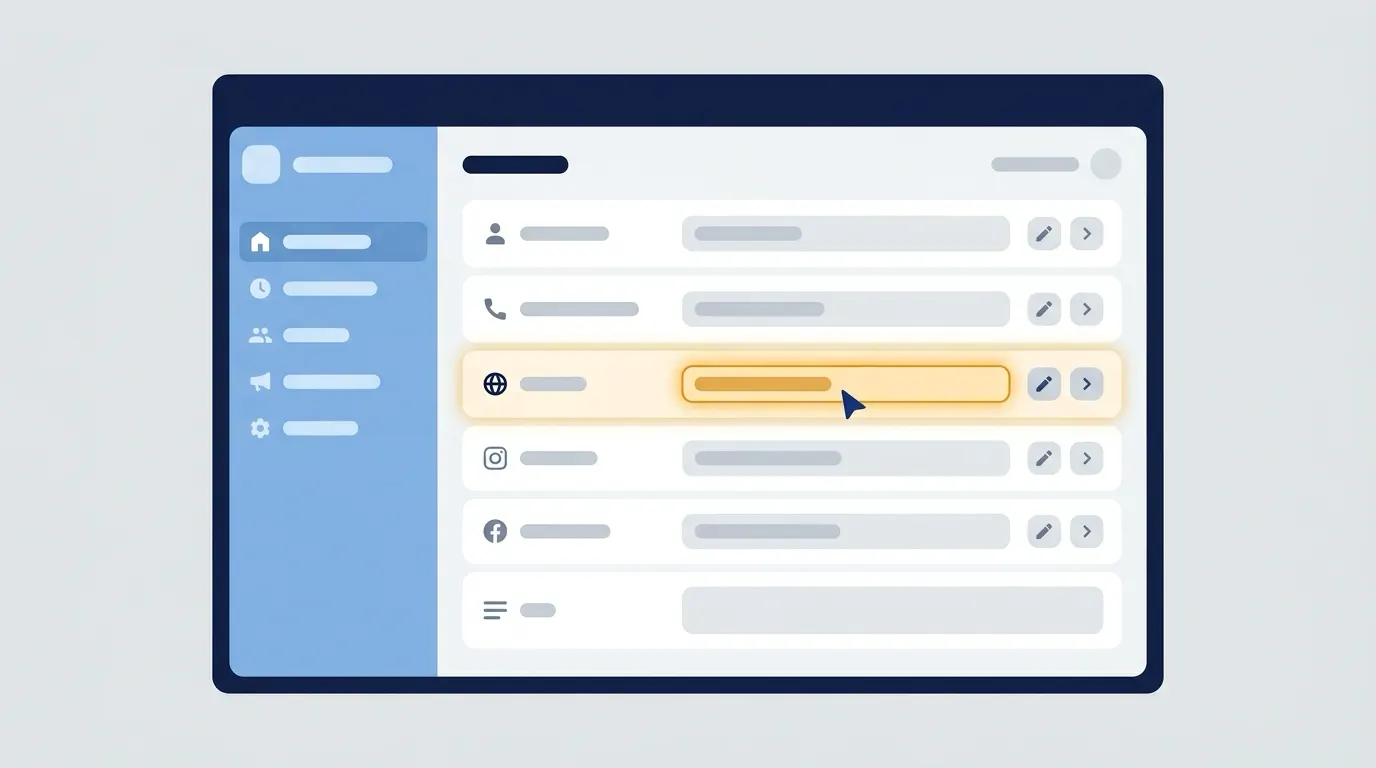
The most basic connection is entering your website’s URL in GBP’s “Website” field.
You may be surprised, but quite a few shops haven’t registered a URL at all, or have registered the wrong one.
Keep these points in mind when you set it up:
- Use your homepage URL (not an inner page)
- Use a URL with SSL (https://〜)
- Be consistent about using “www” or not (fine if a redirect is already set up)
Setting 2. Make Your NAP Information Match Exactly
NAP stands for Name (shop name), Address and Phone (phone number).
It’s very important that your NAP information matches exactly on GBP and on your website. “Exactly” means no variation in how anything is written.
Common mistakes:
- GBP: “Tokyo-to Shibuya-ku Jinnan 1-2-3” / Website: “Shibuya-ku Jinnan 1-chome 2-ban 3-go”
- GBP: “03-1234-5678” / Website: “031234567” (no hyphens)
- GBP: “Biyoshitsu ABC” (Japanese for “Beauty Salon ABC”) / Website: “Hair Salon ABC”
Google compares information across many websites to decide how trustworthy it is. If your NAP information doesn’t match, Google may not recognize the listings as “the same shop,” which can hurt your search rankings.
Setting 3. Add Structured Data to Your Website
Structured data (schema markup) is a way of telling Google about your website in a “machine-readable format.”
It may sound difficult, but if you ask a web designer, it’s relatively easy to set up. These types of structured data matter most for local businesses:
- LocalBusiness: Your shop’s basic information (name, address, phone number, opening hours, etc.)
- OpeningHoursSpecification: Details of your opening hours
- Review/AggregateRating: Reviews and ratings
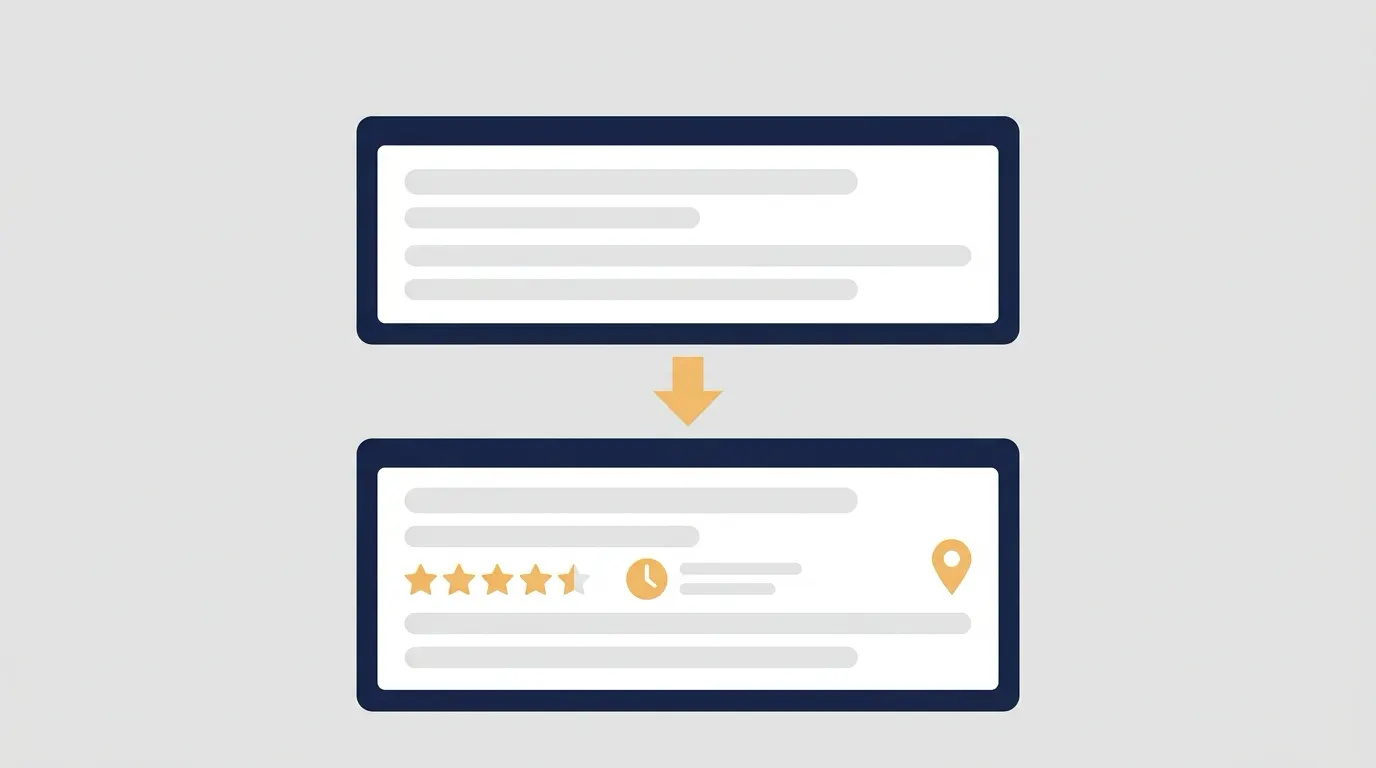
With structured data in place, Google search results sometimes show your opening hours and ratings directly, which you can expect to raise your click-through rate.
Web制作・システム開発は
First CHにお任せください
「こんなWebサイトが欲しい」「このシステムは実現できる?」——
現役エンジニアが直接お話を伺い、最適な進め方をご提案します。
「まだ構想段階」「費用感だけ知りたい」というご相談も歓迎です。
MEO Steps to Take on Your Website (Map Search Optimization)
Work Local Keywords Naturally into Your Pages
There’s a lot you can do on your website for MEO (Map Engine Optimization, i.e. optimizing for map search).
The most basic step is to work local keywords naturally into your website.
For example, if you run a hair salon in Shibuya:
- Title tag: “Shibuya Hair Salon ○○ | Leave Your Cut and Color to Us”
- H1 tag: “Hair Salon ○○, a 3-Minute Walk from Shibuya Station”
- Body text: “For ○ years, customers in the Shibuya area have supported us.”
That said, stuffing in too many keywords backfires. Aim for area names that appear naturally within your sentences.
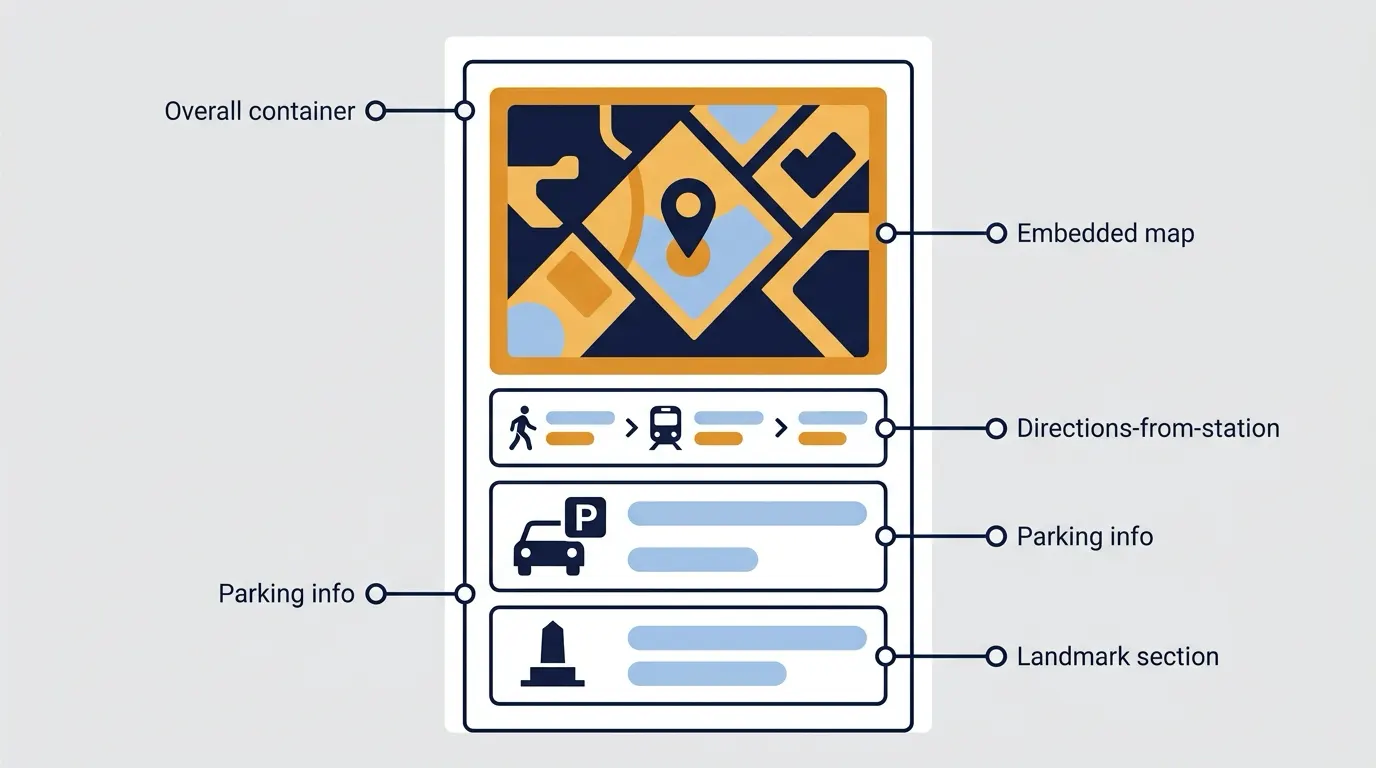
Embed Google Maps and Build a Thorough Access Page
Embedding Google Maps on your website is standard, but “just embedding it” isn’t enough.
What an effective access page includes:
- Embedded Google Map (at a suitable size)
- Directions from the nearest station (ideally with photos)
- Whether there’s parking, and how many spaces
- Nearby landmarks (such as “next to the ○○ Building”)
Create a Reviews / Customer Testimonials Page
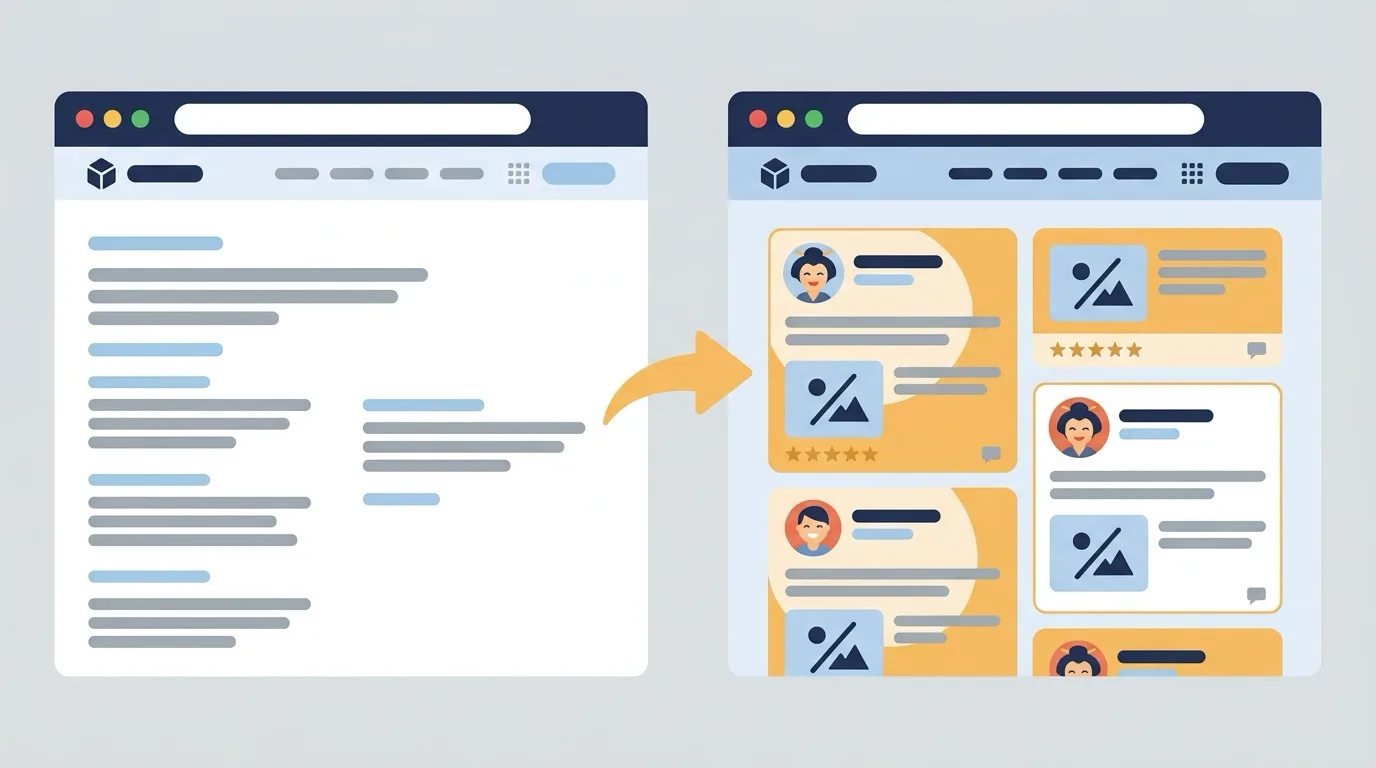
GBP reviews are an important factor in customers’ decisions, but I also recommend creating your own “Customer Testimonials” page on your website.
You can’t manage GBP reviews, but you can control the testimonials on your own website.
With your customers’ permission, it works well to include:
- Customers’ comments (ideally photos of handwritten survey cards)
- The services they used
- The story of the customer’s problem and how it was solved
How to Use GBP Posts to Send People to Your Website
What You Can Do with Posts
GBP has a “Posts” feature for sharing news, event announcements and more. You can add a link button to a post, which makes posts very effective for sending people to your website.
The main types of posts are:
- Updates: New menu items, changes to opening hours, etc.
- Events: Campaigns, sales, etc. (you can set start and end dates)
- Offers: Coupons and discounts
Tips for Effective Posts
Based on my experience as a web designer supporting many shop owners, here are the keys to effective posts:
- Post once or twice a week (posting too often and too rarely are both bad)
- Always attach an attractive photo (text-only posts tend to get skipped)
- Link to a relevant individual page, not your homepage
- Keep the post text short, around 150 characters
For example, a post about a new menu item should ideally link to your menu page, and a campaign post should link to a dedicated landing page (information page).
Designing the Path from Posts to Your Website
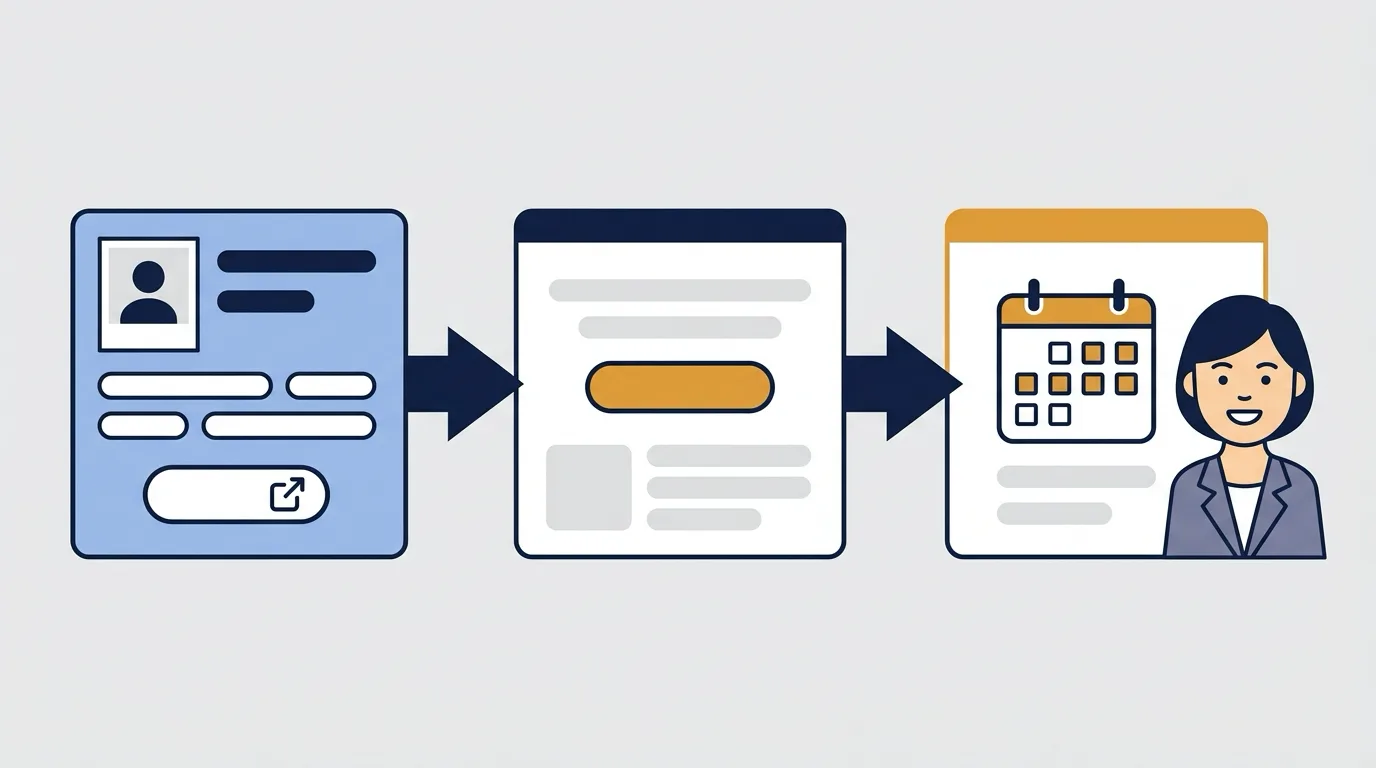
What matters is a design that lets customers who arrive from a post act without hesitation.
Specifically:
Whether this “GBP post → website → booking/visit” path forms one unbroken line decides whether your marketing succeeds.
How to Measure the Results of Connecting the Two
Check GBP Insights
GBP has an analytics feature called “Insights” that lets you check data such as:
- Searches: How many people viewed your shop’s information
- Actions: How many people called, clicked through to your website or looked up directions
- Search queries: Which keywords people used to find you
The most important figure is “website clicks.” If it’s rising, that’s proof that GBP is successfully sending people to your website.
Combine It with Google Analytics
If you have Google Analytics (a website traffic analysis tool) on your website, you can analyze traffic from GBP in detail.
Metrics to check:
- Visits via GBP (source: “google” / medium: “organic,” limited to local keywords)
- What visitors from GBP do (which pages they viewed, how many minutes they stayed)
- Conversion rate (the share that led to bookings or inquiries)
Monthly Checklist
Measuring results about once a month is enough. Check these items regularly:
- Are GBP views increasing?
- Are website clicks increasing?
- Have the number of reviews and your rating changed?
- Is website traffic (especially from local keywords) growing?
- Have actual visits and inquiries changed?
Tracking how the numbers change shows you what’s working and what needs improving.
How I Recommend Approaching GBP and Website Integration
First, Complete the Basic Setup “Correctly”
To be frank, most cases where connecting GBP and a website doesn’t produce results come down to mistakes in the basic setup:
- NAP information that doesn’t match
- No structured data
- GBP information left out of date
“MEO” may sound difficult, but simply setting up the basics above correctly often brings a big improvement.
Think of Website Building and GBP Setup as a Package
When I help clients build a website, I also offer to review and optimize their GBP setup as part of the package.
That’s because your website and GBP shouldn’t be treated separately. They should be designed as one system for attracting customers.
Planning for GBP integration while building the website means you can:
- Implement structured data correctly from the start
- Start with consistent NAP information
- Build the post → website path into the design stage
Compared with fixing things afterward, designing them together from the start is far more cost-effective.
WordPress/SWELL Lets You Handle It Efficiently with Plugins
I build many websites with WordPress (theme: SWELL), and many of the settings needed for GBP integration can be handled efficiently with plugins (extensions).
For example, by combining the right plugins for structured data output, automatic sitemap generation and meta information optimization, you can keep ongoing maintenance work to a minimum.
And if “creating content for GBP posts is a lot of work” is a concern, you can make use of your website’s blog. Once you write a blog article, you can reuse its content in a GBP post, so one piece of content gets used twice.
Web制作・システム開発は
First CHにお任せください
「こんなWebサイトが欲しい」「このシステムは実現できる?」——
現役エンジニアが直接お話を伺い、最適な進め方をご提案します。
「まだ構想段階」「費用感だけ知りたい」というご相談も歓迎です。
Summary: GBP + Your Website Is the “Foundation” of Getting Customers to Your Shop
Connecting Google Business Profile and your website is the most basic “foundation” for attracting customers to a local business.
Key points of this article:
- GBP is the “entrance” and your website is the “landing place”: your marketing is only complete when you have both
- Exact matching NAP information and structured data are the most basic essentials
- Use GBP posts to send more people to your website
- Measure results once a month and keep improving
- It’s best to design your website and GBP setup together from the start
Registering on GBP itself is free, and you can handle the basic settings yourself. But designing the connection with your website, implementing structured data and setting up a way to measure results are more reliably done with a web designer’s support.
If you feel “I’ve registered on GBP, but it doesn’t seem well connected to my website,” or “I don’t even have a website yet,” feel free to get in touch. I can start with a free check of your current GBP setup.
Related articles:
- [Website Production Costs [2026 Edition]](/blog/hp-cost-guide/)
- 5 Reasons Your Website Isn’t Attracting Customers, and How to Fix Them
- Your Website Is a Salesperson Working 24 Hours a Day: The Basics of Web Marketing







