
“We want our staff to use AI at work, but we don’t know whether to go with ChatGPT, Claude, or Gemini.” This is the question where companies that have just started thinking about adopting AI most often get stuck. Comparison articles line up verdicts such as “this one for writing, that one for research,” but each article says something different, and a few months later the verdicts have changed places.
This article does not rank which one is best. Instead, it organizes the criteria for judging which one fits your company into four. The goal is that by the time you finish reading, you can apply your company’s conditions and narrow the candidates down to one or two.
Choose in this order: (1) the business tools you already use (Google Workspace or Microsoft 365) → (2) how sensitive the information you handle is, and how business plans treat your data → (3) how many people will use it and how to think about cost → (4) the results of testing on your own work. Differences in performance become clear once you test, but if you start by comparing performance, you will end up reconsidering every time a monthly feature update comes out. On the other hand, fit with your business tools and which contract you use them under do not change easily. Narrowing down first by conditions that don’t change, then deciding at the end by testing on your own work, is the way to choose with the least backtracking.
Why choosing by “which one is smartest” keeps you undecided
All three services release new models and features at short intervals. Even if one is said to be “better for writing” at a given point, the gap may narrow or reverse with the next update. This is why comparisons online contradict each other, and in many cases none of the articles was wrong at the time it was written.
The other reason is that the tasks tested in comparison articles differ from the tasks you actually do at your company. General comparisons evaluate by having the AI write on set topics or solve problems. Meanwhile, the situations where a company actually uses it are plainer, more specific tasks: drafting emails to clients, summarizing internal meeting minutes, tidying up the wording of quotations, or asking how to aggregate data in Excel. The one that ranked highest in general evaluations is not necessarily the easiest to use for your company’s tasks.
So we leave the performance comparison for last and look first at conditions that are decided by your company’s circumstances, in order.
| Criterion | What to look at | How likely to change |
|---|---|---|
| (1) Fit with business tools | Google Workspace or Microsoft 365 | Almost never changes |
| (2) Information and data handling | How sensitive the information you enter is; the terms of business plans | Determined by the contract |
| (3) Number of users and cost | Who will use it; how many seats to contract | Can be decided internally |
| (4) Strengths and weaknesses in your work | Ease of use for your company’s tasks | Changes with every update |
Criterion 1: Start from the business tools you already use
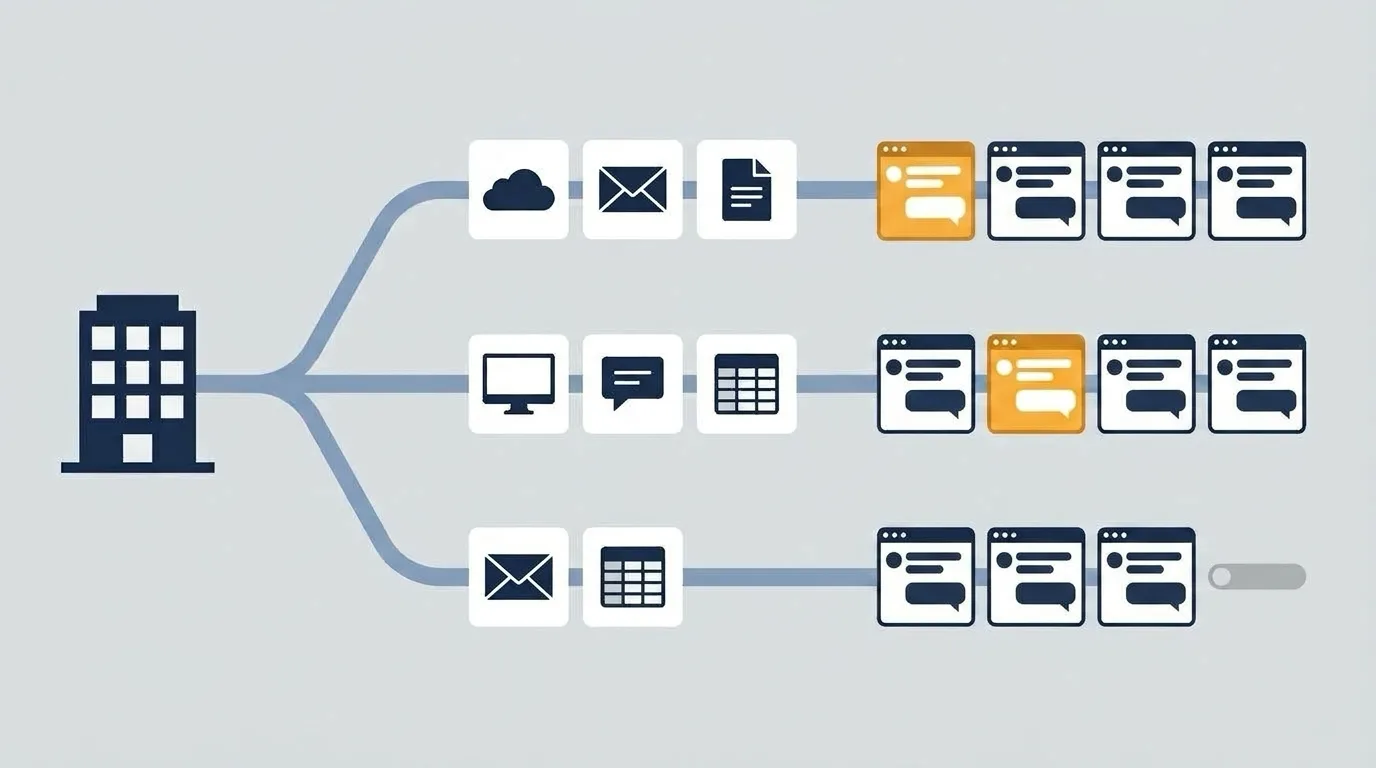
The first thing to check is what your company uses for email, calendars, and file sharing. Most small and medium-sized businesses use either Google Workspace (Gmail, Google Drive, and so on) or Microsoft 365 (Outlook, Teams, Word, Excel, and so on).
Companies using Google Workspace
Gemini is Google’s AI, from the same company as Gmail, Google Docs, Sheets, and other services. Its advantage is that you can ask it to draft emails or summarize documents within the screens you already use every day. Managing employee accounts and permissions can also be handled as an extension of your current Workspace admin console.
Companies using Microsoft 365
In this case, the candidates include Copilot, Microsoft’s own AI, in addition to the three services. It comes from the same company as Word, Excel, Outlook, and Teams, and employees use it by signing in with their work accounts (Microsoft Entra ID). According to Microsoft’s official documentation, if you have an eligible Microsoft 365 subscription (such as Business Basic, Standard, or Premium), you can use Copilot Chat, which answers based on information from the web, at no additional cost. Features that answer based on your internal documents and emails require an additional license.
Note that Microsoft has been changing its product names. As of October 2026, the official documentation states that “Microsoft 365 Copilot” has been renamed “Microsoft Copilot,” and “Microsoft 365 Copilot Chat” has been renamed “Microsoft Copilot Chat.” Since the consumer version of Copilot is also called “Microsoft Copilot,” make sure you are signed in with your company account when using it for work.
Companies not tied to either, or using a mix
A mix, such as Gmail for email and Word for documents, is not unusual. In that case, this criterion does not decide the matter, so criteria (2) and (3) carry more weight. ChatGPT and Claude are independent services not tied to any particular business tool, and can be used by companies in either environment.
Choosing the AI from the same company as your business tools puts management in one place and reduces switching between screens. However, this is an advantage of less effort to adopt; whether it is the most useful for your company’s tasks is a separate question. Use Criterion 1 to prioritize the candidates, and make the final decision together with the trial results from Criterion 4.
Criterion 2: The information you handle, and how business plans treat your data
When a company uses AI, the thing to check before performance is how the content you enter is handled. If there is any chance you will enter client names, quoted amounts, or employee information, this cannot be skipped.
Personal and business plans handle data differently
All three services offer plans for individuals and plans for organizations. One major difference is whether the content you enter is used to train the AI. Within what we confirmed in the official guidance as of October 2026, it is as follows.
| Service | Business contracts | Personal contracts |
|---|---|---|
| ChatGPT | States that data from business plans, Enterprise, and the API is not used for training by default | Turning off “Improve the model for everyone” in settings means new conversations are not used for training |
| Claude | States that inputs and outputs for business use (Claude for Work and the API) are not used for training by default | For Free, Pro, and Max, users choose whether their data is used for training in the privacy settings |
| Gemini | States that in Google Workspace, customer data is not used for training without permission and is not reviewed by humans | In the Gemini app on a personal account, depending on settings, conversations may be reviewed by humans or used to improve the service |
The table summarizes guidance published by each company. Terms and names may change, so be sure to check the latest information on the official pages before signing a contract.
Employees using personal accounts is the most dangerous situation
What tends to cause problems in practice is the situation where, before the company signs a contract, employees have started using their own personal accounts for work. With personal plans, whether data is used for training is left to each person’s settings, and the company cannot see who entered what. More important than which service you choose is drawing the line: “When using it for work, use an account under the company’s contract.”
- OK to enter: Already-published information, drafts of general text, questions about procedures that are not confidential
- OK to enter only with a company-contracted account: Internal meeting minutes, text that includes client names
- Do not enter: Lists of personal information, passwords, information that contracts prohibit sharing externally
Which information goes into which level depends on your industry and your contracts with clients. The way to draw these lines and the steps for putting the rules on a single page are covered in detail in “How to Set Internal AI Usage Rules.” If you would like advice on applying this to your own business, please also consider our AI Adoption and Business Improvement Support.

Criterion 3: How many people will use it, and how to think about cost
Business plans are basically priced per user. Specific prices and minimum seat counts differ by plan and are subject to revision, so here we only lay out how to think about it.
Don’t contract for everyone right away
If you contract for every employee from the start, the gap between those who use it and those who don’t becomes pure waste. It is more manageable to start with a few people with clear uses, such as those who write a lot or do a lot of research, and expand once usage has taken hold.
Some costs don’t appear on the price list
The cost of adopting AI is not just the monthly fee. Planning for costs like the following makes surprises less likely later.
- Time for employees to learn how to use it
- The effort of creating rules on what information may be entered and communicating them internally
- Administrative work such as issuing and suspending accounts
Standardize on one, or use several
Contracting multiple services lets you use each for what it does best, but the fees and management effort multiply with the number of services. For companies with up to around 10 employees, deciding on one service for official company use and limiting the others to trials by individual staff means you only need one set of rules and one round of training.
Criterion 4: Decide on differences in strengths by testing on your own work
Once Criteria 1–3 have narrowed the candidates to one or two, the last step is to test them on your own work. The key here is to have each candidate service do the same tasks, asked in the same way, and compare.
Choose about five tasks to test
From your everyday work, pick about five tasks you would like to hand to AI. For example:
- Drafting an apology email to a client
- Summarizing notes from a one-hour meeting
- Writing an internal announcement
- Asking how to aggregate data in Excel
- Rewriting a product description
Evaluate by “how much you had to fix”
When comparing, look not at your impression of the generated text but at how much you had to edit it before it was usable. The fewer edits, the better suited it is to that task. Also note how easy the screens are to understand and whether people in the company are likely to use it without getting confused.
Set a time limit for testing
Decide on a period, such as one to two weeks, and when it ends, lay out the results and decide. Without a set period, testing becomes the goal in itself, and you never reach a decision.
It is precisely during trials that you will be tempted to enter real business data. If you are using personal accounts at the trial stage, replace client names and amounts with fictitious ones before testing.
The order of decisions when you’re unsure
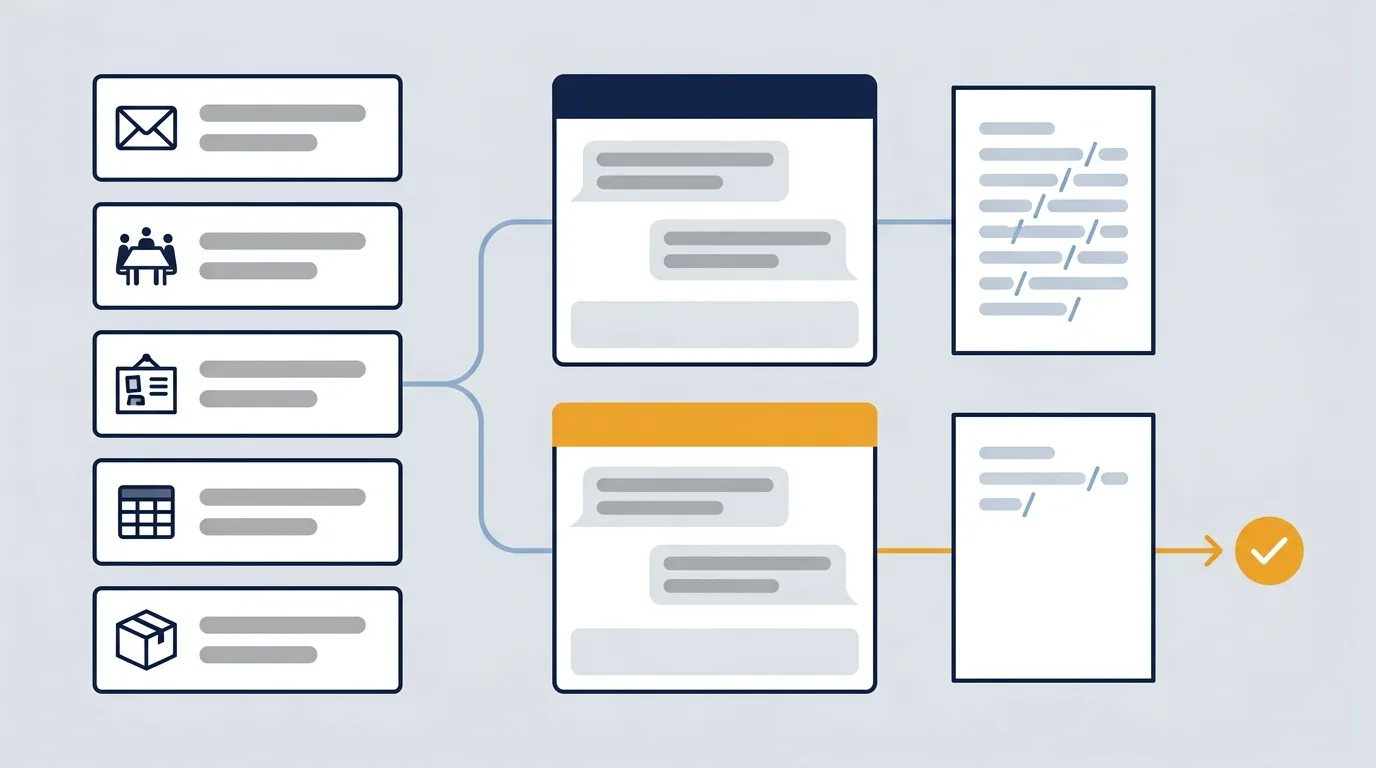
Rearranging the four criteria into the order you would actually decide in gives the following.
- Check your company’s business tools: Decide which candidate to test first based on whether you use Google Workspace or Microsoft 365
- Decide how sensitive the information you enter will be: Assume use under a company-contracted account, and decide in three levels what information may be entered
- Decide who will use it first: Start with a few people who have clear uses
- Test on your own work: Have the candidates do the same tasks and compare how much editing was needed
- Decide on one and roll it out together with the rules: When rolling it out across the company, communicate how to use it and the rules at the same time
Where companies get stuck varies. If your business tools are mixed and you can’t narrow down the candidates, you don’t know which tasks to hand over first, or you tested but couldn’t tell the difference, we can hear about your work and provide material for making the decision.
Frequently asked questions
- Is it a problem to use the free plans within the company?
-
Free personal plans mainly leave the choice of whether data is used for training to each user’s settings, and the company cannot check who entered what. If you only use published information, problems are unlikely, but if you handle client or internal information, consider a business contract for the company.
- Can we let each employee use whichever AI they like?
-
That is fine while you are exploring how to use it. However, once it is used officially for work, decide which services and accounts the company approves. If multiple services are used at each person’s discretion, you cannot enforce the rules on what information may be entered.
- Once we decide, can we switch later?
-
Yes. AI services are often not as deeply embedded in a company as business systems, so the burden of switching is relatively small. That is exactly why, instead of trying to pick the perfect one from the start, it is enough to test, decide, and revisit if it doesn’t fit.
Summary
Which of ChatGPT, Claude, and Gemini to choose is decided not by performance rankings but by your company’s conditions.
- Performance comparisons change with every update. Narrow down the candidates first by conditions that rarely change
- Criterion 1: Google Workspace or Microsoft 365. Prioritize by fit with your business tools
- Criterion 2: Business and personal plans handle the content you enter differently. Use a company-contracted account for work
- Criterion 3: Fees are charged per user. Start with a few people, and plan for effort that doesn’t appear on the price list
- Criterion 4: Have the candidates do the same tasks, and decide by comparing how much editing was needed
Even once you’ve decided which one to use, AI won’t take hold unless you decide which tasks to use it for and in what order to roll it out across the company. If you want to sort out “which tasks, which tool, in what order” based on your work, or want your staff to first learn the basics, please see our AI Adoption and Business Improvement Support menu. You can consult us at whatever stage you are in, with options such as diagnostic reports and one-on-one lessons.







