
“If we build our site with Next.js, how much will we pay for the server each month?” “I heard Vercel is free to use, but is that OK for commercial use?”
When you’re considering building a corporate website with Next.js, the next thing you’ll likely want to know after the build cost is the monthly running cost.
In this article, I give a thorough explanation of the pricing of Vercel, the official hosting service for Next.js, from the perspective of a small or medium-sized business. I use Vercel myself to run corporate websites for clients, so I’ll also share real figures for what it actually costs.
If you run a small or medium-sized business’s corporate website on Next.js, the basic Vercel cost is the Pro plan at $20/month (about ¥3,000). The Hobby plan (free) is intended for personal, non-commercial use, so for a commercial site the Pro plan is the only choice. At a scale of 1,000–50,000 page views per month, you will almost never exceed the usage-based limits.
What Is Vercel? Start With the Basics
A Hosting Service Run by the Creator of Next.js
Vercel is a hosting service (a service for publishing and delivering websites) run by Vercel, the company that developed Next.js itself.
To put it in familiar terms, it’s like having a car made by Toyota (Next.js) serviced and maintained at an official Toyota dealership (Vercel). Because it’s run by the developer, it works exceptionally well with Next.js, and it’s the first to support new features.
Why Vercel Is Chosen
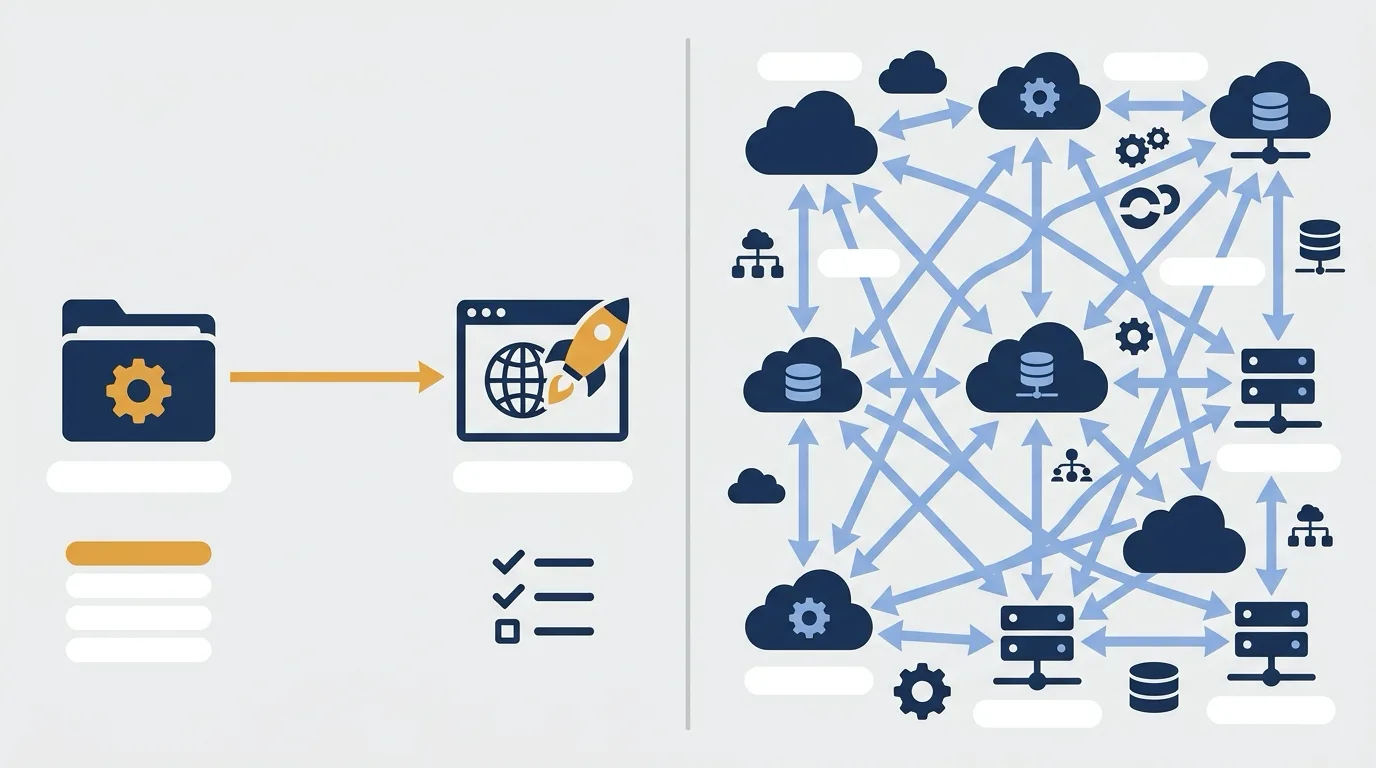
Next.js sites can also be published on services other than Vercel (your own server, AWS, and so on). However, I believe Vercel is the best fit for a small or medium-sized business’s corporate website, for the following three reasons.
- Simple setup ── Just connect it to GitHub and automatic deployment is set up
- Automatic SSL certificates ── No work needed to switch to https
- A CDN (delivery locations around the world) comes as standard ── Your site is delivered quickly without any extra configuration
To be honest, you can achieve the same things with AWS or Google Cloud. But that requires specialist knowledge of infrastructure (the server foundation), and there is a risk of configuration mistakes. My view is that there’s no need for a small or medium-sized business to go out of its way to take on that risk.
Vercel’s Pricing Plans | Comparing the 3 Plans
Plans and Costs
Vercel has three pricing plans.
| Plan | Monthly fee | Intended for |
|---|---|---|
| Hobby | Free | Personal projects, learning |
| Pro | $20/user (about ¥3,000) | Commercial sites, team development |
| Enterprise | Quote required | Large-scale sites, high security requirements |
The bottom line: the Pro plan is the right fit for a small or medium-sized business’s corporate website. At $20/month (about ¥3,000), in most cases no additional charges are incurred.
Things to Watch Out For With the Hobby Plan (Free)
You may be thinking, “If it’s free, isn’t the Hobby plan enough?” However, using the Hobby plan for a commercial site is not recommended.
| Limitation | Hobby | Pro |
|---|---|---|
| Commercial use | Not recommended (for personal, non-commercial use) | OK |
| Team members | 1 only | Unlimited |
| Data transfer | 100GB/month | 1TB/month |
| Build time | 6,000 minutes/month | 24,000 minutes/month |
| Serverless function execution | 100 GB-hours/month | 1,000 GB-hours/month |
| Support | Community only | Email and chat |
What matters most is that the Hobby plan is a plan intended for “non-commercial, personal use”. Running a client’s site on the Hobby plan goes against the intent of the terms. The difference is only about ¥3,000 a month, so for a commercial site you should choose the Pro plan without hesitation.

What You Get With the Pro Plan
The Pro plan’s included resources are as follows.
| Resource | Included amount |
|---|---|
| Data transfer (bandwidth) | 1TB/month |
| Build execution time | 24,000 minutes/month |
| Serverless function execution | 1,000 GB-hours/month |
| Image optimization | 5,000 images/month |
| Number of projects | 100 |
To give a sense of how much 1TB of data transfer is: for a corporate site with 500KB per page, it’s equivalent to 2 million page views per month. A small or medium-sized business’s corporate website will almost never exceed 2 million page views a month.
How Usage-Based Billing Works | What Does It Cost If You Go Over?
Additional Costs When You Exceed the Included Resources
If you exceed the Pro plan’s included resources, usage-based billing (additional charges for only what you use) applies.
| Resource | Overage rate |
|---|---|
| Data transfer | $0.15/GB |
| Serverless function execution | $0.18/GB-hour |
| Edge function invocations | $0.65/1 million invocations |
| ISR (Incremental Static Regeneration) | $0.40/1 million |
| Image optimization | $5.00/1,000 images |
Is a Small or Medium-Sized Business Site Likely to Go Over?
Almost never. That’s the honest answer.
A small or medium-sized business’s corporate website is typically on the following scale.
| Metric | Typical figure |
|---|---|
| Monthly page views | 1,000–50,000 PV |
| Number of pages | 5–20 pages |
| Number of images | 50–200 images |
| Number of builds | 5–30 per month |
At this scale, you can run comfortably within the Pro plan’s included resources. It’s safe to assume you hardly need to worry about additional charges.
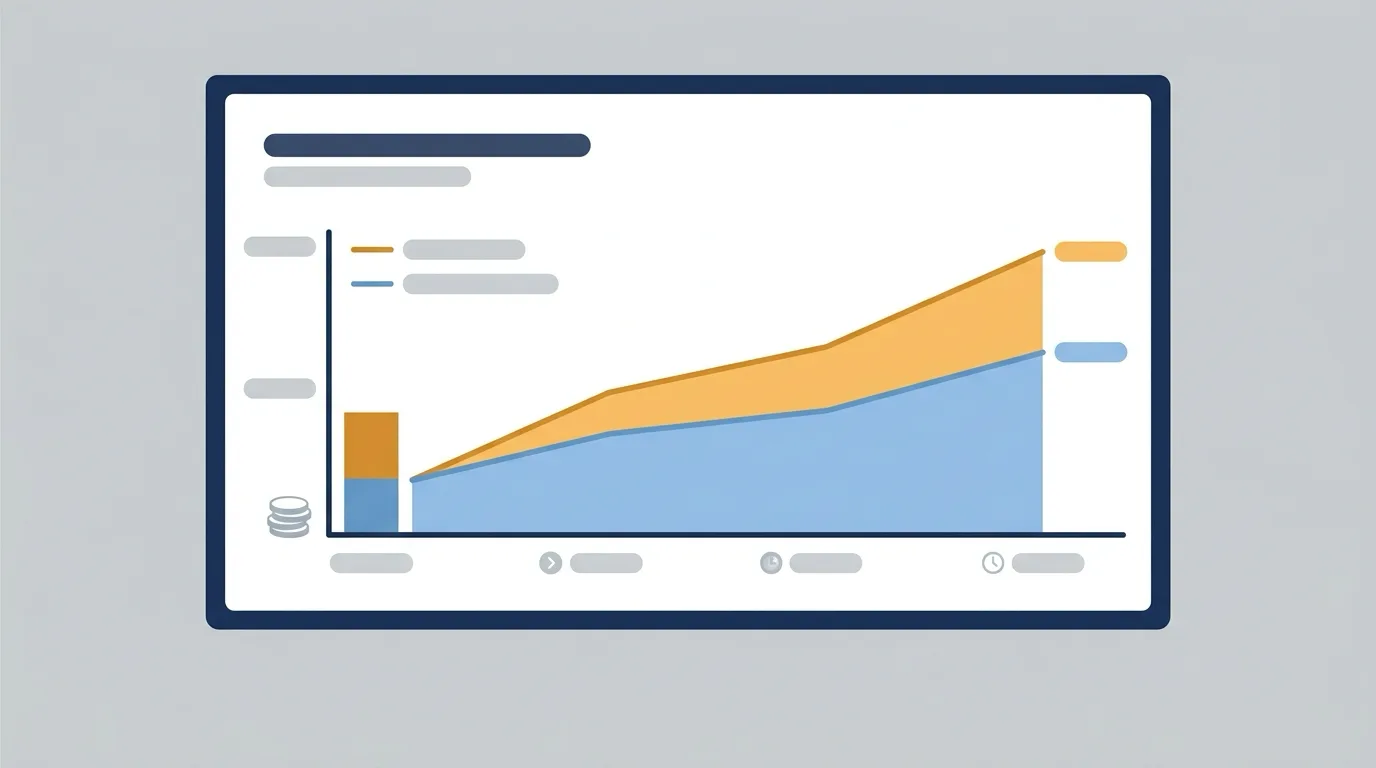
That said, there are cases to watch out for. If your site temporarily goes viral on social media, or if you have many pages that use a large number of images, data transfer can grow more than expected. Even then, the overage rate is $0.15/GB, so the additional cost typically stays in the range of a few hundred to a few thousand yen.
Web制作・システム開発は
First CHにお任せください
「こんなWebサイトが欲しい」「このシステムは実現できる?」——
現役エンジニアが直接お話を伺い、最適な進め方をご提案します。
「まだ構想段階」「費用感だけ知りたい」というご相談も歓迎です。
Cost Comparison With Traditional Servers
Monthly Cost Compared With WordPress (Shared Hosting)
Here’s the answer to the question, “So which is cheaper in the end, WordPress on shared hosting or this?”
| Item | WordPress + shared hosting | Next.js + Vercel |
|---|---|---|
| Server/hosting | About ¥1,100/month | About ¥3,000/month (Vercel Pro) |
| CMS cost | ¥0 (WordPress itself is free) | ¥0–¥4,900/month (microCMS) |
| SSL certificate | Free (included with the server) | Free (set up automatically by Vercel) |
| CDN | May require a separate contract | Standard (no additional cost) |
| Monthly total | About ¥1,100 | About ¥3,000–¥7,900 |
If you compare server costs alone, WordPress is cheaper. That’s a fact.
But There Are “Hidden Costs”
When comparing costs, you need to consider not only the visible monthly fees but also the “hidden costs”.
| Hidden cost | WordPress | Next.js + Vercel |
|---|---|---|
| Security measures | Plugin and core updates required | Almost none needed |
| Server management | PHP and database version management required | Not needed (managed by Vercel) |
| Backups | You must set them up yourself | Automatically stored on GitHub |
| SSL renewal | Manual renewal on some servers | Fully automatic |
| Outage response | Recovery work when the server goes down | Automatically recovered on Vercel’s side |
If you outsource these “hidden costs” as a maintenance fee, they run about ¥5,000–¥15,000 per month. Looking at the total cost, the gap narrows considerably.
Total Cost Over 3 Years
Comparing the total cost over 3 years, including the build cost:
| Item | WordPress | Next.js + Vercel |
|---|---|---|
| Initial build cost | About ¥500,000 | About ¥1,000,000 |
| Monthly costs × 36 months | About ¥220,000–¥400,000 | About ¥270,000–¥810,000 |
| 3-year total | About ¥720,000–¥900,000 | About ¥1,270,000–¥1,810,000 |
Once initial costs are included, Next.js + Vercel is undoubtedly more expensive. However, it has advantages in page speed and security, so it’s important to judge not only on cost but on how much it contributes to your business.
→ Related article: Website Build Cost Guide | The Complete Guide to Avoid Overpaying
5 Ways to Optimize Your Vercel Costs
Tip 1. Optimize Images With an External Service
Vercel’s image optimization feature is convenient, but costs can add up on sites that use a lot of images. If you optimize images with microCMS’s image API, you can avoid using Vercel’s image optimization.
Tip 2. Make Use of ISR (Incremental Static Regeneration)
ISR (Incremental Static Regeneration) is a mechanism that automatically regenerates pages at set intervals. Because you don’t have to rebuild every time, you can reduce build time and the number of serverless function executions.
Tip 3. Cut Down on Unnecessary Builds
In microCMS’s webhook settings, configure builds to run “only when the Publish button is pressed”. If a build runs every time you save a draft, the number of builds increases needlessly.
Tip 4. Use Caching for Static Assets
For static files such as images, CSS, and JavaScript, set longer cache headers. When browsers use their cache, you can reduce data transfer.
Tip 5. Use External Tools for Analytics
Vercel has its own analytics (Web Analytics, Speed Insights), but these may incur additional costs. If you use a free tool such as Google Analytics instead, you can keep those costs down.
Frequently Asked Questions
- Can I change my Vercel plan partway through?
-
Yes, you can change it at any time. Both upgrading from Hobby to Pro and canceling Pro can be done immediately from the dashboard.
- Are there options other than Vercel?
-
Yes. Cloudflare Pages and AWS Amplify are also options. However, Vercel is where you can use all of Next.js’s features most reliably. In particular, Vercel is the most advanced in its support for the App Router and Server Components.
Hosting Monthly fee Next.js support Best suited for Vercel Pro $20 (about ¥3,000) Full support Most Next.js sites Cloudflare Pages Free–$20 Some limitations Mainly static sites AWS Amplify Usage-based Some limitations When you want to standardize on AWS - Is the domain cost separate?
-
Yes, a custom domain costs extra. It’s about ¥1,000–¥3,000 per year. It’s fine to register the domain with a service other than Vercel (such as a domain registrar).
- Can I run multiple sites on one Pro plan?
-
Yes, one Pro plan subscription lets you create up to 100 projects. Even if you run multiple client sites, one Pro plan can handle them.

Summary | Vercel Costs for Small and Medium-Sized Businesses Start at ¥3,000 a Month
Key Points of This Article
- The Vercel Pro plan is $20/month (about ¥3,000) and provides ample resources for a small or medium-sized business site
- The Hobby plan (free) is for personal use. For a commercial site, the Pro plan is the only choice
- At the scale of a small or medium-sized business site, usage-based charges almost never occur
- The monthly fee is higher than WordPress on shared hosting, but once you factor in reduced management costs, the overall gap narrows
- You can optimize costs further with tweaks to image optimization and build management
If You’re Unsure About Costs
If you’re considering building a site with Next.js but are concerned about the costs, please feel free to get in touch. We’ll provide a concrete simulation of your monthly costs based on your site’s scale and business requirements.
We’ll give you honest advice, including which offers better cost-effectiveness: WordPress/Swell or Next.js/Vercel.
→ Related article: WordPress vs Next.js | Which Is Best for a Corporate Website?
→ Related article: How to Build a Corporate Website With Next.js + microCMS
Web制作・システム開発は
First CHにお任せください
「こんなWebサイトが欲しい」「このシステムは実現できる?」——
現役エンジニアが直接お話を伺い、最適な進め方をご提案します。
「まだ構想段階」「費用感だけ知りたい」というご相談も歓迎です。







