
“We only have a physical store and we don’t sell online, so I don’t think we need a website.”
Retail store owners sometimes tell us this.
It’s true that starting e-commerce (online sales) takes a lot of work: product listings, inventory management, and shipping. “We just don’t have the capacity for e-commerce” is a perfectly reasonable position.
To be honest, though, a website can contribute greatly to attracting customers even without e-commerce.
This article explains how to bring more customers to your physical store with a website that has no e-commerce features. It’s written especially for those who think “there’s no point in making a website.”
The purpose of a retail store’s website is not to sell products online but to “get people to know your store and visit it.” If you cover five things — store information, product introductions, a blog, social media integration, and Google Business Profile — you can drive plenty of customers to your physical store even without e-commerce features. All you need is a minimal setup of about five pages and updates once or twice a month.
What Good Is a Website Without E-Commerce?
Adding More “Entry Points” to Your Physical Store
The role of a retail store’s website is not to sell products online.
“Getting people to know your store exists and getting them to visit” ── this is the main purpose of a website without e-commerce.
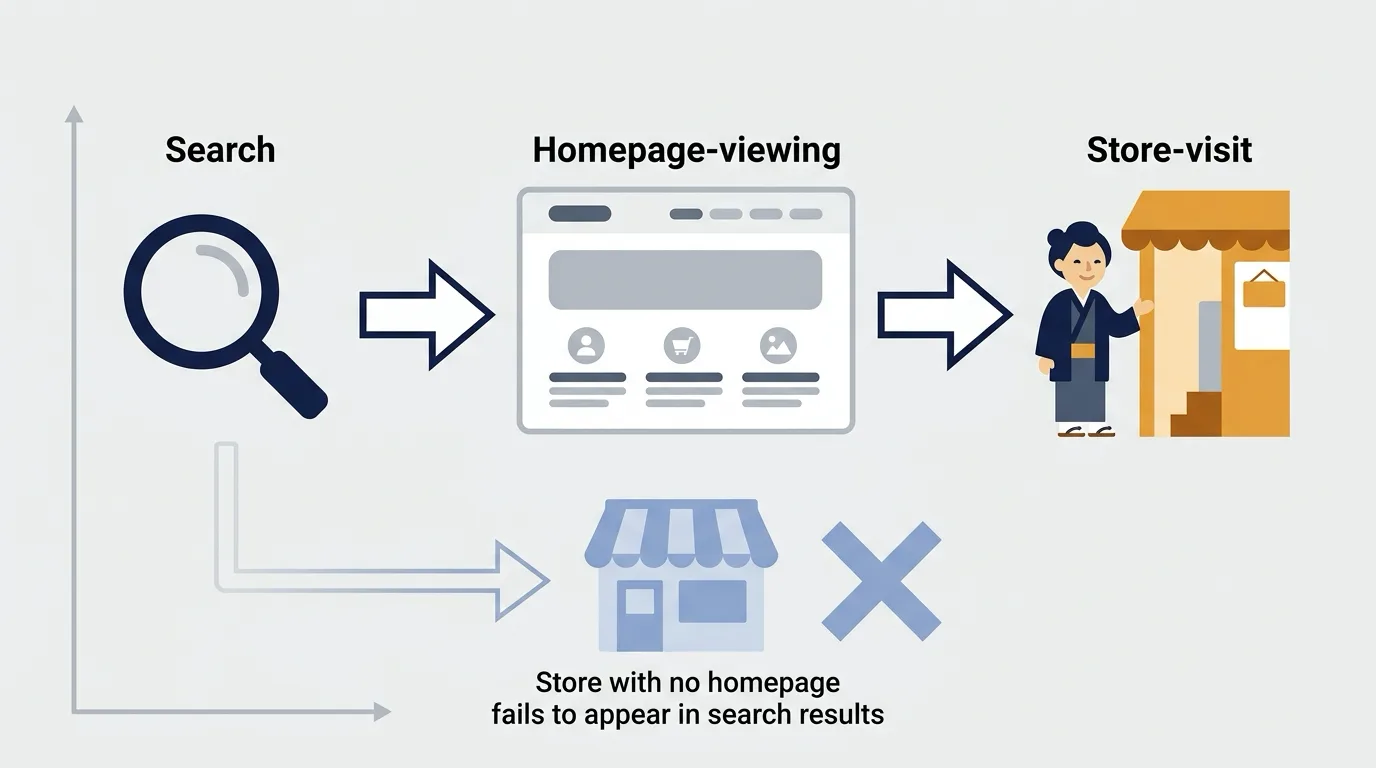
Think about it. How would someone who just moved near your store look for shops?
- Search Google for “[station name] general store”
- Search Google Maps for “[type of shop] near me”
- Search social media for “#[area name] recommendations”
All of these happen via the internet. Without a website, your store won’t appear in these search results.
Simply Having a Website Changes How Much People Trust You
A great many people check a website or social media to see “what kind of store it is” before visiting a store for the first time.
With a website, you can communicate the following information in advance.
- Business hours, regular closing days, and directions
- The types of products you carry and the store’s atmosphere
- What your store is particular about and what makes it unique
- What the inside of the store looks like (photos)
Remove “the anxiety of walking into an unfamiliar store” ── this alone greatly lowers the hurdle to visiting.
5 Ways to Attract Customers with a Website Without E-Commerce
Method 1: Create the Urge to Visit with a Store Information Page
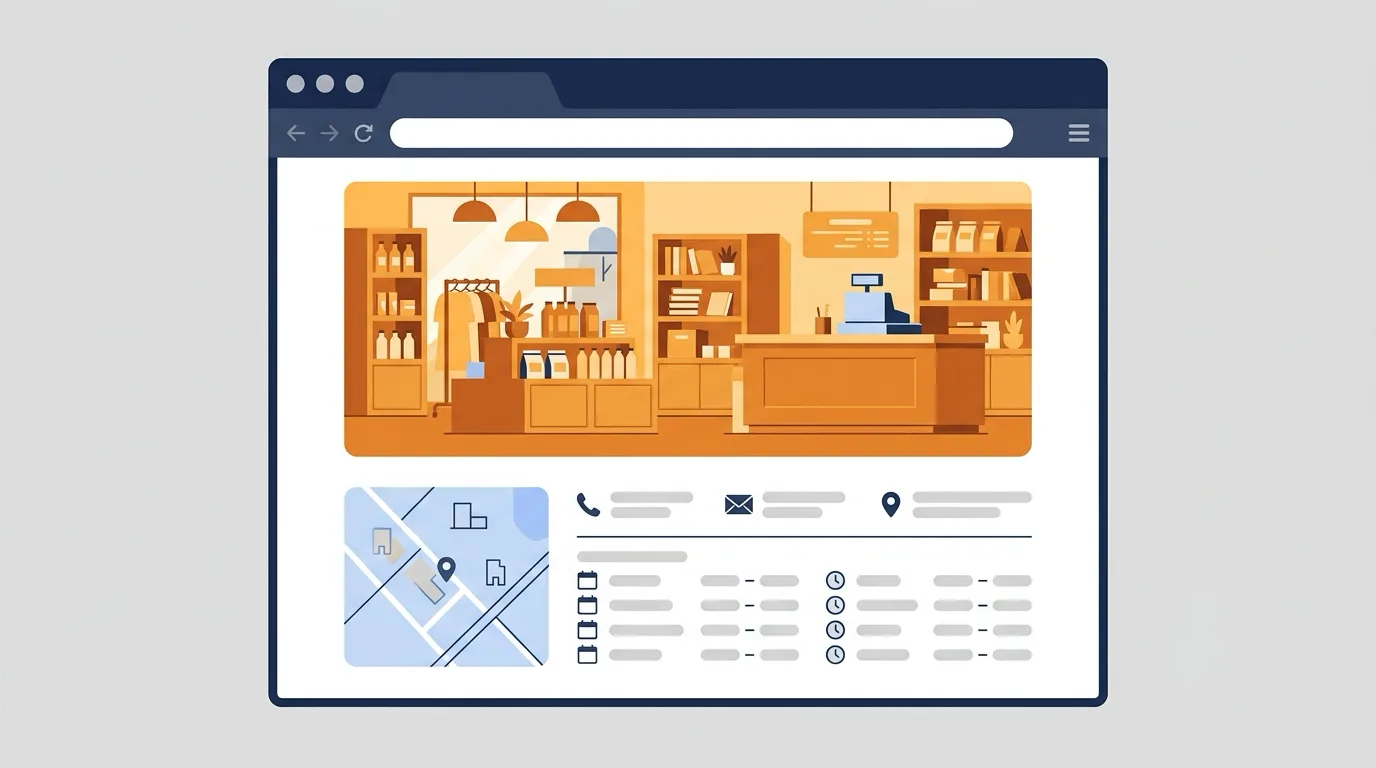
The most basic and important method is to make your store information thorough.
You might think, “Isn’t that just listing business hours and directions?” But for retail stores, also including the following information makes a big difference in how much people want to visit.
Store information you should include:
| Item | Effect |
|---|---|
| Business hours and regular closing days | Prevents “I went and it was closed” |
| Address + embedded Google Map | People can get there without getting lost |
| Whether there’s parking and how many spaces | Reassures customers coming by car |
| Directions from the nearest station (with photos) | First-time visitors can come with confidence |
| Photos that show the store’s atmosphere | People feel “it looks easy to walk in” |
| Payment methods (e-money, etc.) | Customers can prepare in advance |
Method 2: Show “What You Have” with a Product Introduction Page
Even without e-commerce, a page that introduces the products you carry, with photos, is highly effective.
The key here is not to “get them to buy online” but to make them think “I want to come see it in person.”
- You don’t need to list every product (carefully pick representative ones)
- It’s fine to give price ranges (e.g., “from ¥3,000”)
- Add what makes the product special or the story behind how you sourced it
- Update seasonal products regularly
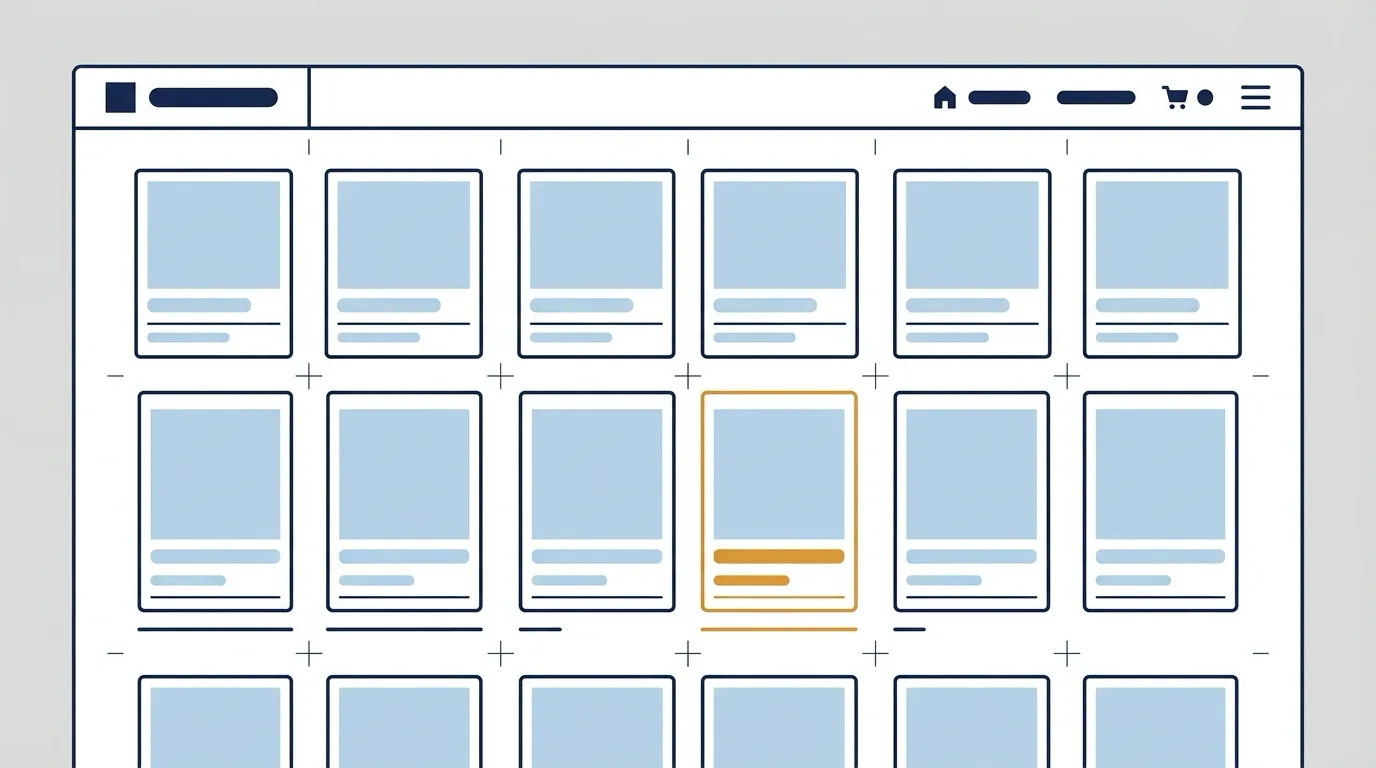
“I want to pick up this product and see it for myself” ── if you make people feel that, the website has done its job.
Method 3: Increase Your Chances of “Being Found” with a Blog
Adding a blog to your retail store’s website greatly increases your chances of attracting customers from search engines.
For example, for a florist:
- “Mother’s Day bouquet recommendations”
- “How to care for houseplants for beginners”
- “How to display dried flowers”
For a general goods store:
- “Scandinavian goods interior coordination”
- “Stylish gifts for ¥3,000”
- “Stylish goods for a one-person apartment”
Writing articles around keywords your customers are likely to search for increases the entry points to your website. A user who reads an article, thinks “this store looks nice,” checks the store information page, and visits ── creating this path is the role of the blog.
Method 4: Create Synergy Through Social Media Integration
Linking your website with social media such as Instagram, X (formerly Twitter), and LINE creates a synergistic effect for attracting customers.
| Social media | How to link it with your website |
|---|---|
| Embed your feed on the website. Show photos of new products in real time | |
| LINE | Place an “add friend” button on the website. Encourage visits by sending coupons |
| X (formerly Twitter) | Display sale information and new arrival alerts on the website. Highly timely information |
Websites and social media have different roles.
- Social media: Real-time updates and communication with existing customers
- Website: Basic store information and building trust with first-time customers
Having both creates the flow “discover the store on social media → look up details on the website → visit the store”.
Method 5: Integration with Google Business Profile
Google Business Profile (formerly Google My Business) is the most powerful free tool for attracting customers.
It’s the listing that appears together with Google Maps in local searches like “[station name] general store.”
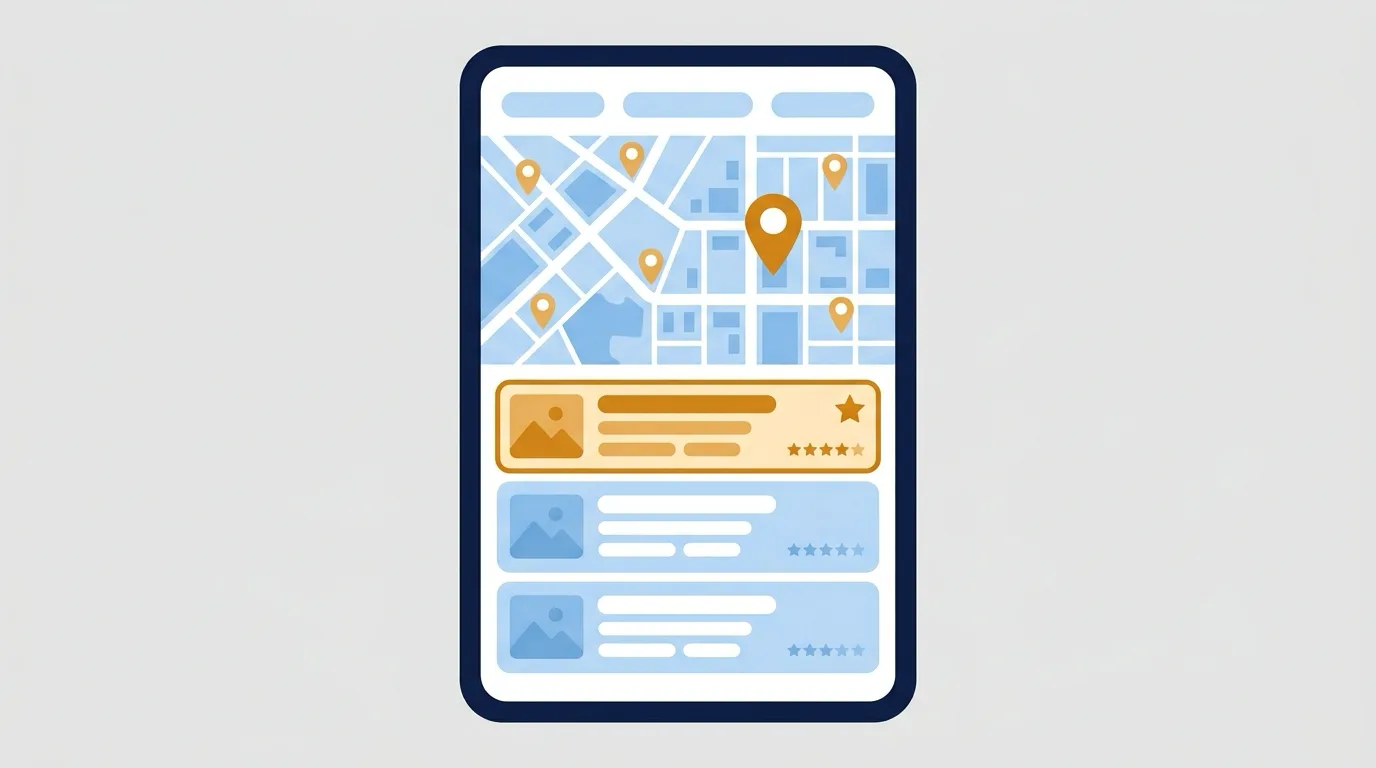
Registering your website URL on your Google Business Profile has the following effects.
- People can go directly from search results to your website
- Your website’s information becomes part of what Google evaluates, making it easier to rank higher
- Reviews and website information reinforce each other, improving credibility
Do you have any questions about using a website or attracting customers to your store?
Web制作・システム開発は
First CHにお任せください
「こんなWebサイトが欲しい」「このシステムは実現できる?」——
現役エンジニアが直接お話を伺い、最適な進め方をご提案します。
「まだ構想段階」「費用感だけ知りたい」というご相談も歓迎です。
The Basic Structure of a Retail Store Website ── Effective Even at a Minimum
The Minimum 5 Pages
If you want to “start with a website in its most basic form,” the following five pages are enough.
| Page | Content | Effect on attracting customers |
|---|---|---|
| Home page | Conveys the store’s appeal at a glance | Determines the first impression |
| Store information | Address, business hours, directions | Gets people to decide to visit |
| Product introductions | Representative products with photos | Creates “I want to go there” |
| The store’s story | The owner’s thoughts and what they’re particular about | Builds empathy and trust |
| Contact | Form or phone number | Point of contact for reservations and questions |
The “Store’s Story” Page Is Surprisingly Important
Rather than something stiff like a “company profile,” create a page that conveys the owner’s thoughts and what the store is particular about.
- Why you started this store
- What standards you use to choose your products
- What kind of experience you want to give your customers
“The story that only an independent store has,” which large chain stores lack, becomes a reason to visit. When stepping into a store for the first time, being able to see the owner’s personality and the store’s story gives people a sense of reassurance.
Photo Quality Determines How Persuasive Your Website Is
For Retail Store Websites, Photos That Convey the “Atmosphere” Are Everything
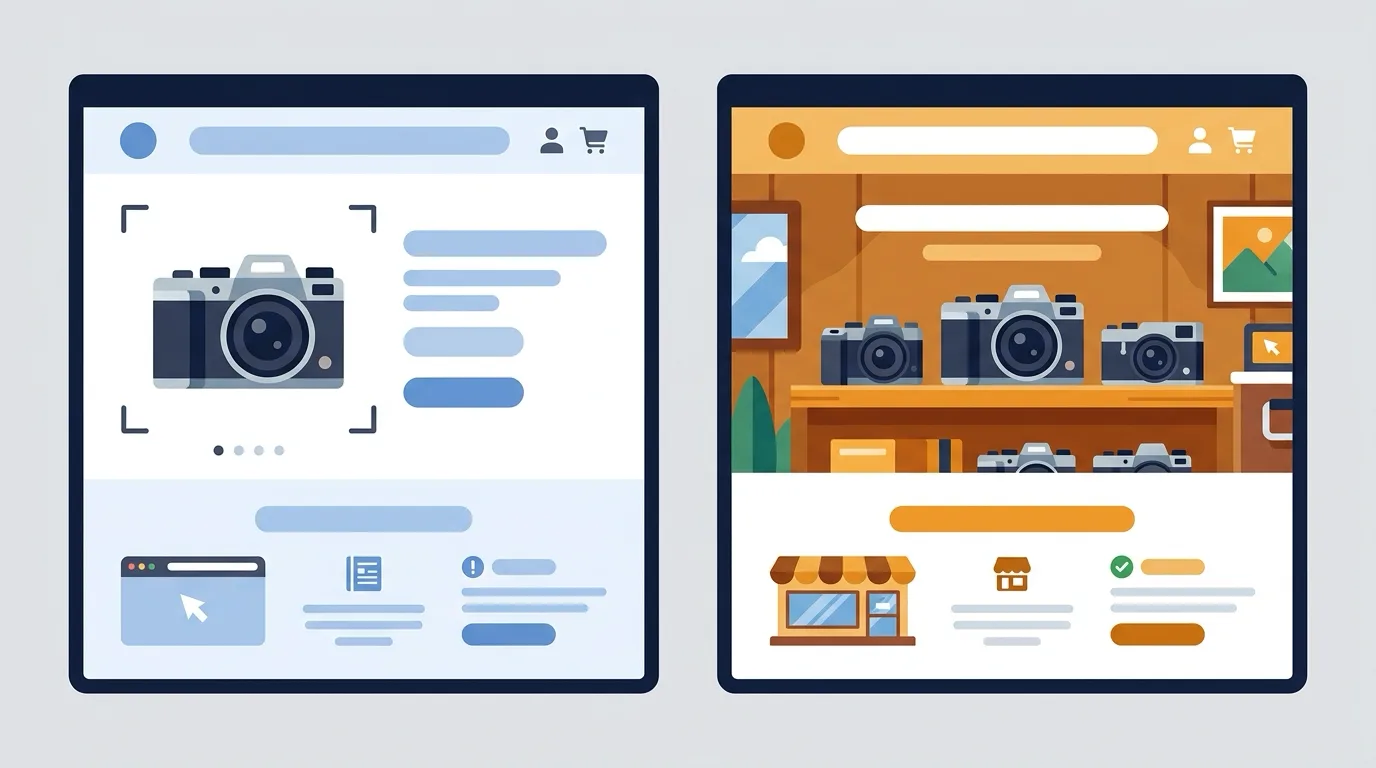
The most important thing on a retail store website is photos that convey the atmosphere inside the store.
Unlike product photos for e-commerce (cut-out photos on a white background), it’s important to show products lined up in the store’s space.
List of Photos to Take
| Type | Tips |
|---|---|
| Store exterior | From an angle where the sign is visible, so first-time customers know “this is the place” |
| Entire store interior | Wide angle. An angle that conveys the store’s atmosphere |
| Shelves lined with products | Shoot when the display looks its best |
| Product close-ups | So the texture and materials come across |
| Photo of the owner | Smiling. Gives customers a sense of reassurance |
| Seasonal decorations | Show how the atmosphere changes with the seasons |
Smartphone Photography Techniques
- Use natural light: Lighting alone tends to look dark. Daytime natural light is best
- Be mindful of empty space: Don’t cram the frame; use a composition with some breathing room
- Don’t overuse filters: They give an impression different from reality
- Reshoot regularly: Update to new photos every season
Running Your Website ── What You Don’t Need to Update and What You Should
What You Don’t Need to Update
Having a website doesn’t mean you need to update everything frequently.
- Company profile and directions: Fine as is unless something changes
- The store’s story: Once written well, it can be used for a long time
- Contact page: The content almost never changes
What You Should Update Regularly
On the other hand, the following need regular updates.
- Changes to business hours and temporary closures: Outdated information damages trust
- Seasonal products and new arrivals: Update via the blog or product pages
- News and event information: Announcements of sales and special events
About once or twice a month is enough. There’s no need to feel “I have to update every day”.
The thing to avoid most is leaving information outdated. A site that still shows “year-end and New Year business hours” in March does more harm than good.
Costs ── How Much Does a Retail Store Website Cost?
Typical Price Ranges
| Plan | Number of pages | Estimated cost | Features |
|---|---|---|---|
| Simple plan | 5 pages | ¥150,000–¥300,000 | A minimal website with basic information |
| Standard plan | 7–10 pages | ¥300,000–¥600,000 | Product introductions + blog feature |
| Custom plan | 10+ pages | ¥600,000–¥1,500,000 | Social media integration + reservation feature + original design |
For a retail store website, we recommend starting with the simple plan and expanding while watching the results.
Monthly Running Costs
| Item | Estimated monthly cost |
|---|---|
| Server and domain | ¥1,000–¥3,000 |
| Maintenance (minimum) | ¥5,000–¥10,000 |
| Content updates (if outsourced) | ¥10,000–¥30,000 |
Building the site with a CMS such as WordPress so you can update it yourself keeps update costs down.
Summary ── Even Without E-Commerce, a Website Becomes Your “Silent Salesperson”
| Point | Specific action |
|---|---|
| The website’s purpose is to drive store visits | Not selling online, but getting people to come to the store |
| Make your store information thorough | Business hours, directions, parking, and even payment methods |
| “Introduce” products rather than sell them online | Present them so people think “I want to come see it in person” |
| Increase search traffic with a blog | Write articles around keywords your customers search for |
| Integrate with social media | Divide roles between the website and social media. Attract customers through synergy |
| Integrate with Google Business Profile | Increase visibility in map searches |
| Don’t leave outdated information up | Updating once or twice a month is enough. Freshness protects trust |
“We don’t sell online, so we don’t need a website” ── in 2026, that thinking is, in a word, a missed opportunity.
A website is a “silent salesperson” that keeps conveying your store’s appeal 24 hours a day. Even without e-commerce, simply having a website definitely expands your chances of getting people to know your store.
Related articles:
- Do Small Businesses Need a Website? Ownership Rates and Effects in the Data
- What Is Google Business Profile? Attract More Customers by Linking It with Your Website
- 7 Things to Do After Launching Your Website: An Introduction to Keeping Your Site from Being Neglected
First CH builds websites for retail stores and other brick-and-mortar businesses. We also welcome inquiries like “We won’t do e-commerce, but we want to attract customers with a website.” Feel free to contact us.
Web制作・システム開発は
First CHにお任せください
「こんなWebサイトが欲しい」「このシステムは実現できる?」——
現役エンジニアが直接お話を伺い、最適な進め方をご提案します。
「まだ構想段階」「費用感だけ知りたい」というご相談も歓迎です。







