
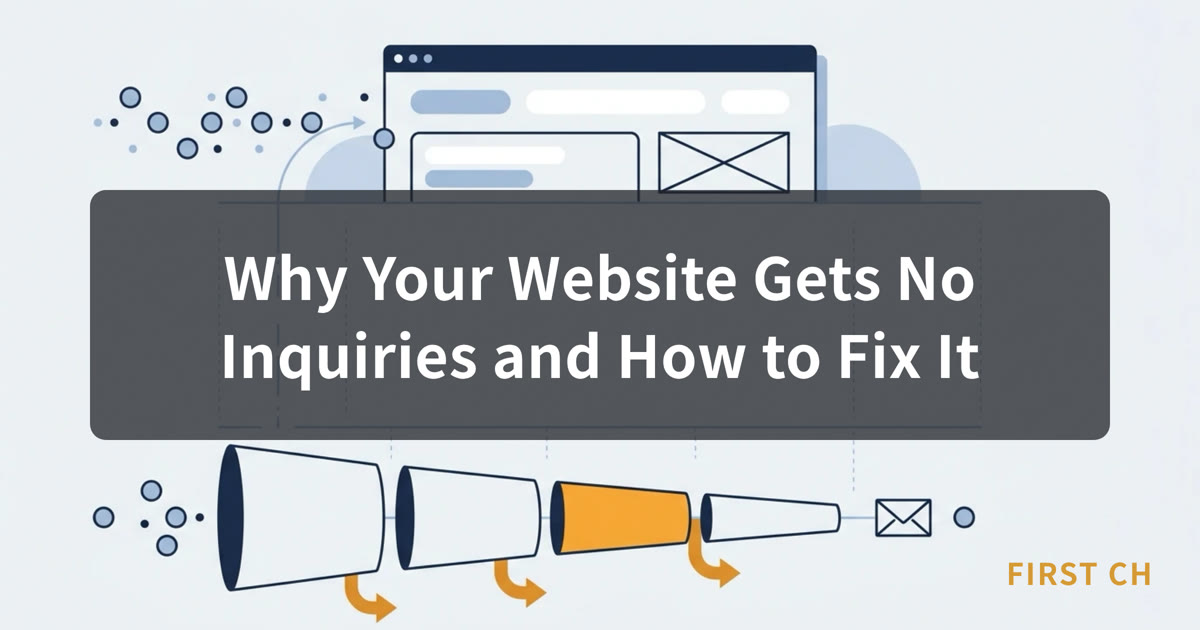
“We have a website, but we hardly get any inquiries.” When someone comes to us with this problem, there is really only one thing we check first: are people not visiting at all, or are they visiting but not turning into inquiries? These two situations have completely different causes and solutions. If you start making changes without separating them, you end up spending time on improvements that do nothing.
This article covers the second case: the causes and fixes when your site gets traffic but that traffic doesn’t lead to inquiries. When you look at your site from a visitor’s point of view, you can pinpoint the spots that are blocking inquiries with surprising precision.
When a site has traffic but receives no inquiries, the cause almost always comes down to four things: (1) the path to the contact form is too long, (2) the word “Contact Us” feels like too big a step, (3) the form is too heavy, and (4) visitors can’t tell whether you’re someone they can trust with the job. On top of that, a surprisingly common technical trap is (5) the form is being submitted, but the notification emails never reach you. The most efficient approach is to start by checking (5), then work through (1) → (3) → (2) → (4).
First, Separate the Problem: No Traffic, or No Conversion?
Before making improvements, check your current situation with numbers. The key indicator is the proportion of site visitors who went on to make an inquiry.
| Situation | Where the problem lies | What to read |
|---|---|---|
| Fewer than a few dozen visitors per month | People aren’t visiting in the first place (an attraction problem) | Why Your Website Gets No Traffic |
| Several hundred visitors, but 0–1 inquiries | People visit but don’t convert (the subject of this article) | Keep reading |
If you don’t know how many visitors you have, start by setting up measurement. We explain how to install the free Google Analytics tool in GA4 Basics. Improving a site without measurement is like dieting without ever stepping on a scale — you’ll never know whether anything worked.
The rate at which visitors become inquiries varies greatly by industry, price point, and search intent, so a one-size-fits-all benchmark like “X% is normal” isn’t very useful. What gives you a basis for judgment is not comparison with other companies, but comparison with your own site’s past performance. That said, if several hundred people visit and you get zero inquiries for months on end, it’s safe to assume something on the site is holding them back.

Cause 1: The Contact Button Is Too Far Away
This is the most common cause and the easiest to fix. Visitors look only at the page they came for (such as your service description or pricing) and then leave. If you build your site assuming people will read it in order starting from the homepage, you end up with no way to contact you on the pages that matter most.
- Is a contact button always visible in the header (the top of the screen)?
- Do the pages where visitors think more seriously about hiring you — services, pricing, case studies — have a prompt to contact you at the end of the main content?
- On a smartphone, is the button large enough and placed where it’s easy to tap with a finger?
- Can the contact page itself be opened in one click from any page?
The way to check is simple: open your site on your own smartphone and, pretending you’re seeing it for the first time, go from a service page all the way through to completing an inquiry. If at any point you wonder “Where am I supposed to tap?”, that’s where visitors are leaving.
Smartphones in particular have small screens, so any gap in navigation translates directly into people leaving. It’s not unusual for more than half of an industry’s traffic to come from smartphones, so always do this check on a smartphone.
Cause 2: The Words “Contact Us” Are a Barrier
Even with a clear path, a button won’t get clicked if its wording doesn’t match where the visitor is in their thinking.
The phrase “Contact Us” (お問い合わせ) feels heavier to visitors than site owners realize. Many visitors are still comparing options, and they think things like “If I get in touch, they’ll try to sell me something” or “I haven’t decided to hire anyone yet.”
A site whose only entry points are “Sign a Contract” or “Apply” can only capture people who have already made up their minds. Providing an entry point for people at the “I just want to talk it over” or “I only want a rough estimate” stage increases your total number of contacts. Wording such as “Free Consultation,” “Ask for a Rough Estimate,” or “Request Materials” works well — phrasing that makes the next step look small.
In addition, simply adding a short note near the button — “We won’t make sales calls,” “Consultations are free,” “We’ll reply by the next business day” — lowers the anxiety of the person about to click. This isn’t about elaborate design; it’s about wording. You can fix it today.

Cause 3: The Form Is So Heavy People Give Up Partway
If visitors reach the contact page but leave without submitting, the problem lies in the form itself.
| What to review | Common situation | How to improve |
|---|---|---|
| Number of fields | 10+ fields, including address, phone number, and company size | Cut the first-contact form down to 3–4 fields: name, contact details, and what they need |
| Required fields | Almost every field is required | Make only what you truly need in order to reply required |
| Input format | Errors depending on whether hyphens are included in phone numbers | Accept either. Stop enforcing strict formats |
| Smartphone input | Small input boxes and hard-to-tap buttons | Make input boxes larger and bring up the email keyboard for the email field |
| Confirmation screen and error messages | Users can’t tell where the error is, and everything they typed gets cleared | Show what’s wrong right next to the relevant field |
The test is simple: “Could we still reply without this field?” You can ask for things like an address or department name after you’ve replied and the conversation has started. Trim your first-contact form down to the bare minimum needed to get in touch.
If you can’t edit the form yourself (for example, it was built by a web agency and you can’t touch it), it’s still worth asking them to remove fields. That is often a much smaller job than rebuilding the whole form.
Cause 4: Visitors Can’t Tell Whether You’re Someone They Can Hire
If your navigation and form are both in good shape but inquiries still don’t come in, visitors may be leaving because they can’t decide whether it’s safe to contact the company behind the site.
- Real work, completed projects, and case studies are shown with photos
- The names, faces, and backgrounds of the owner or staff are visible
- The address, contact details, and company overview are clearly stated
- There’s information that helps visitors picture what happens after they hire you, such as price ranges and how the work proceeds
- The only mention of past work is a line like “We have extensive experience,” with no concrete examples
- It’s unclear who runs the company or where it’s located
- Every photo is a stock image
- There’s no explanation of what happens after someone gets in touch (the process leading up to a reply)
For small businesses and sole proprietors especially, “who is doing the work” is itself the basis of trust. Even if you’re hesitant to post a photo of your face, simply writing your name, background, and approach to your work gives visitors something to go on. We explain how to decide what to include and how much in detail in How to Decide What to Put on Your Website.

Cause 5: The Inquiries Aren’t Actually Arriving — A Technical Trap
Finally, there’s a trap that has nothing to do with how your site looks but can still bring inquiries down to zero: the form is being submitted, but the notification emails never reach your company.
Notification emails from a form can end up in the spam folder, or fail to arrive at all, because of problems such as incorrectly configured sender domain authentication. When this happens, visitors who reached out never hear back, and you lose both the opportunity and their trust at the same time. Before improving anything else on your site, send a test submission first.
Checking is easy: submit the form yourself and see whether the notification arrives in your inbox. Check your spam folder too. We explain the causes and fixes for emails that don’t arrive or go to spam in Why Contact Form Emails Don’t Arrive and How to Fix It.
This check takes five minutes, and if it turns out to be the problem, it has the biggest impact of anything here, so put it first in your order of improvements.
If Inquiries Still Don’t Come After Improvements: Go Back to the Traffic Problem
If inquiries don’t increase even after making all of the improvements above, the issue is more likely the size of your audience than your conversion rate. Even if you get to the point where 1 in 100 visitors makes an inquiry, if you only get 30 visitors a month, that’s one inquiry every three months.
In that case, shift your focus to attracting visitors — increasing traffic from search, getting listed in map search results, and using social media and ads. We’ve put together the full picture in How to Increase Traffic to Your Website.
To keep the cycle of improve → measure → next step going, set up traffic measurement first, as mentioned earlier.
Frequently Asked Questions
- Which improvement should I start with?
-
Contrary to the order in this article, we recommend starting with a test submission to check whether emails are arriving (it takes five minutes and has the biggest impact if it’s the problem), then checking navigation, trimming form fields, revising CTA wording, and finally strengthening trust signals. The earlier steps involve less work and let you see results faster.
- Should I make the contact form or the phone number more prominent?
-
It depends on your industry and customers. In industries with high urgency (such as repairs or troubleshooting), the phone is primary, and it should be possible to call with a single tap on a smartphone. In industries with a long comparison period (such as web production, licensed professional services, or B2B), the form is primary. The basic approach is to offer both and make the primary one more prominent.
- I can’t tell for myself what’s wrong with my site.
-
The cheapest and most reliable approach is to ask someone else to “try using this site as if you were going to contact this company,” and have them tell you where they got stuck. If there’s no one around you can ask, you’re welcome to send us your current URL, and we can organize and share where your site is blocking inquiries and what to improve first.
Summary
If your site gets traffic but no inquiries, reviewing it from the visitor’s point of view will reveal where they’re getting stuck.
- First, use measurement to determine whether the problem is “no traffic” or “no conversion”
- The first thing to check is whether form notification emails are arriving (it takes five minutes)
- Many navigation, CTA wording, and form field issues can be fixed without a redesign
- For trust signals, start by showing concretely “who is doing the work”
- If improvements don’t increase inquiries, shift your focus to the size of your audience (attracting visitors)
If you’re not sure where to start, send us your current site URL. We’ll get back to you with where your site is blocking inquiries and what to improve first.







