
You heard that “AI can reduce office work,” so you tried a generative AI tool such as ChatGPT. But you still don’t know what to use it for, and things have stalled. Many companies are probably in this position. When you ask it to write something, the result is reasonable enough. But if someone asks whose work in the company has been reduced, and by how much, it’s hard to answer.
The cause isn’t the AI’s performance. It’s that people start using it without deciding which tasks to use it for. You’ll find where a tool is useful by starting from your own company’s work, not from the tool. This article walks through the steps for finding office tasks that AI can reduce, in order: how to take stock of your tasks, how to choose the first one, and how to measure the results.
You can see which tasks AI can reduce if you list a week’s tasks and sort them by three criteria: how often they happen, how long each one takes, and whether they need judgment. AI suits tasks that are repeated often, involve text or tables, and can be checked by a person at the end. Choose your first task not by how big the benefit is, but from tasks where a failure won’t cause problems and the benefit is easy to count. If you don’t record how long the task takes now before you start, you won’t be able to confirm later whether the time went down.
Why starting from “Can AI do something for us?” stalls
When people think about using AI, many look at a list of things AI can do and search for the ones that fit their company. Summarizing text, drafting emails, writing meeting minutes, organizing tables. They all look useful, but thinking in this order tends to stall for the following two reasons.
The first is that you end up choosing without knowing how much time your own tasks take. Even if AI speeds up writing meeting minutes, if you only have one meeting a month, you save very little time. Meanwhile, a task that takes dozens of minutes every day may actually be the biggest time sink, but it has become so routine that nobody notices it.
The second is that you can’t tell whether it’s safe to hand the task over. A list of what AI can do won’t tell you whether a task involves customers’ personal information or who will be affected if something goes wrong. In the end, it stops at “it looks useful, but it’s risky.”
Reverse the order: list your company’s tasks first, then choose the ones that suit AI. It may look like a detour, but this way you reach a decision faster.
Step 1: Write down a week’s tasks as they are
First, write down the tasks you (or the person in charge) do in a week. The important points are to break tasks down until they feel almost too detailed and to write down the time each one took.
Tips for writing them down
If you write broad categories such as “accounting” or “general affairs,” you won’t see where AI could be used. Instead of “create invoices,” break the work down to the level of hands-on actions, such as “enter each client’s amount into a spreadsheet,” “create the invoice PDF,” “write the email to send it,” and “record in the ledger that it was sent.” What AI can reduce is usually one or two of these small units.
The times don’t need to be exact. “About 15 minutes” or “around 30 minutes each time” is enough. If you write from memory alone, you’ll tend to underestimate, so if possible, take a note each time you do a task for a week and then look back. That gets you closer to what really happens.
| Item to write down | Example entry |
|---|---|
| Task | Write the first reply to inquiry emails |
| Frequency | About 5 per day |
| Time per instance | 10 minutes |
| Tools used | Email software, past replies |
| Whether judgment is needed | The reply changes depending on the content |
| Impact of a mistake | A customer receives incorrect information |
Fill in this table for as many tasks as you can think of. About 20 to 40 rows is enough for taking stock.
The things you do every day are the least likely to be recognized as tasks. Sorting emails, renaming files, copying data into another spreadsheet, writing reports in the company chat, and so on: write these down too, even if they take only a few minutes. Even if each one is short, they can add up to a lot of time once you multiply by how often they happen.
Step 2: Sort by frequency, time, and whether judgment is needed
Sort the tasks you’ve written down along three criteria.
- Frequency: every day, a few times a week, or once a month
- Time per instance: a few minutes, or 30 minutes or more
- Whether judgment is needed: done almost the same way every time, or decided based on the situation
Multiplying frequency by time shows how much time you spend on the task each month. For replies at 5 per day and 10 minutes each, that’s 50 minutes a day. If you work 20 days a month, that’s 1,000 minutes a month, or nearly 17 hours. The larger this “time per month” is, the bigger the benefit of reducing it.
Then look at whether judgment is needed. Tasks done almost the same way every time are easy to hand to AI once you set the steps. On the other hand, tasks where the judgment changes a lot depending on the person or situation can’t be left entirely to AI. However, even tasks that need judgment often include fixed steps before and after the judgment, so also check whether the task can be broken down further.
How to tell which tasks suit AI and which don’t
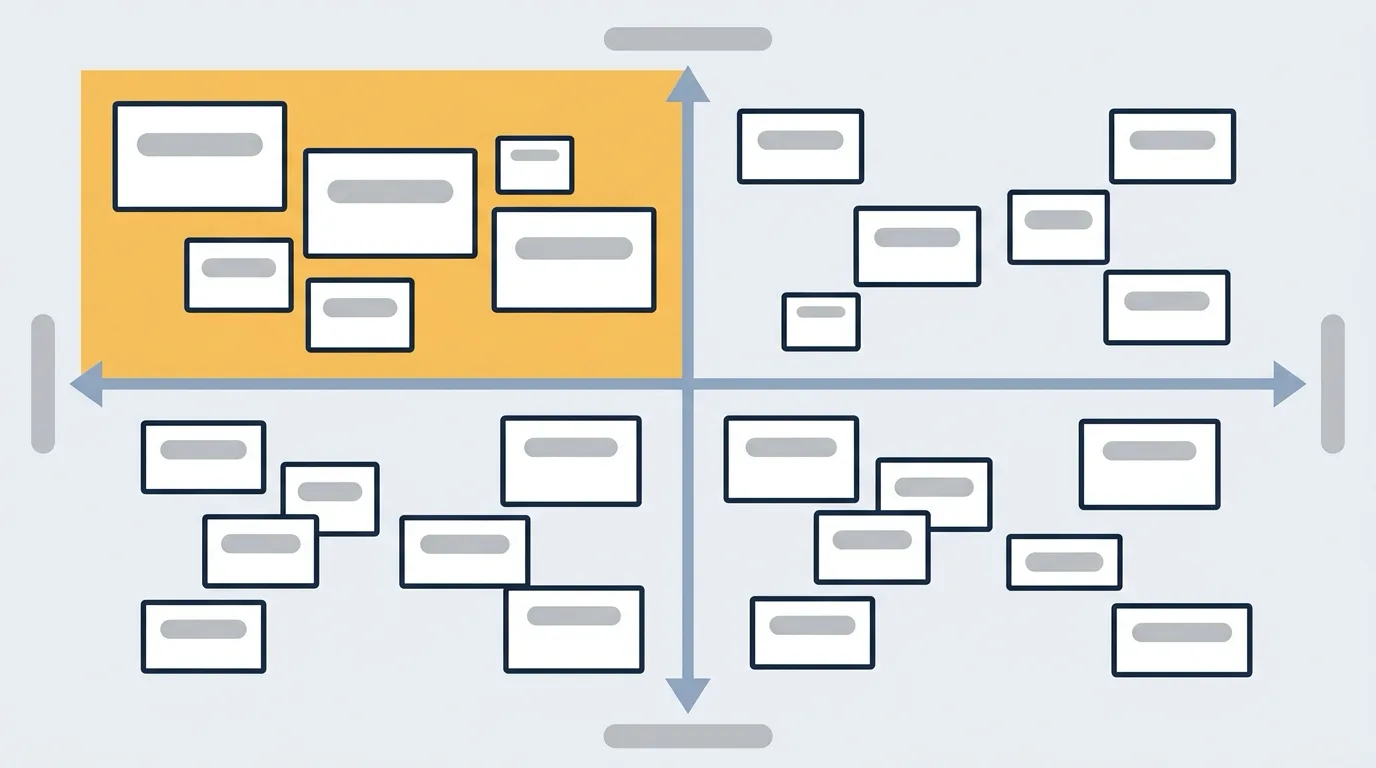
Once you’ve sorted tasks by the three criteria, the next step is to check whether they suit AI. Here, “AI” means generative AI tools you interact with through text, such as ChatGPT, Claude, and Gemini.
Tasks that suit AI
Generative AI is good at taking information in the form of text or tables and reshaping it into another form.
- Condensing long text (meeting notes, key points of emails you received)
- Creating drafts that follow a set format (announcements, draft replies, internal notices)
- Organizing scattered information into a table (turning bullet-point notes into a list)
- Polishing wording and spotting typos or inconsistent spelling and notation
- Creating a first draft of procedures or manuals
What these have in common is that a person can read what the AI produced and check whether it’s correct. Even if a draft has mistakes, it isn’t a problem as long as a person fixes it before sending.
Tasks that don’t suit AI
On the other hand, it’s safer not to leave tasks like the following entirely to AI.
- Tasks that handle numbers such as amounts, dates, or quantities where a single mistake causes losses (calculating invoice amounts, processing payments)
- Tasks that make final decisions on matters that need expert judgment, such as legal, tax, or labor matters
- Tasks where output goes outside the company as it is, without review
- Tasks that can’t be done without entering customers’ personal information or internal information that must not leave the company
Generative AI is good at producing plausible text, but it doesn’t guarantee that the content is factually correct. Also, the range of information you may enter depends on whether the service is under a company contract and how the settings handle the information you enter. The basic rule is not to start using it before deciding what may be entered.
Even if you can’t hand over creating the invoice itself, you can hand over writing the email that sends it. For tasks that don’t suit AI too, think about which parts can be handed over with a person checking the output.
| Nature of the task | How to hand it to AI |
|---|---|
| Repeated, involves text or tables, can be checked by a person | A candidate to hand over. Choose your first task from here |
| Repeated, but accuracy of numbers is critical | Only drafts or help with checking. A person does the calculations and the final check |
| Needs judgment, content differs each time | Only gathering material for the judgment or drafting. A person decides |
| Requires personal or confidential information | Don’t use AI until you’ve set rules on what may be entered |
How to choose the first task
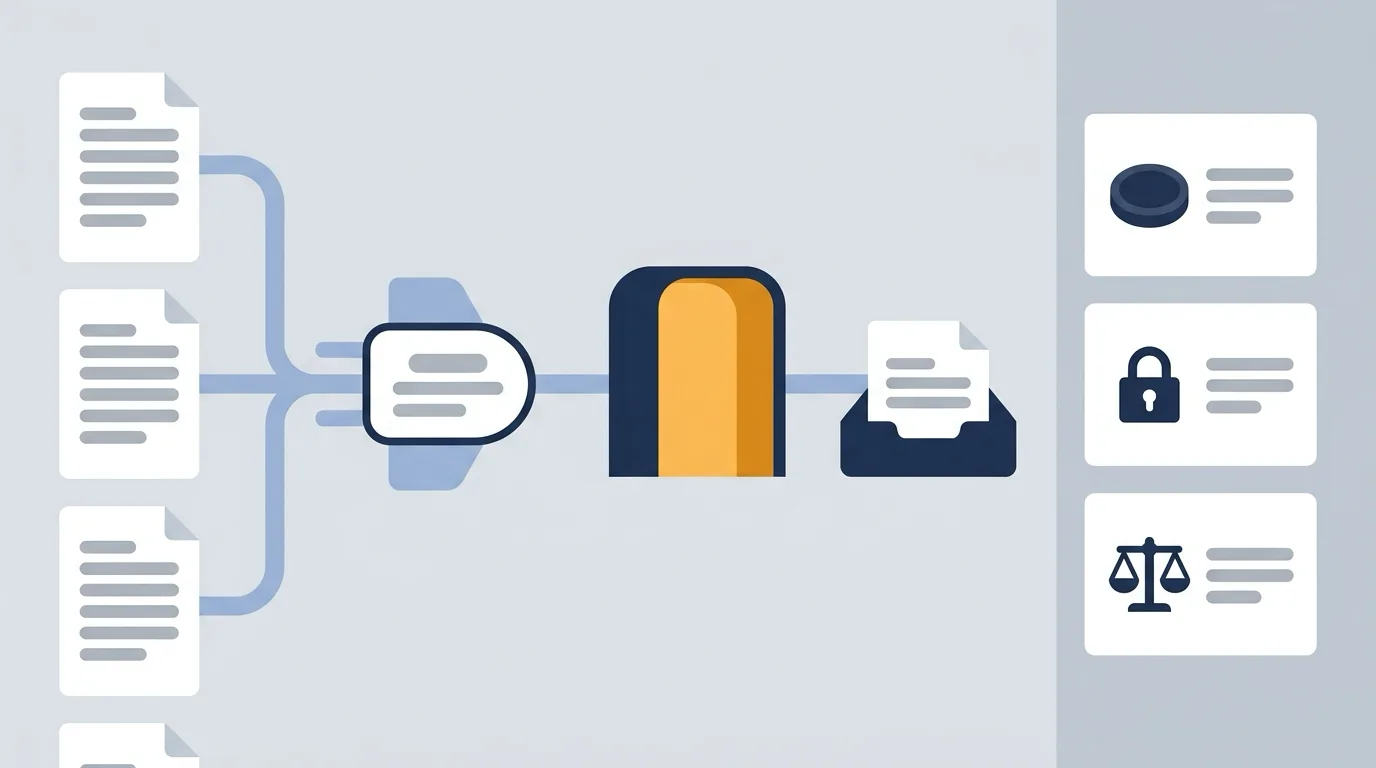
Once you have a few candidates, choose one to start with. A common mistake here is starting with the task that looks like it will have the biggest benefit.
Tasks with a big benefit are usually at the core of the business, involve many people, and have a big impact when something goes wrong. If you start there before you’re used to AI, a failure easily leads to the conclusion that “AI is useless,” and you lose the chance to expand to other tasks.
Choose your first task from ones that meet these conditions.
- Happens every week: the more times you try, the faster you get used to it
- A failure won’t affect anyone outside the company: internal documents, organizing your own notes, and so on
- You know how long it takes now: so you can compare whether it went down
- One person can do it alone: you can try it without changing anyone else’s workflow
For example, tasks such as “compiling the weekly internal report,” “summarizing the key points of materials you received, for your own use,” and “drafting replies to common inquiries (you check them before sending)” will likely meet these conditions.
At this stage, people often get stuck on three questions: “Will AI really reduce this task?”, “Which tool should we use?”, and “What will we allow people to enter in our company?” If you can’t decide these on your own, our AI Adoption and Business Improvement Support service helps you work out which tasks to use AI for, with which tools, and in what order, based on the list of tasks you took stock of.
How to measure the results
Once you start using AI, check whether the work actually went down. If you stop at “it feels easier somehow,” you won’t have anything to base your decision on when choosing which task to expand to next.
Record the time before you start
To measure the results, you need to know how many minutes the task took before you used AI. You can use the times you wrote down in Step 1 as they are, but for the task you chose, it’s easier to compare if you time it two or three times before you start.
Look at “working time” and “how much you corrected”
After you start using AI, record the following two things.
- Time spent on the task: including the time spent thinking about instructions for the AI and the time spent checking and correcting its output
- How much a person corrected: whether it was usable almost as is, or more than half had to be rewritten
Even if the AI produces its output in an instant, the work hasn’t gone down if checking and correcting take time. Changing how you give instructions or settling on a template often reduces the amount of correction with each round, so keep going for 2 to 4 weeks before you decide.
| Item to record | Before using AI | Week 1 | Week 4 |
|---|---|---|---|
| Time per instance | 30 minutes | 25 minutes | 12 minutes |
| Amount of correction | — | More than half | A few spots |
| Notes | — | Instructions were vague | Settled on a template and it became stable |
*The numbers in the table are examples showing how to fill it in.
If the time has gone down after about 4 weeks, expand to other tasks of the same kind. Even if it didn’t go down, that tells you “this task didn’t suit AI,” so the effort isn’t wasted.

Frequently asked questions
- Should the person who does the work take stock of the tasks themselves?
-
The person who actually does the work can list the tasks most accurately. However, tasks that feel routine to that person are easily left out, so having a manager or coworker check together (“Is this task included too?”) reduces gaps.
- Is it a problem to try free AI tools?
-
Trying them is not a problem in itself. However, on free plans, the information you enter may be handled differently than on plans under a company contract. Check the terms of use and the settings, and decide in advance not to enter customer information or information that can’t leave the company before you use them.
- Our company hasn’t decided yet whether we can use AI.
-
In that case, we recommend that, before anyone starts using AI for work on their own judgment, the company at least decides which tools may be used and what range of information may be entered. You can start just by drawing a minimum line before writing detailed rules. We explain the steps for deciding in “How to Set Rules for AI Use in Your Company.”
If you’d like to talk through where to start based on the results of taking stock of your tasks, you can also use our brainstorming consultation and assessment report on using AI in your business. In the brainstorming consultation, we separate what AI can and can’t solve. In the assessment report, we work out which tasks to use AI for, with which tools, and in what order.
Summary
To reduce office work with AI, you’ll reach a decision faster by starting from your company’s tasks rather than from what AI can do.
- Write down a week’s tasks in detail, down to hands-on actions, and record the time for each
- Sort them by frequency, time per instance, and whether judgment is needed, and find the tasks that take the most time per month
- AI suits tasks that are repeated, involve text or tables, and can be checked by a person. Don’t leave tasks where accuracy of numbers is critical, or tasks that require personal information, entirely to AI
- Choose your first task from ones that happen every week, won’t affect anyone outside the company if they fail, can be timed, and can be done by one person alone
- Record the time before you start, and compare for 2 to 4 weeks, including checking and correcting time, before you decide
Start this week by writing down your own tasks. Just listing about 20 rows should show you where your time actually goes, and it will likely look different from what you expected.







