
“Someone told me to do SEO, but what is SEO in the first place?”
“I built a website, but it doesn’t show up when I search…”
We often hear concerns like these from owners and web managers of small and medium-sized businesses that have websites.
SEO is the work of getting your website to appear near the top when people search on Google or Yahoo!. More important than any technique is “delivering the information customers want in a way that is easy to find and easy to understand.” This article gives you the big picture and shows you what to do first.
Most people have heard the word SEO but don’t know what they should actually do. This article explains what SEO is while keeping technical jargon to a minimum.
What Is SEO? Appearing Higher in Search Results
SEO in a Nutshell
SEO stands for “Search Engine Optimization” — in other words, optimizing your site for search engines.
Put more simply, it is the work of getting your website to appear near the top when people search on Google or Yahoo!.
For example, suppose you run an interior construction company in Tokyo. When a potential customer searches for “Tokyo interior construction,” if your company’s website appears on the first page of the search results, you are more likely to receive inquiries.
That is the goal of SEO.
Why SEO Matters
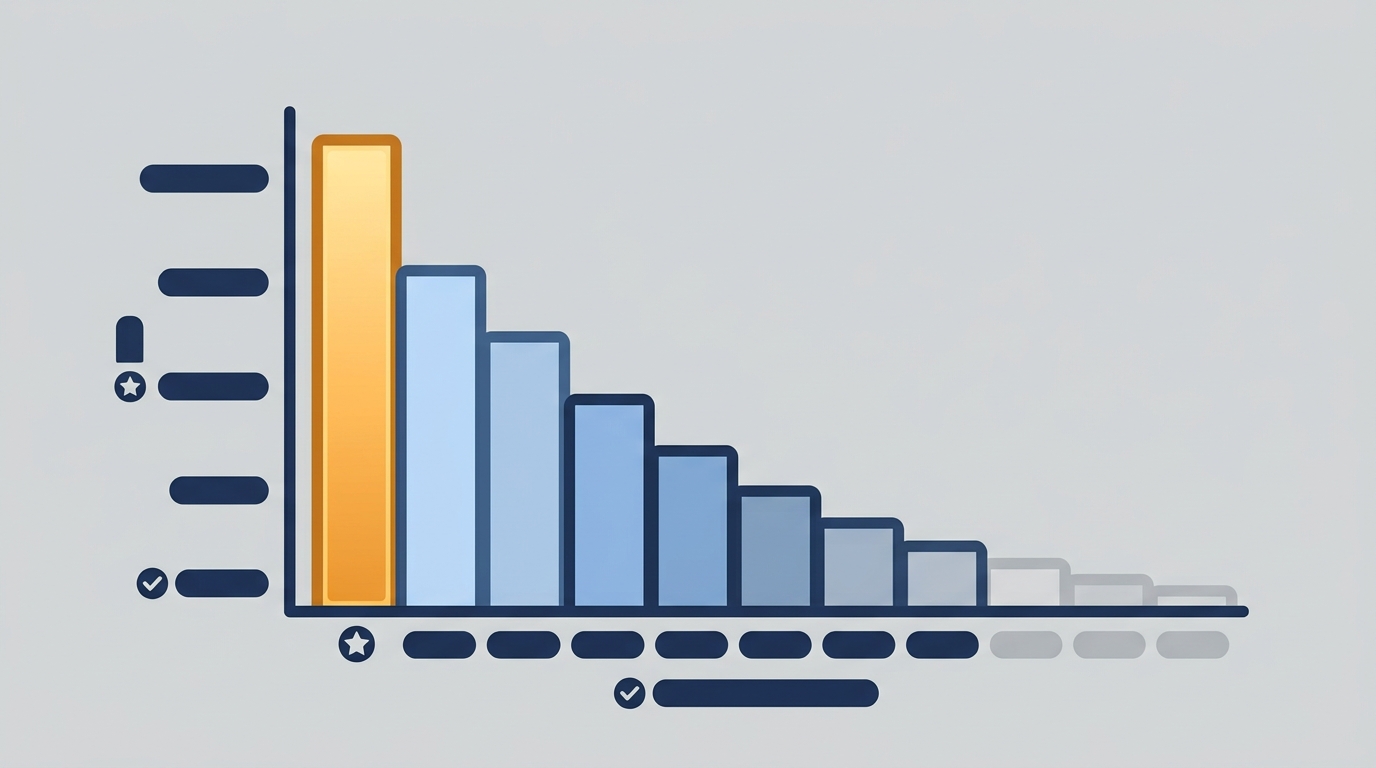
The reason is simple: most people look only at the first page of search results.
According to one set of data, click-through rates in search results are as follows.
| Search Ranking | Approximate Click-Through Rate |
|---|---|
| 1st | About 28% |
| 2nd | About 15% |
| 3rd | About 11% |
| 10th (bottom of page 1) | About 2.5% |
| Page 2 and beyond | Almost 0% |
In other words, if you aren’t on the first page of search results, it’s as if you don’t exist.
SEO Is Different from Advertising
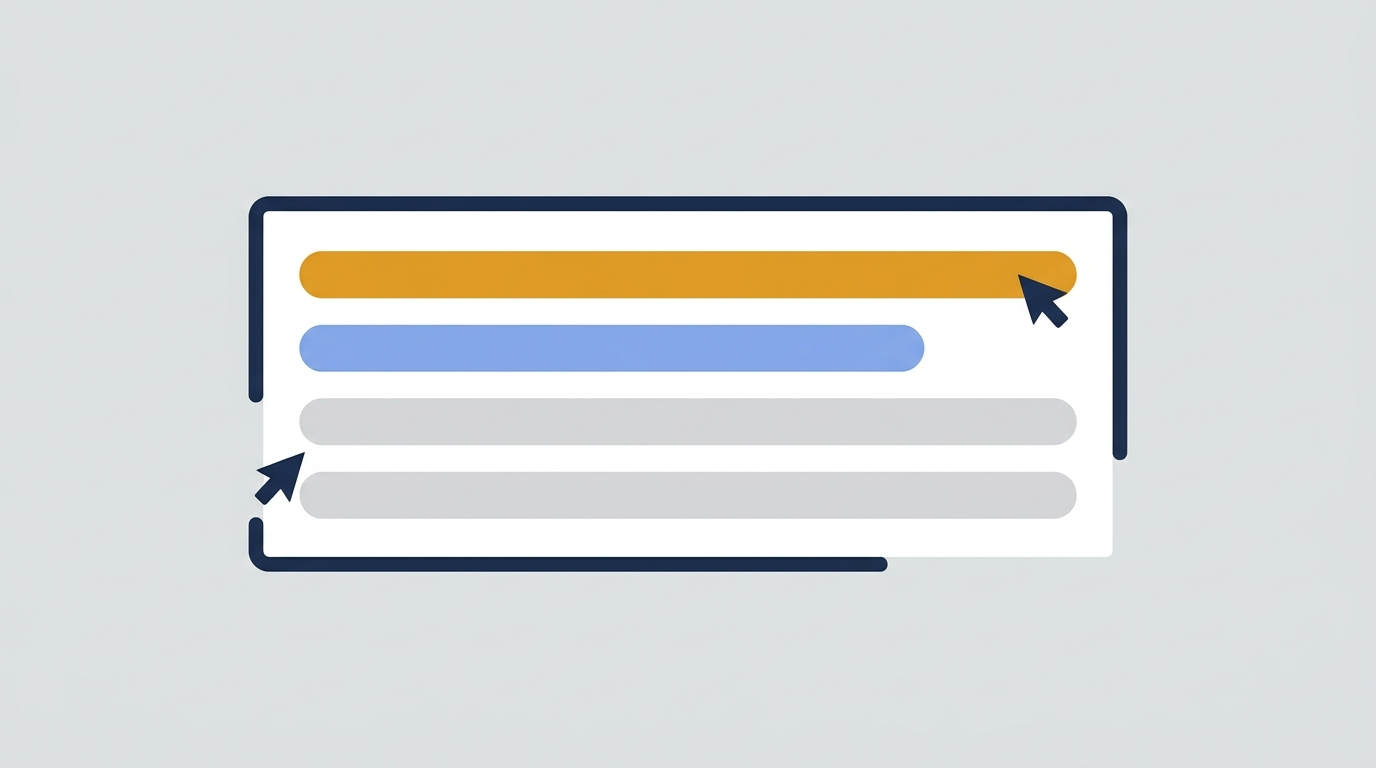
A common point of confusion is the difference between SEO and the “ads” shown above Google search results.
- Paid search ads (search ads): You pay to appear above the search results. Ad costs continue for as long as you run them
- SEO (organic search): You aim for top rankings through high-quality content and proper settings. There are no ad costs
SEO is a highly cost-effective way to attract customers over the long term. However, it takes time to see results (usually 3 to 6 months).

How Search Rankings Are Decided
Understanding How Google Works in 3 Steps
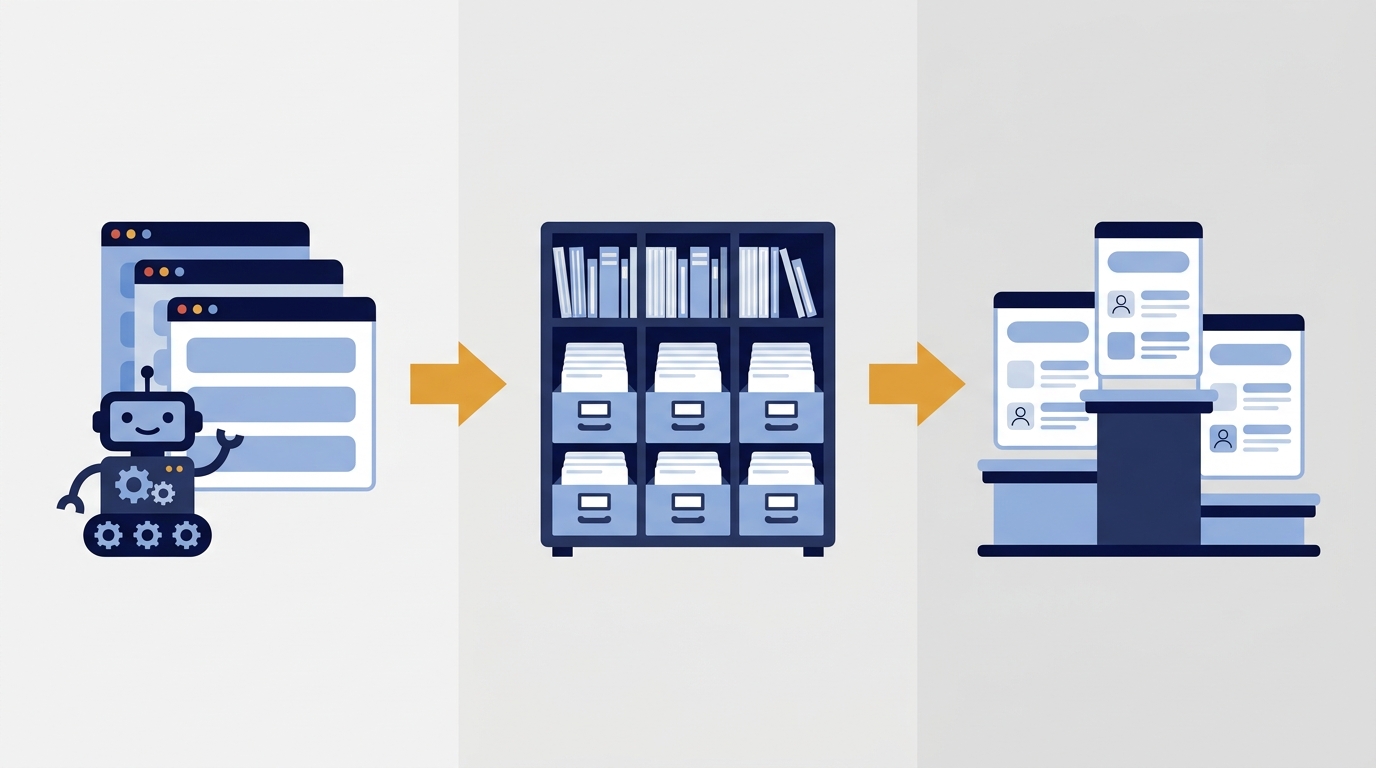
The way Google decides search rankings consists of three main steps.
Step 1: Crawling
Google uses robots (automated programs) called “crawlers” to travel around every page on the internet. These robots also visit your website and read the content of its pages.
Step 2: Indexing
The information read by the crawlers is registered in Google’s huge database. This is called the “index.” Think of it like a book being added to a library catalog.
Step 3: Ranking
When a user searches, Google picks out the most relevant, high-quality pages from its database and lists them in order. This order is the “search ranking.”
Main Factors Google Considers
Google is said to use more than 200 factors to decide search rankings, but the following are especially important.
- Content quality: Does it properly answer the user’s question?
- Relevance to keywords: Does the page content match the words that were searched?
- Page usability: Is it easy to view on a smartphone, and does it load quickly?
- Trustworthiness: Who wrote the information, and is it accurate?
- Backlinks: Is the page linked from other sites (is it being recommended as “a helpful article”)?
To be honest, you don’t need to make everything perfect. The most important thing is to start by “publishing information that is useful to users in an easy-to-understand way.”
The Minimum SEO Steps for a Small Business Website
① Setting the Title Tag and Meta Description
The title tag is the page title shown in search results. The meta description is the descriptive text shown below the title.
These two elements help users decide whether to open the page.
Tips for a good title:
- Include the keywords people search for
- Keep it to around 30 characters (for a Japanese title)
- Make the page content clear at a glance
Bad example: Top Page | XX Co., Ltd.
Good example: Interior Construction in Tokyo – XX Co., Ltd. | 500+ Completed Projects
On WordPress, an SEO plugin (an extension) lets you easily set the title tag and meta description for each page. Sites we build are handed over with these already set up.
② Smartphone Support (Responsive Design)
As of 2026, about 70–80% of website visits come from smartphones.
Google also uses an approach called “mobile-first indexing,” meaning it decides search rankings based on how a page looks on a smartphone.
In other words, a site that is hard to view on a smartphone may drop in search rankings.
③ Page Loading Speed
Slow-loading pages cause users to leave. Google also uses page speed as a factor in search rankings.
The main causes of slow loading are as follows.
- Image files are too large
- Too many unnecessary plugins
- Low server performance
You can check your site’s loading speed with “PageSpeed Insights,” a free tool provided by Google.
Just enter a URL, and it shows you a score and points for improvement.
Web制作・システム開発は
First CHにお任せください
「こんなWebサイトが欲しい」「このシステムは実現できる?」——
現役エンジニアが直接お話を伺い、最適な進め方をご提案します。
「まだ構想段階」「費用感だけ知りたい」というご相談も歓迎です。
Correcting Common SEO Misconceptions
Misconception ①: “SEO = Just Leave It All to an Agency”
There is nothing wrong with hiring an SEO agency in itself. However, the idea that “rankings will go up if you just leave it all to them” is a misconception.
The essence of SEO is “publishing information that is useful to users.” The person who can share your business’s expertise and the information customers truly want to know is none other than you.
Companies that ask the agency for technical settings and advice while planning the content in-house tend to see better SEO results from this division of roles.
Misconception ②: “Stuffing in Lots of Keywords Will Get You to the Top”
There was a time when stuffing a page with large numbers of keywords would raise its ranking. However, Google today treats this technique as spam and may instead impose a penalty.
What matters is not the number of keywords, but covering, in an easy-to-understand way, the information that people searching for that keyword want to know.
Misconception ③: “SEO Is a One-Time Job”
SEO is not something that “works forever once it’s set up.”
- Competing sites are improving every day
- Google’s algorithm (the formula that decides rankings) changes regularly
- Users’ search needs also change
Continuing to add and update content regularly is necessary to maintain the effects of SEO. Even publishing just one or two blog posts a month makes a big difference.
Misconception ④: “If You’re on Social Media, You Don’t Need SEO”
Social media and SEO play different roles.
| SEO (Search) | Social Media | |
|---|---|---|
| User’s state | Actively looking for information | Casually scrolling |
| Lifespan of information | Long (effective for years) | Short (a few days to a few weeks) |
| Best suited for | Detailed explanations, comparisons | Breaking news, visual appeal |
People who “want to make an inquiry right now” use search engines, not social media. When it comes to attracting customers, SEO and social media complement each other, and either one alone is not enough.
A Realistic Timeline for SEO Results
General Guidelines
To be honest, SEO is not a measure that produces immediate results. The general guidelines are as follows.
| Period | What You Can Expect |
|---|---|
| 1–3 months | Google starts indexing your pages |
| 3–6 months | Rankings start rising for some keywords |
| 6–12 months | Steady search traffic starts to appear |
| After 1 year | Traffic keeps growing from combined keywords |
Keyword Strategy for Small Businesses
Honestly, ranking first for the same big keywords as large companies (for example, “website design”) is extremely difficult.
The strategy small businesses should take is to target long-tail keywords such as “area name + service name” (search phrases that combine multiple words).
Examples:
× "website design" (extremely high competition)
○ "Yokohama hair salon website design" (low competition)
○ "restaurant website cost average" (a specific need)
People who search with specific keywords like these are customers who are already at the stage of “looking for someone to hire.” Even if there are fewer of them, they are more likely to make an inquiry.
Related article: Your Website Is a Salesperson Working 24 Hours a Day | The Basics of Attracting Customers Online
Related article: 5 Reasons Your Website Isn’t Attracting Customers and How to Fix Them
3 Things You Can Start Doing Today
SEO is a deep field, but start by keeping just the following three things in mind.
Search for your company name and check whether your website appears. If it doesn’t, you may need to register with Google Search Console (a free analytics tool provided by Google).
Is your top page titled “Home” or “Top Page”? Simply changing it to the format “area name + service name + company name” makes it easier to find in search.
“Frequently asked questions” become search keywords as they are. Write one article for each question — this is the most effective way to create SEO content.
Web制作・システム開発は
First CHにお任せください
「こんなWebサイトが欲しい」「このシステムは実現できる?」——
現役エンジニアが直接お話を伺い、最適な進め方をご提案します。
「まだ構想段階」「費用感だけ知りたい」というご相談も歓迎です。
Summary | SEO Means “Organizing Information for Your Customers”
SEO may sound difficult, but its essence is simple.
“Deliver the information customers want in a way that is easy to find and easy to understand.”
That’s all. Value this essence more than any technique.
When we build a website, we include basic SEO setup as standard (title tags, meta descriptions, smartphone support, page speed optimization, and more). After launch, we also support clients so they can post blogs themselves and strengthen their SEO results.
If you’re wondering, “Is our site’s SEO okay?”, feel free to contact us. We’ll explain everything clearly, from diagnosing your current situation to proposing improvements.
Related article: [Website Design Costs [2026 Edition]](/blog/hp-cost-guide/)
Related article: How Small Businesses Should Choose a Web Design Company | 7 Criteria to Avoid Mistakes







