
Your hosting company has sent a notice asking you to upgrade your PHP version, and your maintenance company has told you the same. But your contact form plugin is still on the version installed when the site was built, and nobody has touched it for years. Will the form stop working after the PHP upgrade? Should you update the plugin first? Many companies are stuck on these questions.
The deadline is close. According to the table on php.net, security updates for PHP 8.2 end on December 31, 2026. The WordPress.org requirements page also recommends PHP 8.3 or later. This article covers three form plugins that are widely used on Japanese websites. It works out the update order from the requirements listed on each plugin’s page and explains how to check old and new versions in a test environment. The checks go as far as confirming that the form works in the test environment and that a mail-testing tool receives the emails it sends. Whether the emails reach real inboxes (spam filtering and the server’s mail settings) is outside the scope of this article.
- The basic rule is “update the plugin first, then upgrade PHP,” but it does not apply to every product. The current version of Contact Form 7 (6.2.5) requires PHP 8.3 or later, so you cannot update to the latest version while staying on PHP 8.2. However, you can update to the final 6.1.x release on PHP 8.2, so go in three steps: “final 6.1.x release → switch PHP → 6.2.x”
- For MW WP Form, security fixes for file attachments (5.1.1 and 5.1.2) were released in March–April 2026. If you are on an older version, update it first, separately from the PHP question
- Decide whether things work by testing five operations in a test environment, for each PHP version: “input, confirmation screen, submission, admin notification, and auto-reply”
- As of this article, there are no complete records from actually running “old versions on PHP 8.4.” Rather than answer by guesswork, we leave the results table as “Not tested” and focus on the steps for checking your own site
When you get a PHP upgrade notice, you have two things to decide
Put simply, you need to decide these two things:
- Will the site still work if you upgrade PHP with your current plugin?
- If it will not, or if staying on the old version is unsafe, which should you upgrade first: the plugin or PHP?
Check your current PHP and plugin versions
To decide either one, you first need to know your site’s versions. Check two places in the admin dashboard.
- PHP version: Open “Tools” (ツール) → “Site Health” (サイトヘルス) → the “Info” (情報) tab, then expand the “Server” (サーバー) section. “PHP version” (PHPのバージョン) shows the version currently running
- Plugin version: Open “Plugins” (プラグイン) → “Installed Plugins” (インストール済みプラグイン). The current version appears on your form plugin’s row. If a newer version exists but your PHP or WordPress does not meet its requirements, you will see a message saying it is not compatible instead of the update prompt
You can use the versions you note here as-is when you consult your maintenance company later.
PHP and WordPress deadlines and recommendations (checked: November 12, 2026)
| Item | Details | Source |
|---|---|---|
| PHP 8.2 | Security updates until December 31, 2026 | php.net |
| PHP 8.3 | Security updates until December 31, 2027 | php.net |
| PHP 8.4 | Regular updates until December 31, 2026; security updates until December 31, 2028 | php.net |
| WordPress recommendation | PHP 8.3 or later | WordPress.org requirements |
When a hosting company stops offering old PHP versions differs from company to company, and schedules can change. Treat the dates in the notice you received as authoritative.
What changes in PHP 8.4
According to the php.net migration guide for 8.4, PHP 8.4 deprecates some coding patterns that were common in older programs, and these now produce warnings. A deprecation warning alone does not stop a form from working. However, a plugin that produces many warnings is a sign that its developer has not yet adapted it to newer PHP.
Requirements listed on the plugin pages for the three products
The plugin pages on WordPress.org list the WordPress and PHP versions each plugin requires. Here is what we found on November 12, 2026.
| Product | Current version | Last updated | Requires WordPress | Tested up to WordPress | Requires PHP |
|---|---|---|---|---|---|
| Contact Form 7 | 6.2.5 | November 10, 2026 | 7.1 or later | 7.1.4 | 8.3 or later |
| MW WP Form | 5.1.8 | September 27, 2026 | 6.0 or later | 6.4.14 | 8.0 or later |
| Snow Monkey Forms | 13.0.1 | October 28, 2026 | 7.1 or later | 7.1.4 | 7.4 or later |
This table alone shows that the situation differs for each product.
- Contact Form 7: In 6.2, the PHP requirement rose from 7.4 or later to 8.3 or later. In the WordPress admin dashboard, a plugin whose PHP requirement is not met is shown as not compatible and cannot be updated. Sites on PHP 8.2 cannot update to 6.2.x
- MW WP Form: It requires PHP 8.0 or later, so sites on PHP 8.2 can update to the current version. However, “Tested up to” is still WordPress 6.4.14, and the plugin page shows a warning that it has not been tested with the latest three major releases. If you bring WordPress up to 7.1.x for Contact Form 7 or Snow Monkey Forms, MW WP Form will be running in a combination its developer has not checked. Always test this combination in a test environment
- Snow Monkey Forms: Its PHP requirement is low, but it requires WordPress 7.1 or later. If WordPress core is old, you need to update core before the plugin
The update order depends on the product
Products where you update the plugin first
For products like MW WP Form, which you can update to the current version on your current PHP, update the plugin first. Then, if something breaks after the PHP upgrade, you can narrow the cause down to PHP. If you change the plugin and PHP at the same time, you will not know which one caused the breakage.
Products where you go through an intermediate version
The current version of Contact Form 7 requires PHP 8.3 or later, so sites on PHP 8.2 cannot update directly to it. However, the PHP requirement only rose to 8.3 or later in 6.2. Up to the final 6.1.x release, the plugin assumes PHP 7.4 or later, so you can update to it while staying on PHP 8.2.
So proceed in these three steps:
- On PHP 8.2, update to the final 6.1.x release and test a submission
- Switch PHP to 8.3 or 8.4 and test a submission again
- Update to the current 6.2.x version and test a submission one last time
Because you change one thing at a time, you can tell what caused the problem if something stops working. You can get the final 6.1.x release from the list of previous versions under “Advanced View” (高度な表示) on the plugin page. For every step, test in the test environment first, then do it on the live site. Do the live work at a time when you can test a submission right away.
Products where you update WordPress core first
For products like the current version of Snow Monkey Forms, which require WordPress 7.1 or later, update WordPress core first. Points to watch when updating core are covered in How to safely upgrade an old WordPress version. Whatever the order, take a backup before you start.
How to check in a test environment
Set up a test environment separate from the live site with the same configuration, and test there. Compare each product’s current version with a version from about three years ago (around 2023).
What to keep fixed
- WordPress version: Fix it to one version. The current versions of Contact Form 7 and Snow Monkey Forms require 7.1 or later, so using 7.1.x lets you test the current versions of all three products under the same conditions. For MW WP Form this is a version its developer has not tested, so whether it works here is itself one of the things you are checking
- Theme and other plugins: Switch to a default theme and deactivate all plugins except the one you are testing
- Version and download date: Record the full version number (e.g. 5.1.8) and the date you downloaded it. For old versions, pick one reference date (e.g. November 1, 2023) and choose the version that was latest on that date. This keeps you from choosing versions differently for each product. You can get previous versions from the list under “Advanced View” (高度な表示) on the plugin page
Take a baseline on PHP 8.2
First, confirm on PHP 8.2 that all five of the following operations work. This is your baseline. If a combination does not work even on 8.2, the PHP upgrade is not the cause. Treat it as “No baseline” and keep it separate from the other results.
| Operation | What to check |
|---|---|
| Input | The form displays and required-field validation works |
| Confirmation screen | What you entered appears on the confirmation screen. Setups without a confirmation screen are “Not applicable” |
| Submission | A completion screen or completion message appears |
| Capturing the admin notification | The mail-testing tool receives the notification email addressed to the company |
| Capturing the auto-reply | The same tool receives the reply email addressed to the person who made the inquiry |
Contact Form 7 does not have a confirmation screen by default, so the confirmation screen item is “Not applicable.”
To capture emails, use a tool that catches emails sent from the test environment without sending them out (such as Mailpit). Decide in advance how long to wait after submitting (e.g. 2 minutes). If nothing arrives within that time, record it as “not received,” and do not change the result even if it arrives later.
Switch PHP to 8.3 and 8.4
Once you have a baseline, switch only the PHP version in the same environment, to 8.3 and then 8.4, and repeat the same five operations. Enable debug logging and record the number and content of any warnings.
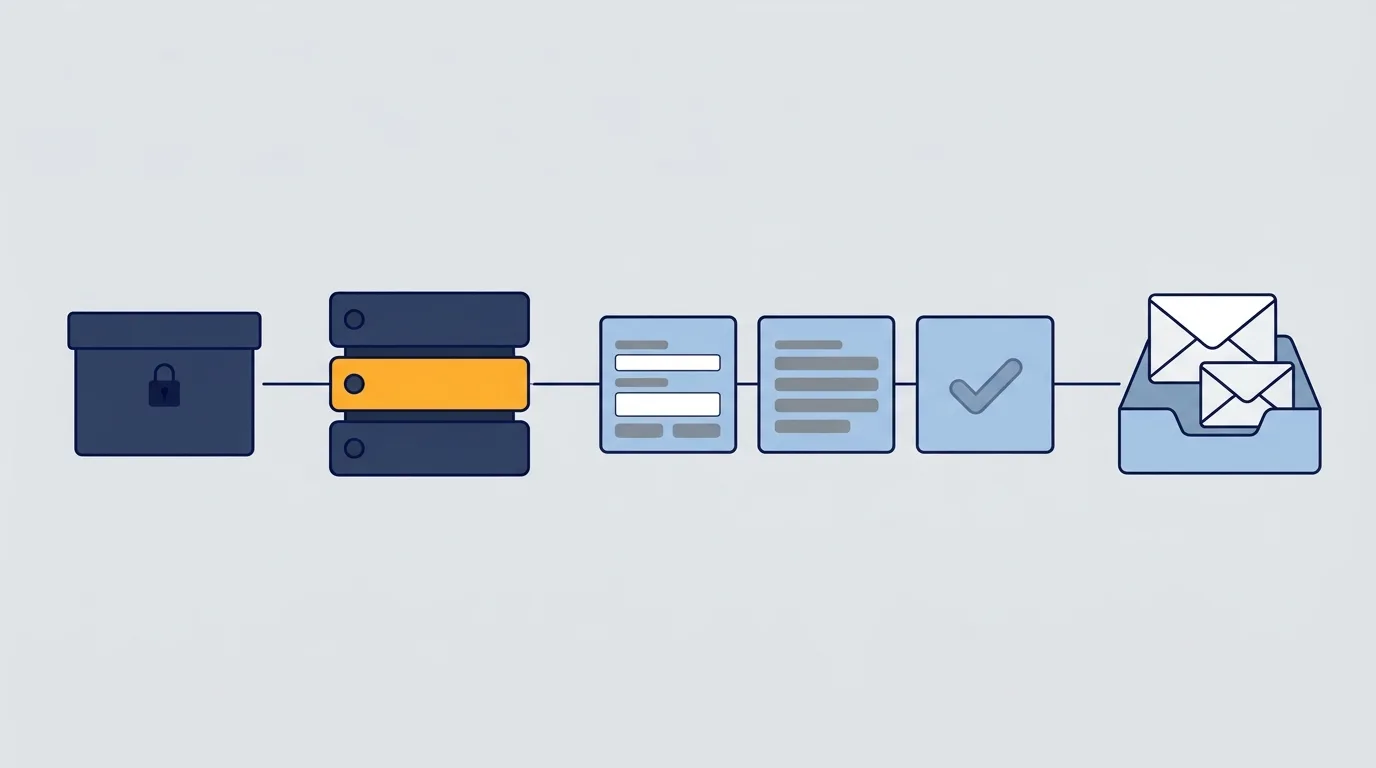
The table for recording results
Record each result as one of these six values:
- Works: All five operations pass with no warnings
- Warnings only (not visible to users): All five operations pass, but warnings remain in the log
- Breaks: Any of the following: the plugin cannot be activated, the screen layout breaks, the form cannot be submitted, or the emails are not received
- No baseline: It does not work even on PHP 8.2
- Not applicable: An operation the setup does not have (e.g. Contact Form 7’s confirmation screen). Not included in the result
- Not tested: No execution record or log exists
Results by PHP version (up to email capture in the test environment)
| Product and version | PHP 8.2 | PHP 8.3 | PHP 8.4 |
|---|---|---|---|
| Contact Form 7 current version (6.2.5) | Not tested | Not tested | Not tested |
| Contact Form 7 version from around 2023 | Not tested | Not tested | Not tested |
| MW WP Form current version (5.1.8) | Not tested | Not tested | Not tested |
| MW WP Form version from around 2023 | Not tested | Not tested | Not tested |
| Snow Monkey Forms current version (13.0.1) | Not tested | Not tested | Not tested |
| Snow Monkey Forms version from around 2023 | Not tested | Not tested | Not tested |
As of this article, no combination has a complete execution record and log. Rather than fill in the table by guesswork, we have marked everything “Not tested.” When you test for yourself, replace the rows with the plugins on your own site.
Even before the table is filled in, the changelogs offer some clues. The changelog for MW WP Form 5.1.3 says it “fixed deprecation warnings that appeared on PHP 8.3.” In other words, earlier versions contained code that triggered warnings on PHP 8.3. Warnings are normally not shown on the user’s screen. However, depending on server settings they can appear on screen, so check both the screen and the log in the test environment.
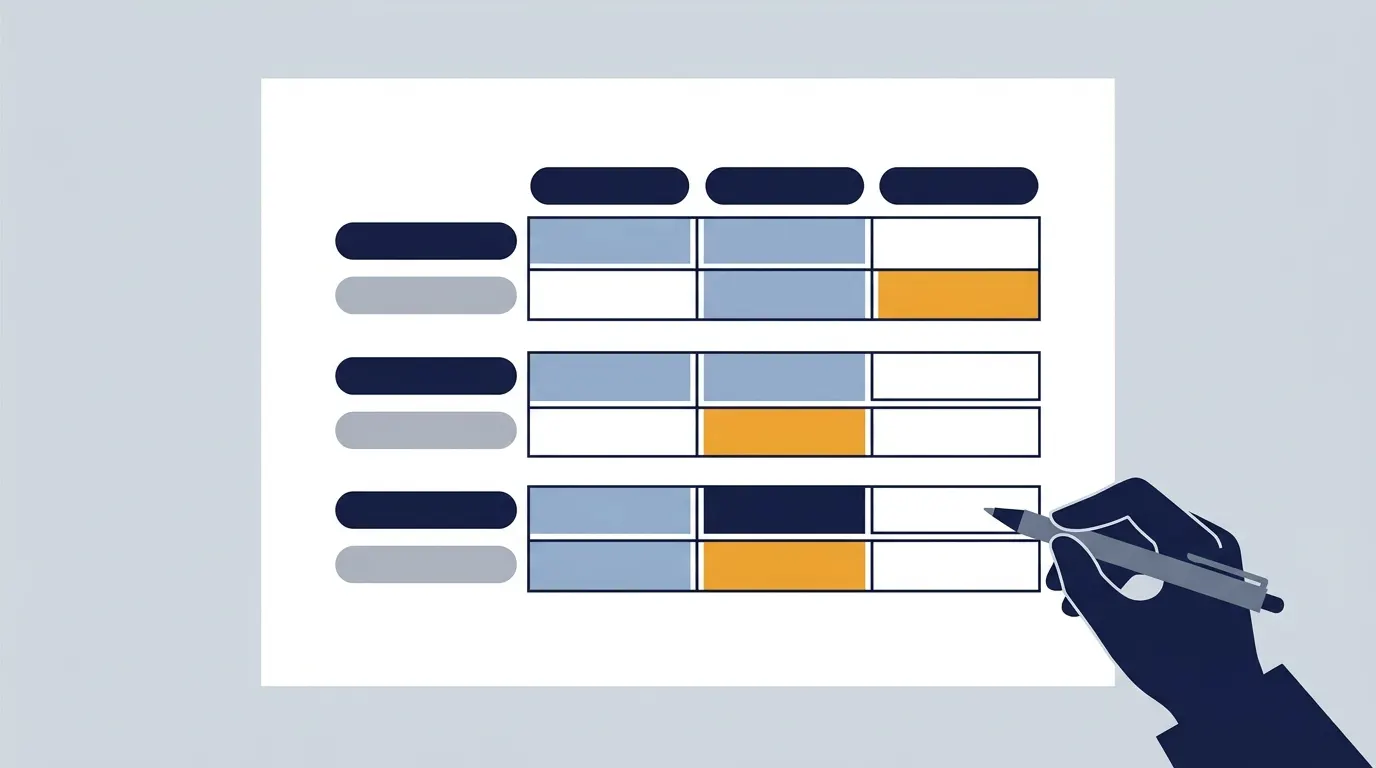
How to read “Tested up to” and “Requires PHP” on plugin pages
The numbers on plugin pages are easy to misread, so let’s agree on how to read them.
| Label | Meaning | Common misreading |
|---|---|---|
| Tested up to (検証済み) | The WordPress version the developer says they have confirmed works | It is not a PHP version. MW WP Form is still at 6.4.14, but updates have continued in 2026 |
| Requires PHP (PHP要件) | The minimum PHP version needed to run the plugin | It is not an upper limit. “8.0 or later” does not promise it will run on 8.4 |
| Changelog (更新履歴) | A record of fixes for each version | Fixes that mention a PHP version are clues that earlier versions had problems |
An old “Tested up to” version alone does not mean the plugin has been abandoned. Nor does it guarantee the plugin works on newer WordPress. Either way, test in a test environment before deciding.
The risk of keeping an old version at all
In 2026, two high-severity vulnerabilities were disclosed in MW WP Form.
- 5.1.0 and earlier: A vulnerability that lets unauthenticated attackers move files on the server. Fixed in 5.1.1 (CVE-2026-4347, disclosed April 2, 2026)
- 5.1.1 and earlier: Another vulnerability of the same type. Fixed in 5.1.2 (CVE-2026-5436, disclosed April 8, 2026)
Both can be exploited when the form has a file attachment field and the setting to save inquiry data to the database is enabled. Even if these conditions do not apply, it is safer to update to a version that includes the fixes. Regardless of whether you upgrade PHP, consider keeping an old version risky in itself.
Also, from 5.1.3, the admin dashboard shows a notice that the old attachment shortcodes ([mwform_file] and [mwform_image]) are scheduled for removal in 5.2. For forms with attachment fields, always check display and submission after updating.
What to check on your own site before and after updating
Even if things work in the test environment, emails will not necessarily reach the live inbox. Before and after updating, send one message each time from the live form and record the following items.
| Item to record | Before update | After update |
|---|---|---|
| Date and time sent | ||
| Whether the confirmation and completion screens appeared | ||
| Whether the admin notification arrived in the company inbox (check the spam folder too) | ||
| Whether the auto-reply arrived in the sender’s inbox | ||
| Whether any errors or warnings appeared in the admin dashboard |
Auto-replies are easier to check if you send from an external address such as Gmail. If emails were not arriving even before the update, the problem is unrelated to PHP. Narrow it down with Why contact form emails don’t arrive and how to fix it.
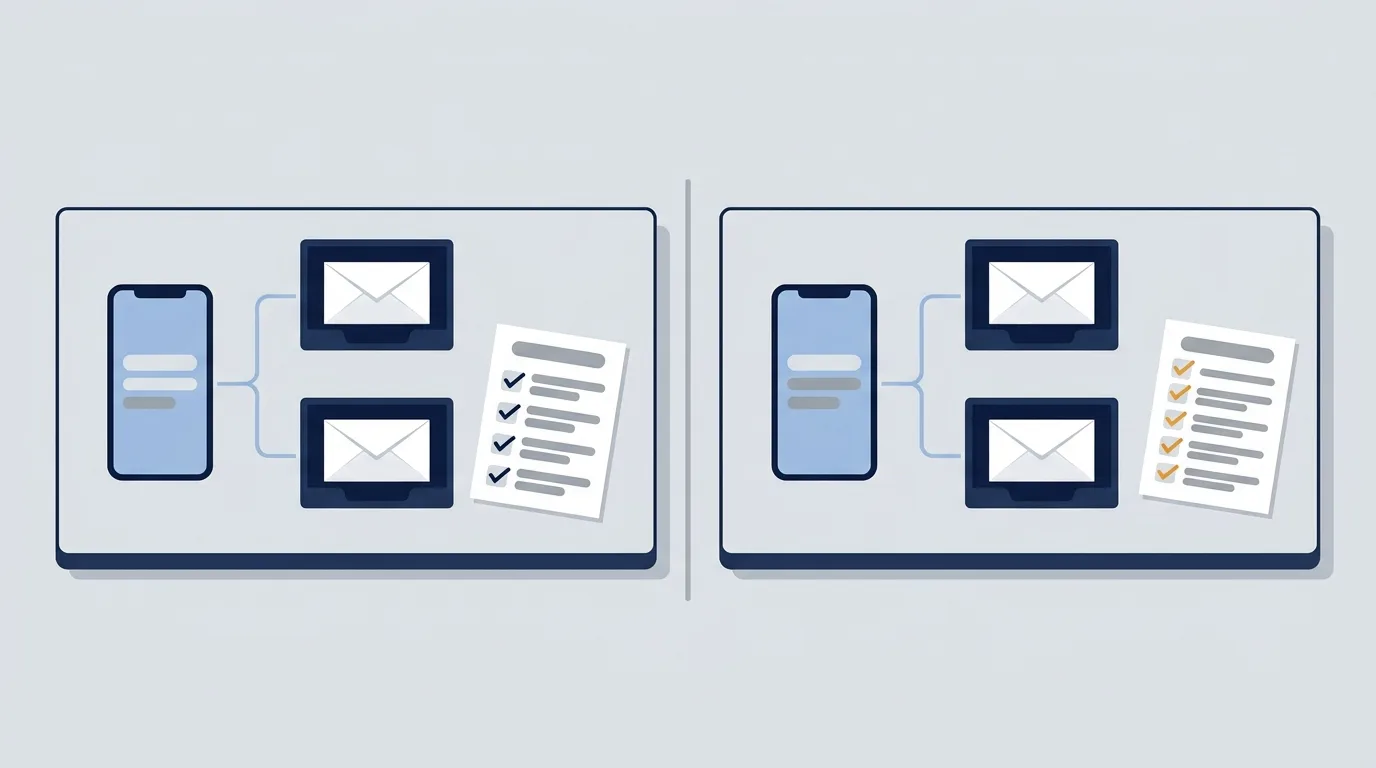
Cases the table cannot decide (when to get help)
If any of the following apply, you cannot decide from the table results alone. Use them as a guide for when to consult your maintenance company or web developer.
- The plugin has been customized, and updating would erase the customizations
- The form is combined with other plugins for things like adding a confirmation screen, spam protection, or saving submitted data
- The theme has custom-built the form’s appearance or behavior
- The developer of the old version you use has already stopped updating it
A memo to send your maintenance company
Subject: Request to check our contact form before the PHP upgrade
- Site URL:
- Current PHP version / target version:
- WordPress core version:
- Form plugin and version: (e.g.) MW WP Form 5.0.x
- Customized: yes / no / not sure
- Other plugins used with it:
- Results of a live test before the update: admin notification received / not received, auto-reply received / not received
- What we are asking for: testing in a test environment and a recommended update order
If you are looking for someone to handle PHP switching or plugin updates for you, see our maintenance and operations services as well.







