

“We keep paying ¥10,000 a month, but the site hardly ever gets updated.” “Over five years, that adds up to ¥600,000.” We hear things like this from companies whose websites run on monthly-fee contracts.
Monthly fees aren’t bad in themselves. Being able to start with low upfront costs is a real benefit. The problem is that what you’ll keep when you try to leave often isn’t explained when you sign the contract.
This article sets out the five things to check once you start thinking about cancelling, and how to go about switching.
Before you tell the provider you want to cancel, check who the domain is registered to and who owns the data. If these belong to the other side, your site and your web address will disappear the moment you cancel, and the search ranking you’ve built up will drop to zero. On the other hand, as long as the domain is registered in your company’s name, you can rebuild the content. Checking things in the right order is almost the whole story.
There are three types of monthly-fee contracts, and some are harder to exit than others
“Monthly fee” can mean three different kinds of contract. First, work out which one your company has.
| Type | What it is | When you cancel |
|---|---|---|
| Maintenance type | The site belongs to you. You pay monthly for updates and management | The site stays. Only the management stops |
| Usage type | The site sits on the web company’s own system (a subscription-type service) | The site disappears. Often the data can’t be exported |
| Lease type | A contract that pays for the website build in installments. You must pay for the remaining term | You may be billed the remaining balance in one lump sum |
Your contract tells you which type you have. Look at three clauses: “copyright and ownership of the deliverables,” “contract term,” and “early termination.” If you don’t have the contract on hand, the line-item name on your invoices gives a clue. “Maintenance fee” most likely means the maintenance type, “usage fee” the usage type, and “lease fee” or “installment payment” the lease type.
Even when a lease-type contract is signed as a website build contract, it may in fact be an installment agreement with a consumer credit company. In that case, telling the web company you want to cancel won’t stop the payments. Check whether the contract names any company besides the web company.
Key point so far: the type of contract makes a huge difference to whether you can leave and how much it will cost.
5 things to check before cancelling
This is the core of the article. Check these five things before you say you want to cancel. Once you’ve said it, cooperation becomes harder to get.
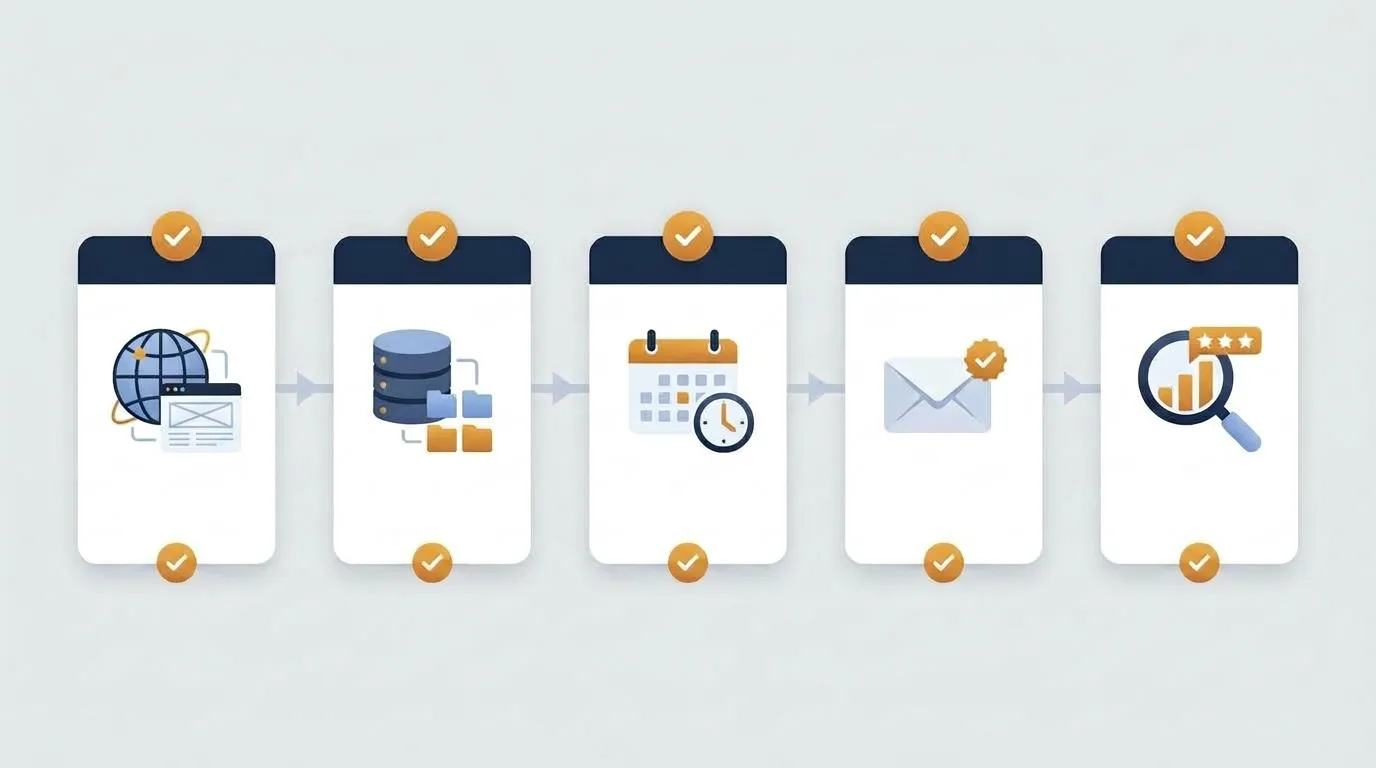
- ① Domain registration — Check the registrant with
whois. Is it in your company’s name or the web company’s? - ② Ownership of the site data — The copyright clause in the contract. Will they hand over the data?
- ③ Contract term and cancellation conditions — Minimum term, cancellation fee, and notice period (often 1 to 3 months)
- ④ Email addresses — If you use email on your own domain, where does it run?
- ⑤ Keeping your search ranking — Can you keep using the same domain?
① Everything starts with who the domain is registered to
If the domain is in your company’s name, you can switch even if there’s some friction. If it’s in the web company’s name, whether you can keep using that address is up to them.
You can check this for free. Search with a tool such as お名前.com whois and enter your company’s domain. If your company name appears in the Registrant field, the domain is in your name. If a proxy name is shown for privacy reasons, check in the admin panel of the company you contract with.
We explain why registration matters in more detail in Why you should own your domain and server in your company’s name.
② Some types don’t let you export your data
With the usage type (a subscription-type service), your site runs on the web company’s system. In this case, there may simply be no mechanism for handing over the HTML or database as a whole.
That doesn’t mean you have to give up.
What you really need is not the system itself but the content: your text, photos, customer testimonials, and past work. You can copy these from the screen, and you often still have the original photo files. If you think of it not as “moving” the site but as “taking the content out and rebuilding,” most projects can move forward.
③ Don’t miss the cancellation notice deadline
Clauses like “cancellation must be given in writing at least three months in advance” are common. If you miss this, the contract renews automatically for another year. Check the renewal month in your contract and work backward from there.
④ If email stops, business stops
Email is often overlooked. If you run an address on your own domain, such as info@会社名.co.jp, on the web company’s server, you’ll stop receiving email the moment you cancel.
Having your site down for a week is a problem, but not getting email for even one day is a bigger one. When planning the switch, move email first.
⑤ With the same domain, you keep your search ranking
If the domain stays the same, your search rankings generally carry over. If page addresses (URLs) change, setting up redirects from the old URLs to the new ones will transfer the ranking.
On the other hand, if the domain changes, your ranking starts from zero. That’s why you check domain registration first.
How to switch
Once you’ve finished checking, proceed in this order.
List the domain registrar, the server provider, where email runs, the contract renewal month, and the cancellation notice deadline in a single table. Don’t move on until it’s filled in.
Save your text, photos, past work, and customer testimonials to your company’s computers, even if you have to copy them from the screen. If your contract lets you receive the data, request it in writing.
Before shutting down the current site, build the new one somewhere else. Running both in parallel for a while is the only way to prevent accidents.
Move email to the new server and confirm that you can send and receive.
Point the domain to the new server, and set up redirects for any pages whose URLs change.
Only after all of the above, give notice of cancellation using the method set out in the contract (usually in writing).
If you do this in reverse order, you’ll be starting the build after your site has already disappeared. We also cover the general steps for changing web companies in Want to change your website company?.
How to think about the cost
The cost of switching depends on how much you can take with you.
| Situation | Rough cost of rebuilding |
|---|---|
| You have the text and photos, and the structure stays mostly the same | Lower (just moving the existing content) |
| You have the text, but photos are missing or outdated | Moderate (adds a photo shoot or sourcing images) |
| Rebuilding the content too | Same as a normal new build |
To compare with continuing to pay monthly, do the math over five years. At ¥11,000 a month, that’s ¥660,000 over five years. Putting this next to a one-time build that you keep running for just the annual server and domain costs (about ¥15,000 a year) makes the decision easier.
These are general market estimates as of September 2026.
For how to read a cost breakdown, see Website build costs: typical prices.
Frequently asked questions
- If I say I want to cancel, will they shut down my site right away?
-
If the contract sets a cancellation notice period, the site should in principle keep running during that period. With the usage type, however, the site may be shut down on the cancellation date. That’s exactly why you need to secure your content before you give notice.
- The domain is registered to the web company. Can I get it back?
-
Whether they agree to a transfer is up to them. If they agree, you can move it into your company’s name through a “transfer” procedure. If they don’t, you’ll have to rebuild on a new domain. In that case, you’ll lose your search ranking and the address printed on the business cards and flyers you’ve handed out, so estimate the impact first.
- I can’t find the contract.
-
First look for invoices and emails from when you signed. If you still can’t find it, you can request a copy from the provider. Requesting a copy doesn’t count as giving notice of cancellation, so it’s fine to get one while you’re still checking.
- The remaining balance on our lease is large. Are we better off not cancelling?
-
If the remaining term is short, waiting until the contract ends is often the sensible choice. But first check what your company will have once the contract ends. Some contracts don’t transfer ownership of the site even after they end. Decide based on both the remaining balance and what you’ll have afterward.
Summary
When leaving a monthly-fee website, check who owns what before you look at the money.
- The type of contract (maintenance, usage, or lease) makes a huge difference to how hard it is to exit
- Before giving notice, check five things: domain registration, data, contract term, email, and search ranking
- Even if you can’t export the data, you can often take the content and rebuild
- Build the new site first, move email first, and only then give notice of cancellation
- Compare five years of monthly fees against a one-time build plus annual costs
If you’ve read your contract and still can’t tell where you stand, contact us with the relevant parts of the contract redacted, and we’ll tell you which points to check. Reach us through our contact form.







