
“Since we’re renewing our website anyway, should we switch from WordPress to Next.js?”
I’ve been getting this question more and more lately. Next.js is coming up in conversation more often, and many people seem to feel they ought to switch too.
To be honest, I don’t think every site should move to Next.js. In many cases, staying on WordPress is the better choice.
I build sites with both WordPress and Next.js. In this article, I’ll share 5 criteria for deciding whether to migrate.
Not every site needs to move to Next.js. There are 5 decision criteria: display speed, update frequency, security, future extensibility, and budget and partner. If 3 or more apply to you, migration is worth considering. If they don’t, you’ll get more out of tuning WordPress and improving your content.
What Is Next.js? A 30-Second Overview
A React-Based Framework
Next.js is a framework (a foundation for development) for building websites and web applications. It’s built on React, a library developed by Meta (formerly Facebook).
Vercel develops and maintains Next.js, and companies around the world use it for their corporate sites and services.
The Fundamental Difference from WordPress
WordPress is a CMS (content management system). It comes with a built-in admin screen where you update your content.
Next.js is a framework. It handles only the display side of the site, and you pair it with a separate service, such as a headless CMS, to manage content.
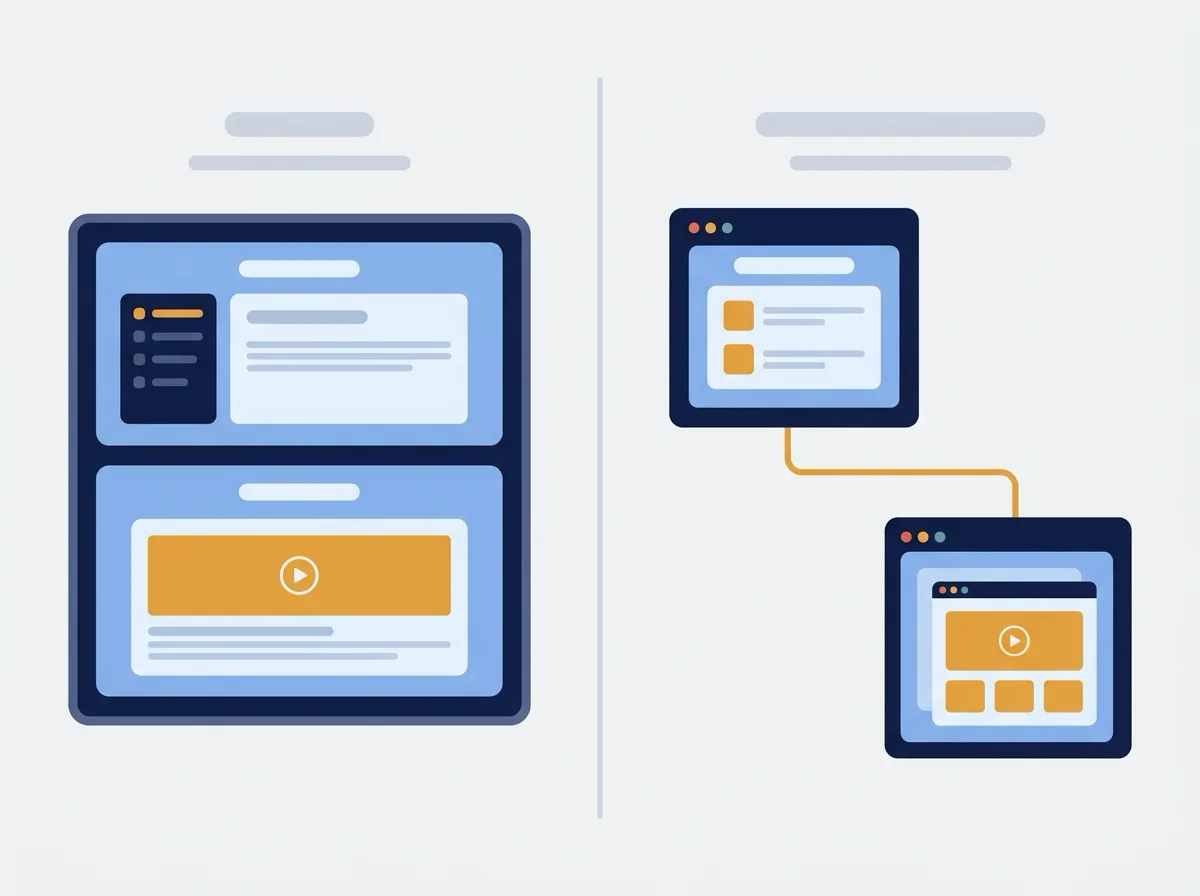
This separated structure is Next.js’s main strength, and it’s also what makes adopting it harder.
Judging Site Performance and Operations
Criterion 1: Do You Have a Serious Display Speed Problem?
If your PageSpeed Insights score is below 50, it’s worth considering. Improving display speed is the most common reason people consider Next.js during a site renewal.
Check your score with Google’s PageSpeed Insights.
- 90 or above: Good. Your current technology is fine
- 50–89: Room for improvement. Tuning WordPress can often fix this
- Below 50: Serious. You need structural improvements, and migrating to Next.js becomes an option
Keep in mind, though, that a well-tuned WordPress site can also score 90 or above. You can add a caching plugin, optimize images, and remove plugins you don’t need. It’s not too late to consider migrating after you’ve tried these WordPress improvements.
Where Next.js Has the Edge on Speed
Next.js is fast because of the following mechanisms.
- SSG (Static Site Generation): Pages are generated at build time and delivered from a CDN
- ISR (Incremental Static Regeneration): Static pages are regenerated periodically
- Automatic code splitting: Only the code that’s needed is loaded
- Image optimization: Images are optimized automatically with next/image
All of these are built in by default. That’s Next.js’s strength: you can build a fast site without special tuning.
Criterion 2: How Often You Update the Site and Who Runs It
Next.js Suits Sites Updated Only a Few Times a Month
WordPress’s biggest strength is how easily you can update content from its admin screen. That strength matters most for sites that update content frequently.
On the other hand, moving to Next.js makes sense for sites like these:
- A corporate site updated only a few times a month
- Updates are mostly to “News” or the blog
- The page structure is fixed and rarely changes much
A Headless CMS Keeps Day-to-Day Work Manageable
Many people worry that Next.js will make updates harder.
In practice, if you pair it with a headless CMS such as microCMS or Contentful, managing content feels close to WordPress.
However, a headless CMS isn’t always as intuitive as the WordPress admin screen, so you should consider the IT skills of whoever handles the updates.
Struggling with a site renewal or choosing the right technology?
Web制作・システム開発は
First CHにお任せください
「こんなWebサイトが欲しい」「このシステムは実現できる?」——
現役エンジニアが直接お話を伺い、最適な進め方をご提案します。
「まだ構想段階」「費用感だけ知りたい」というご相談も歓迎です。
Judging Security and Future Potential
Criterion 3: Do You Want to Reduce Security Risk?
WordPress’s Attack Risk Can’t Be Ignored
WordPress powers about 40% of the world’s websites, and as a result it tends to be a target for attackers.
- Attacks that exploit plugin vulnerabilities
- Brute-force attacks (trying every possible password) on the admin screen (wp-admin)
- Tampering with theme files
Of course, with proper measures you can keep the risk to a minimum. But if you neglect to update plugins and WordPress itself, security holes will be left open.
Next.js’s Structural Security
On a site built with Next.js, users receive only static HTML files.
- There’s no direct database access
- The admin screen is separate from the public site
- Server-side processing is minimal
Because there’s structurally less to attack (a smaller attack surface), you can cut the time and cost of security measures.
Criterion 4: Do You Want to Expand the Site in the Future?
If You Want to Add Web Application Features
Maybe you started with a corporate site but plan to add features like these later. If so, Next.js is a strong choice.
- A members-only “My Page”
- A booking management system
- Filtered product search
- A dashboard (a screen that visualizes data)
- Multilingual support
WordPress can handle some of these with plugins, but the more complex the feature, the more plugin limitations show.
Because Next.js is based on React, it offers a lot of UI freedom and can implement complex features flexibly. Say you have a 5-page corporate site now but want to grow it into a web application later. In that case, it pays to build it with Next.js from the start.
When Extending WordPress Is Enough
On the other hand, extending WordPress is enough for things like these:
- Adding a blog or news section
- A contact form
- A gallery or project portfolio
- Basic SEO settings
- Multilingual support (basic)
“If what you want to do fits within what WordPress can do, there’s no need to force a move to Next.js.” That’s my honest view as a site builder.
Criterion 5: Budget for Building and Maintenance, and a Partner
Initial Costs Tend to Be Higher with Next.js
Let’s take a realistic look at what migration costs.
| Item | WordPress (renewal) | Next.js (new build) |
|---|---|---|
| Site build cost | ¥300,000–¥1,500,000 | ¥500,000–¥3,000,000 |
| CMS setup (headless CMS) | Not needed (built in) | ¥100,000–¥500,000 (needed separately) |
| Data migration | Relatively easy | May require manual work |
| Monthly running costs | ¥5,000–¥20,000 | ¥0–¥10,000 (with Vercel, etc.) |
The initial build cost tends to be higher with Next.js, but monthly running costs are often lower. It’s important to compare total costs over the long term.
Do You Have a Partner Who Can Handle It?
To be honest, this may be the most important criterion.
There are still fewer web developers who can work with Next.js than with WordPress. If you can’t find a partner who can also handle maintenance and operations after the migration, the technology may be superior, but you’ll struggle to run the site.
When choosing who to hire, check the following:
- Do they have experience building sites with Next.js?
- Do they have experience setting up a headless CMS?
- Do they offer a maintenance and operations plan after the migration?
- Do they have experience migrating data from WordPress?
How to Proceed If You Migrate: 3 Patterns
In this pattern, you retire WordPress completely and move everything to Next.js plus a headless CMS.
Pros: You can manage everything on one consistent tech stack, and you get the best performance
Cons: It’s expensive, and the migration takes a long time
In this pattern, you keep WordPress only as the admin screen and replace the display side with Next.js.
Pros: You can keep using the WordPress admin screen as is, and there’s no need to migrate existing data
Cons: You still need to run a server for WordPress
In this pattern, you first build only some pages, such as landing pages or the blog, with Next.js, then gradually expand what you migrate.
Pros: You keep risk to a minimum and can check the results as you go
Cons: There’s a period when two systems run in parallel
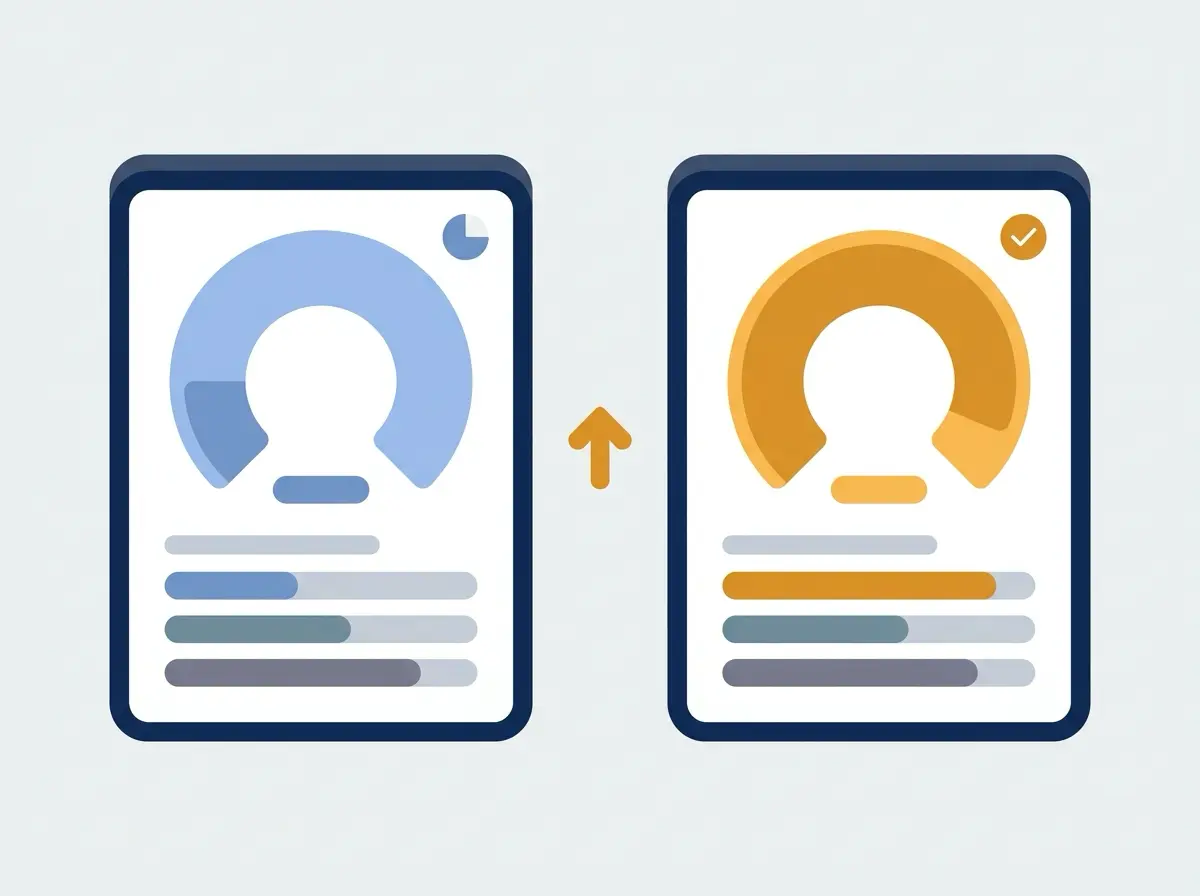
For most small and medium-sized businesses, I recommend Pattern 2, headless WordPress. You keep the admin screen you’re used to while getting the speed and security benefits.
Summary: Decision Checklist and Points to Watch
5 Cases Where You Shouldn’t Migrate
Flipping the criteria around, here are the cases where you’re better off not migrating:
- Your current WordPress site has no display speed problems → Tuning is enough
- You have in-house staff who update the website frequently → WordPress’s ease of use pays off
- You rely heavily on plugins → You’d need to rebuild equivalent features after migrating
- Your budget is limited → Invest in improving content rather than in migration costs
- You can’t find a Next.js developer to handle maintenance → You risk getting stuck in day-to-day operations
Checklist of the 5 Decision Criteria
| Criterion | Yes → Consider Next.js | No → Stay on WordPress |
|---|---|---|
| 1. Serious display speed problem | PageSpeed below 50 | 50 or above, or room to improve |
| 2. Low update frequency | A few times a month | Updated daily |
| 3. Want to lower security risk | Worried about attacks | Current measures are enough |
| 4. Want to turn the site into a web app later | Considering complex features | Basic information only |
| 5. Have the budget and a capable partner | ¥500,000+ initial budget plus a maintenance setup | Limited budget |
If you answer “Yes” to 3 or more, migrating to Next.js is worth serious consideration.
That said, what matters most isn’t changing technology but achieving your site’s goals. Choosing a technology is only a means to an end. Whether you use WordPress or Next.js, the goal is to build a site that delivers results for your business.
Related articles:
- WordPress vs Next.js: A Thorough Comparison | Which Is Best for a Small Business Website?
- What Is JAMstack? A Plain-Language Guide to How It Differs from Traditional Websites
- Building a Site with Next.js × microCMS | Steps and Typical Costs
At First CH, we build with both WordPress and Next.js, and we help clients choose the technology that best fits their business. Even if you just want to ask “Which one is right for us?”, feel free to get in touch.
Web制作・システム開発は
First CHにお任せください
「こんなWebサイトが欲しい」「このシステムは実現できる?」——
現役エンジニアが直接お話を伺い、最適な進め方をご提案します。
「まだ構想段階」「費用感だけ知りたい」というご相談も歓迎です。







