
You’ve set up a LINE Official Account and you invite customers in your shop to add it as a friend. Still, inquiries from your website arrive by email while a different staff member checks LINE, and keeping the information organized takes effort. You may want to connect the two but not know how much to ask for.
“LINE integration” can mean anything from a button that sends people to another screen to development work that matches customer records and sends notifications automatically. If you ask for it using only that phrase, you and the developer may picture different scopes, and quotes become hard to compare.
First, separate guiding people to a screen, handling inquiries, connecting customer data, and automatic notifications, then decide which ones you need. If an add-friend button or a rich menu meets your goal, you can start with the built-in features and changes to your website. If you need to show different information to each customer or send notifications as work progresses, look into ready-made integration features first, then consider custom development.
Split “We Want to Connect Them” into Four Goals
Connecting screens versus connecting data
If you place an add-friend button on your website, customers can move to LINE. However, placing a button does not carry over what they submitted in a form or their member information. First, confirm which of the following levels you are aiming for.
| Goal | What you want to happen | What to confirm when requesting it |
|---|---|---|
| Add-friend flow | People who view the site move to LINE | Where to place the button and what the guidance says |
| Inquiry channel | Receive questions about products or services by chat | Who responds, during what hours, and how it is recorded |
| Linking reservation or member information | Pull up information for each customer | How to match the source data to the LINE user |
| Automatic notifications | Tell customers about changes such as an order being received or shipped | When to send, who receives it, and what to do if sending fails |
For example, even if you just want to promote coupons, the scope differs depending on whether you hand out one coupon to everyone or change it based on each member’s purchase history. Sending people to a membership card screen and matching a member number to display their card are also separate tasks.
We cover reservation systems themselves in a separate article. Here, think about whether you want to send people to a page you already use or pass reservation status to LINE.
First Check What the Built-In Features Can Cover
Guidance and replies you can set up in the management screen
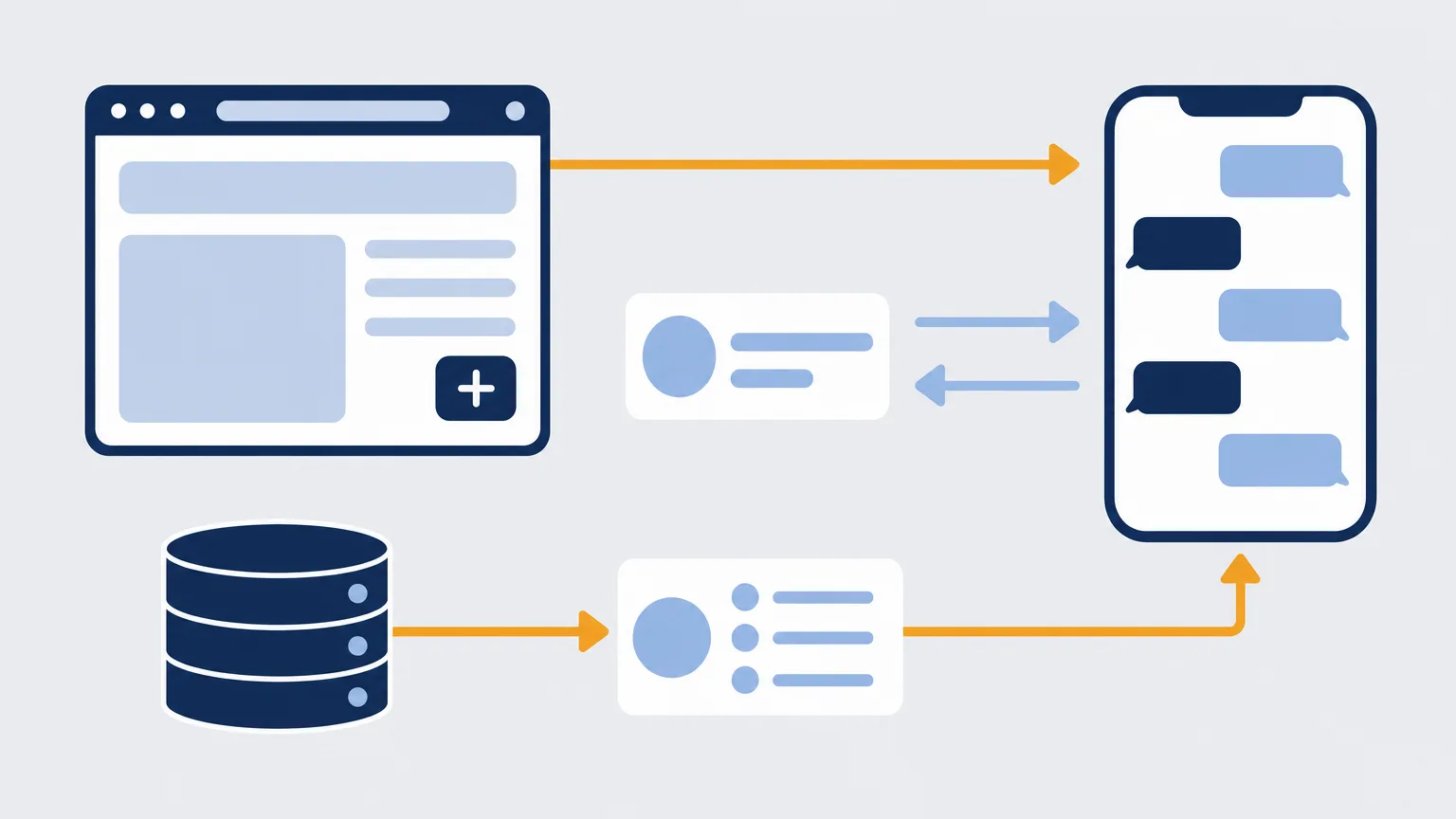
A LINE Official Account includes features such as the rich menu, auto-response messages, chat, coupons, and reward cards. If your goal is general information for your shop or perks for in-store visits, first check whether the built-in features are enough. You can find an overview of the features in LY Corporation’s official manual.
The rich menu is a menu shown at the bottom of the chat screen. You can set it to link to product information or directions on your website, or to an existing application page. It saves customers from searching for a URL every time. For conditions such as which devices display it, also check the rich menu documentation on LINE Developers.
Auto-response messages are useful for things like answering frequently asked questions. They are easier to manage if you start with information that has the same answer for everyone, such as business hours and your address. If you use them alongside chat, where staff answer individually, check on an actual device which hours you will reply manually and how the auto-responses are set.
Even with a ready-made integration, check its scope
A service you already use, such as a membership management service, may offer a feature that connects to LINE. However, a “LINE compatible” label alone isn’t enough to judge. Ask the provider whether it simply opens a page, whether it can match members, and whether it can also send notifications.
Also distinguish coupons and reward cards made with the built-in features from systems that use your own member data. If you already keep a customer list, decide where each piece of information will be managed and check whether anyone will have to enter the same data twice.
Check pricing plans and message limits for LINE Official Accounts on the official pricing page. The plan you should consider depends on the features you use, how you send messages, and how many messages you send, so don’t set a budget based only on a monthly fee you heard about in the past. Also check how messages are counted. Replies to messages from users (chat and the Reply API) do not count toward your message allowance, while push notifications your company sends do count (Messaging API pricing page; as of October 2026). Once you reach the limit, notifications are not sent, so also decide how you will detect when you are nearing the limit and what other way you will contact customers.
On Your Website, Explain Why to Use LINE and Show Other Ways to Contact You
Place add-friend buttons where people are likely to want to ask a question
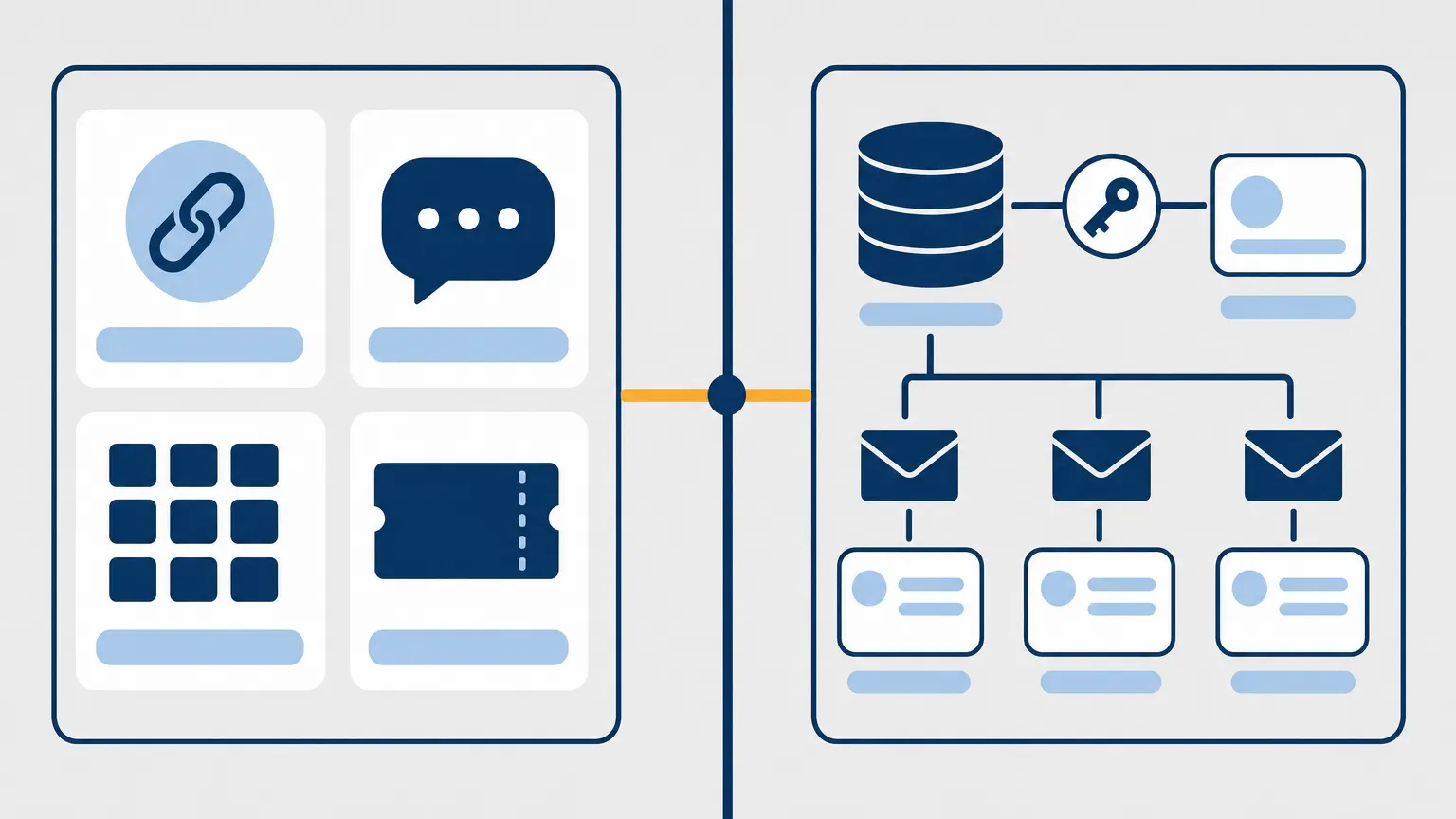
Rather than showing a large button on every page, choose spots where customers are likely to want to ask a question, such as after they read a service description or pricing. Add what the button is for, such as “Ask about product availability,” so people understand what the channel handles.
If the button is for adding a friend, also explain that customers then need to send what they want to ask. Adding a friend and submitting an inquiry are separate actions. Avoid explanations that don’t match how you actually operate, such as suggesting that staff will always contact people as soon as they add the account.
If your site and your LINE account show different business hours, prices, or addresses, you will get more questions asking which is correct. Decide where updates are made, for example by keeping detailed information on your website and linking to the relevant page from LINE. For organizing what to publish, Information Your Shop Website Needs may also help.
Give forms and phone calls separate roles
Show what each channel can realistically handle: LINE for short questions, the form for requests that need specific details, and the phone for urgent checks during business hours. Make sure people who don’t use LINE can also find your contact details.
If you add channels, list a typical response time for each one. “You can send a message anytime” is not the same as “We reply anytime.” Decide how you will respond to messages sent on days you are closed and whether you accept urgent requests. Form fields and what to tell people after they submit are covered in How to Create a Contact Form.
Before going live, check that the button on your site leads to the correct account and that the LINE menu leads back to the correct pages. Check not only on smartphones but also the steps for someone viewing your website on a computer to add the account.
Messaging API Development Depends on What You Want to Automate
Sending individual information requires designing the data and recipients
The Messaging API is a mechanism for exchanging messages and other data between a system and LINE. Consider it for processes that the built-in features can’t handle, such as sending a notification when an order’s status changes in your business system. You can check what it covers in the official Messaging API overview.
Being able to use the API does not mean customers on your website are automatically matched to LINE users. To decide who receives which information, you need a design such as having customers link their member information through their own action. If you identify customers only by display name, you risk sending information to the wrong person.
If an existing service meets your goal, its integration feature is also an option. Decide whether you need custom development by looking into how data can be retrieved, what processing you need, and the limits of ready-made features. Include the following in your request:
- What event triggers a message, who receives it, and what it says. Also state when not to send
- Which service manages the data, and whether it has an integration feature
- How duplicate notifications and failed sends will be checked, and who will handle them
- How linking and unlinking users and staff permissions will be handled
Don’t assume notifications will always be read. Decide how you will handle cases where a message can’t be sent or the user has blocked your account. When you discuss the work, include the conditions for switching to another way of contacting customers and where to check the sending history.
Separate the cost of setup from the cost of developing the connected system
Placing buttons or setting up menus and developing customer matching or notification processing are charged for different things. Ask for quotes that separate website changes, account setup, integration development, and testing.
Placing a LINE button does not cost the same as integration development. What the quote covers changes depending on the connected systems and the processing involved.
Besides the fees for LINE and any integration services, check which contract covers error checks after launch, responding to specification changes in external services, and further modifications. Estimate how many people you will message and how often, and work out the messaging costs.
Don’t Leave Inquiry Records and Admin Access Up to Individual Staff
After adding channels, keep inquiry status trackable
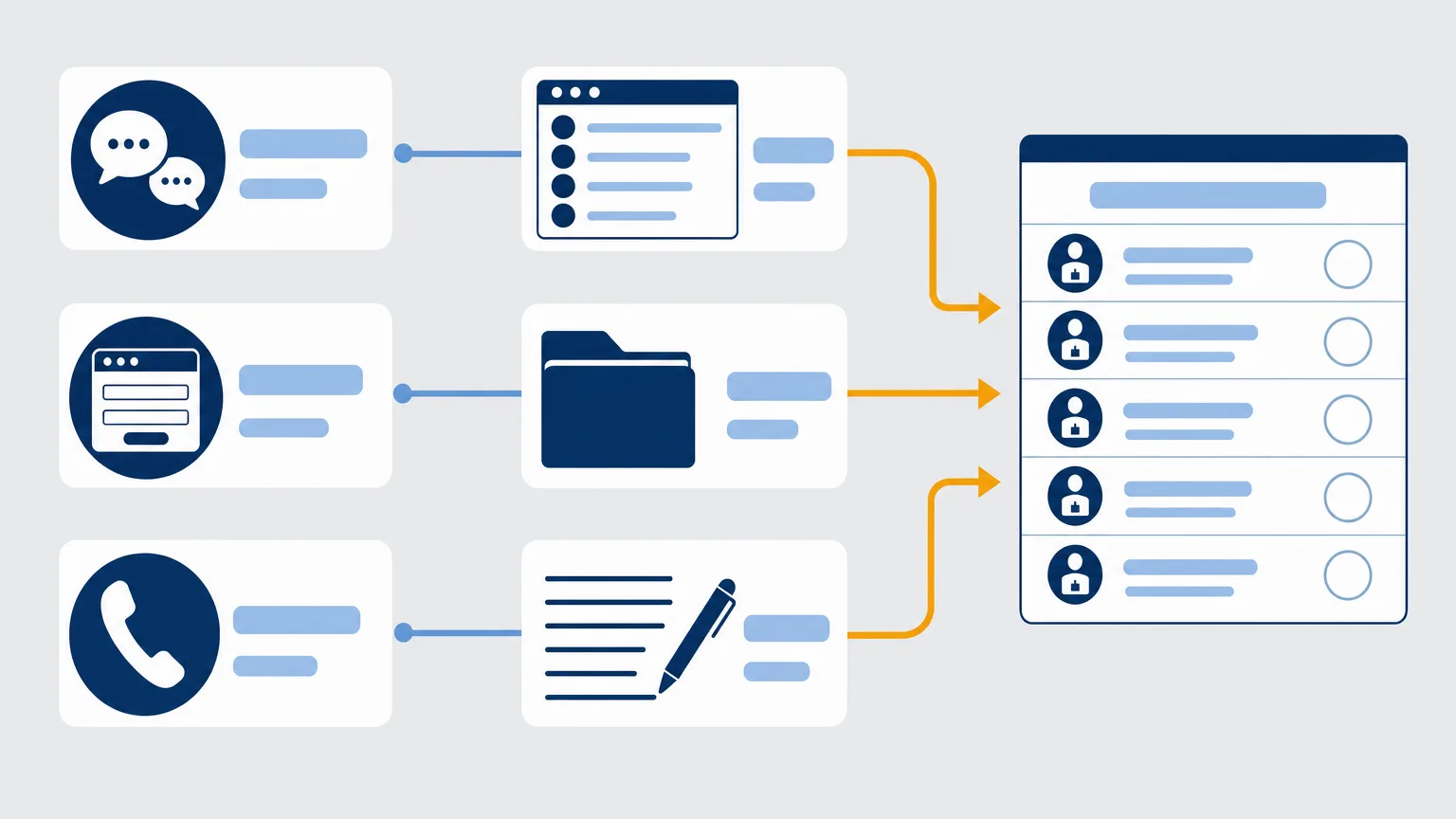
Even if LINE chats are saved, another staff member may not be able to tell what was requested or whether it was handled. Decide which records the company keeps for handover so inquiries that cross channels can still be followed.
| Channel | What is recorded, and what to cover through operations |
|---|---|
| LINE | Refer to the chat and record the request, the person in charge, and the status in the location your company has chosen |
| Form | Confirm where submissions are saved and who is notified, then add later replies and status |
| Phone | The staff member records the date and time, the caller, the matter, and whether a callback is needed |
Records don’t need a large system; you can start with a spreadsheet that the people who need it can access. However, don’t copy personal information that isn’t needed for the inquiry, and set rules on which staff can view records and how they are stored. Also check the terms for saving and searching chats when you sign up.
Don’t rely on personal accounts or shared passwords
If a staff member’s personal LINE account serves as the inquiry channel for customers, handover becomes difficult when they leave the company or change devices. Use a company-managed official account as the channel and give admin access to the staff who need it. Also avoid having everyone share the same login details.
If you hire an outside party to set things up, make sure your company keeps the access it needs to take over management. Decide when to review the access you gave the web agency and who will remove it when the person in charge changes. Don’t paste credentials used for development into inquiry chats or general shared documents.
Make the switch in this order: decide the purpose and the people in charge, set up the built-in features, test internally, and then add guidance on your site. After launch, regularly check for inquiries that have been received but not answered. For how to review everything from guidance to inquiries, see also Improving Your Website to Get More Inquiries.
Frequently Asked Questions
- Do I need the Messaging API just to add an add-friend button?
-
Placing a button that guides people to add your account as a friend usually doesn’t involve custom API development. When you request it, confirm that you have permission to edit the site and which official account the button should lead to.
- Can I remove the form and handle all inquiries through LINE?
-
Decide based on how your customers use LINE and what kinds of inquiries you accept. Before making the change, make sure people who don’t use LINE can still contact you, that you can confirm the required details, and that internal handover works.
- Should I build everything from the start to get automatic notifications?
-
First check whether the services you use have an integration feature that meets your goal. It is easier to decide if you list the processes that feature can’t cover and then get a quote for additional development.
Summary
- Request guidance, inquiries, customer data linking, and automatic notifications separately
- First check whether built-in features and ready-made integrations meet your goal
- On your website, state what each channel is for and typical response times, and offer other ways to contact you
- Check development costs, usage fees, and maintenance scope, and keep inquiry records and admin access with the company
If you want to discuss integration development with a provider, see also our System Development page.







